
Participant
July 30, 2024
Question

Acrobat Weg "Resques e-signatures" stuck in loading screen

  • July 30, 2024
  • 1 reply
  • 507 views

I have the option of using the “request e-signature” tool in Acrobat Web (acrobat.adobe.com) (this does not appear in Acrobat Pro on the desktop.
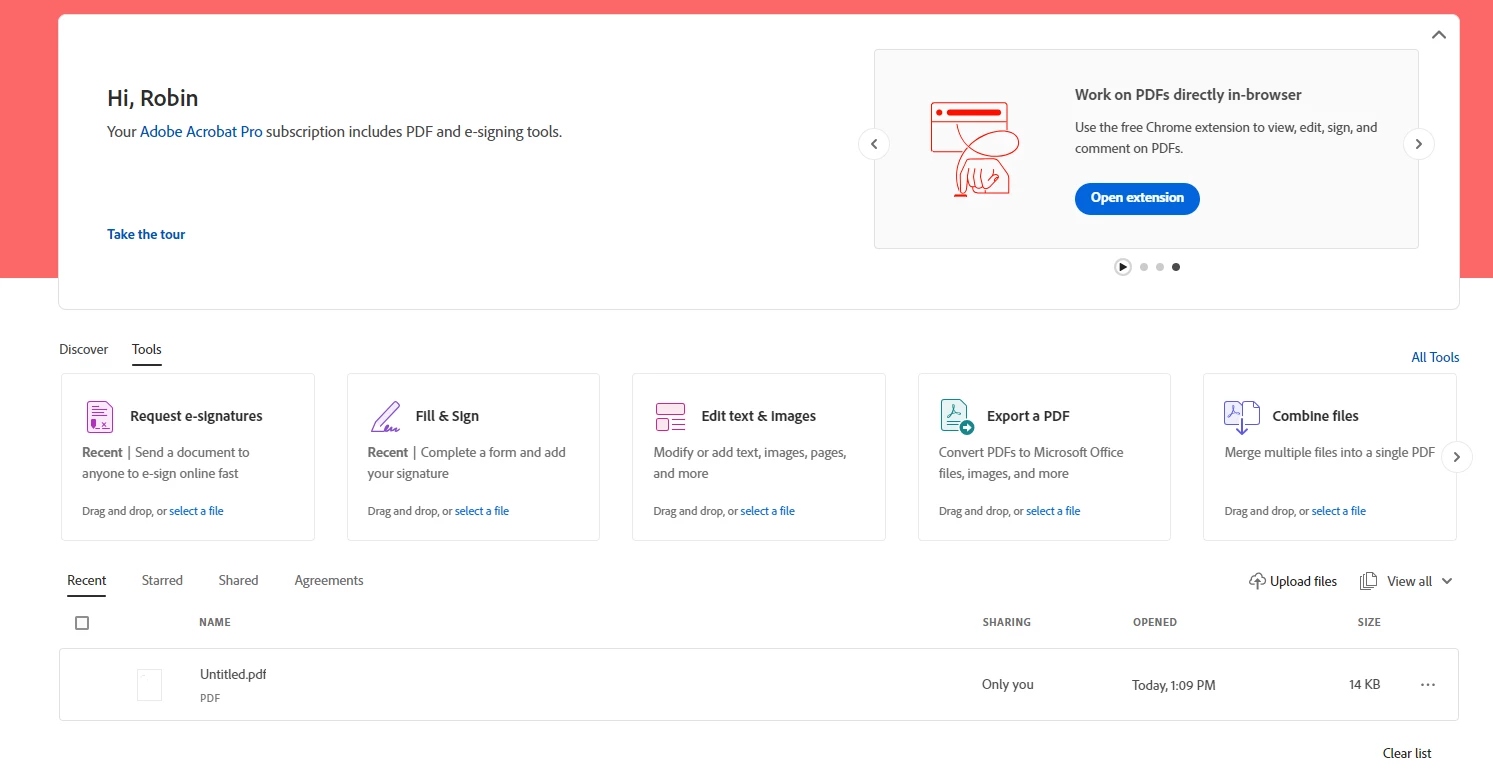
Now I can select a file. I do this with one from the DC.
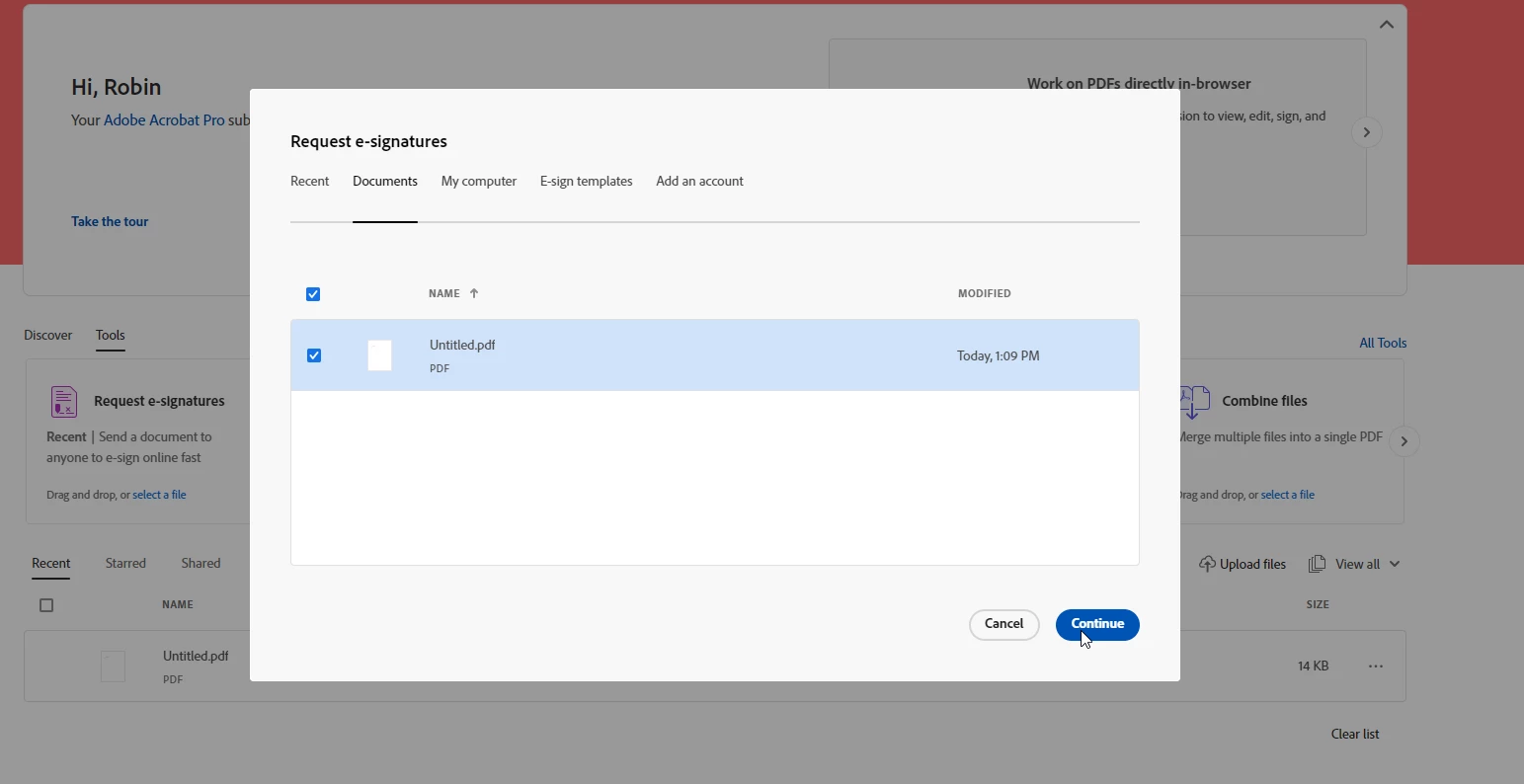
 

After I have clicked “Continue”, a loading screen opens, which does not continue to run.



Can anyone help me?


This topic has been closed for replies.

1 reply

mariahweyne
Inspiring
July 31, 2024

See attached.  Hope it works


Meenakshi_Negi
Legend
August 2, 2024

Hi Robin36380769qz6z,


Thank you for reaching out.


We tried checking the account with the email address used to sign in here in the community. The account shows as free. 

If you are using an alternate email address for the account, please share the Adobe ID (email address) in the private message so we can check the account status. You may initiate a private message using the envelope icon at the top right corner of this community page.


Also, confirm if the option was available before on the desktop application and is now missing. Share the Acrobat and OS version number of the machine. 


Thanks,

Meenakshi