This topic has been closed for replies.

2 replies

r.armont
Known Participant
May 20, 2016

I would also add that if you need to combine multiple files into a template for repetitive use, you should do so by uploading the documents and select them in the files to send, and when you're about to send it (after creating or revising the form fields), click on "Preview & Add Signatures" on the bottom of the screen before you send. After you verify you want the form to show up this way, be sure to select "Save to document library" before you send so that it's saved as a template.

Keep in mind, if you don't have an Enterprise account, you won't be able to separate the documents later on. They'll churn out as one single signed document that you cannot edit or change.

Sarojini_Nagar
Participating Frequently
May 20, 2016

Hi christinem31210853 ,

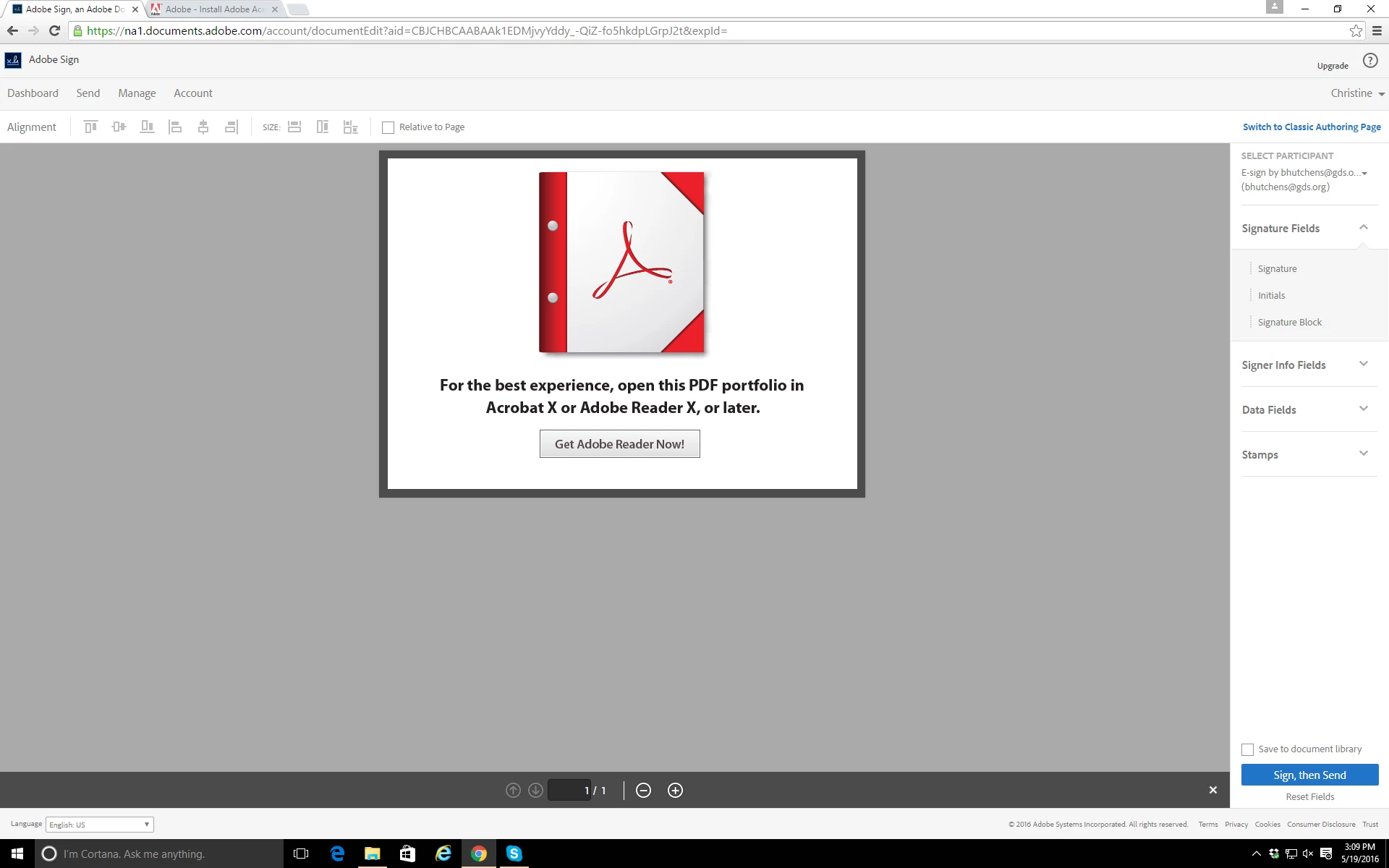
As per the error message, we understand that you have tried to upload the PDF PortFolio format in adobe sign.

A PDF PortFolio contains multiple files assembled into an integrated PDF unit. The files in a PDF PortFolio can be in a wide range of file types created in different applications. For example, a PDF PortFolio can include text documents,e-mail messages,spreadsheets,CAD drawings and PowerPoint presentations.

Adobe Sign fails to process the PDF PortFolio formats. Please try uploading any individual PDF file, it shouldnt create any issue.

For more support on this you can mail to the echosign support team and they would help you with it.

Please check your mailbox for the support teams mail ID.

Regards

Sarojini