
Participant
January 27, 2025
Question

Adobe Sign App won’t open

  • January 27, 2025
  • 1 reply
  • 692 views

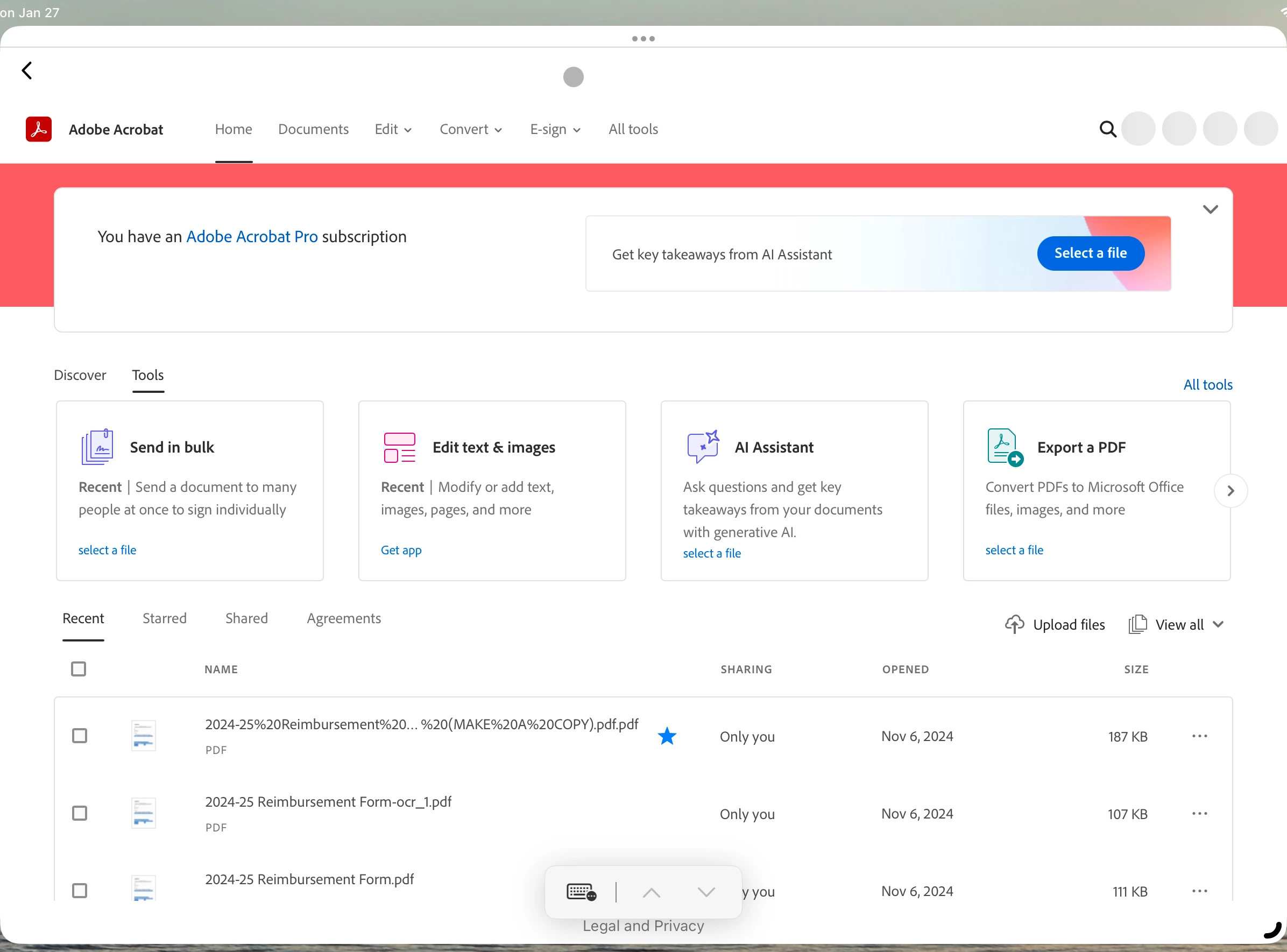
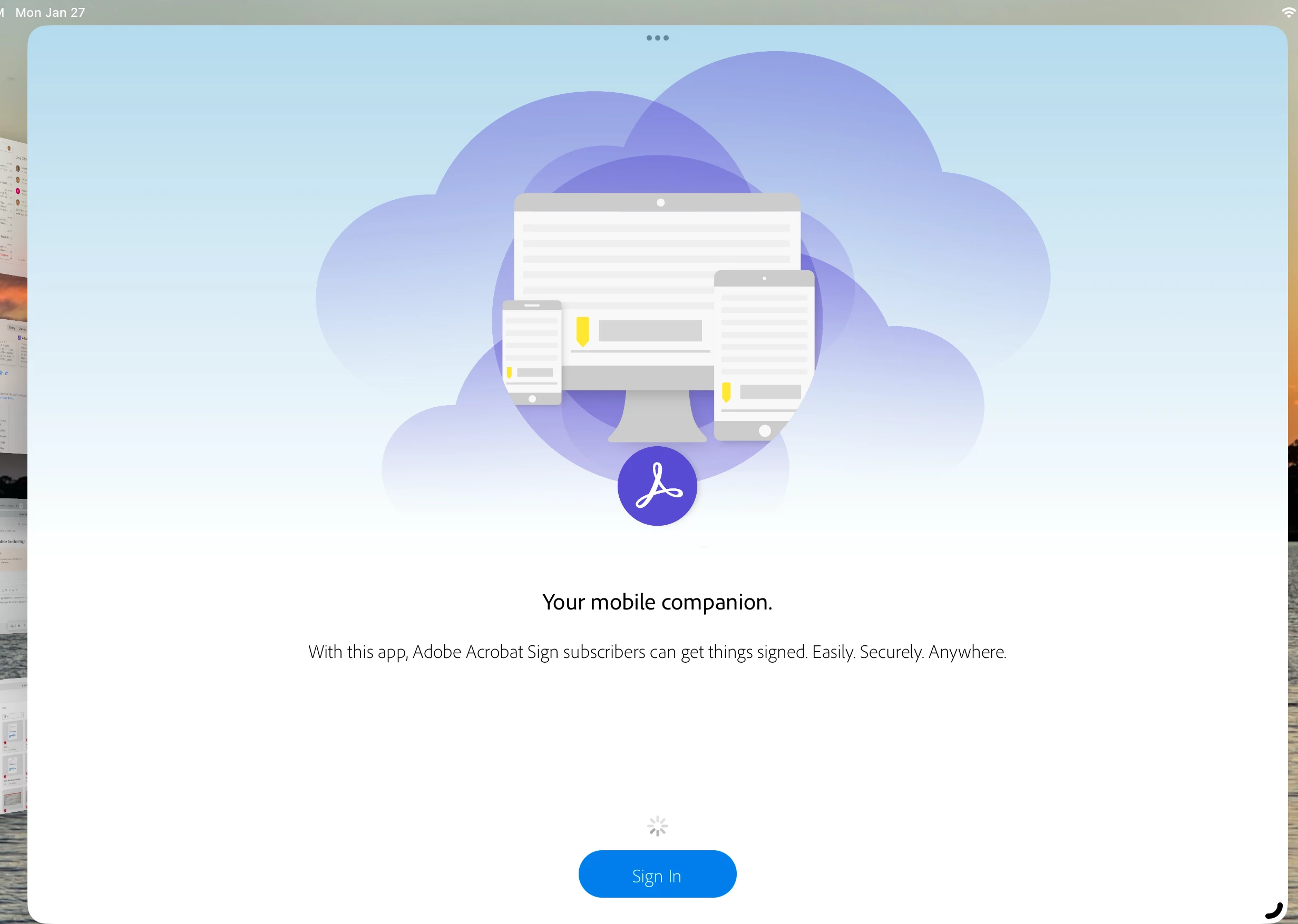
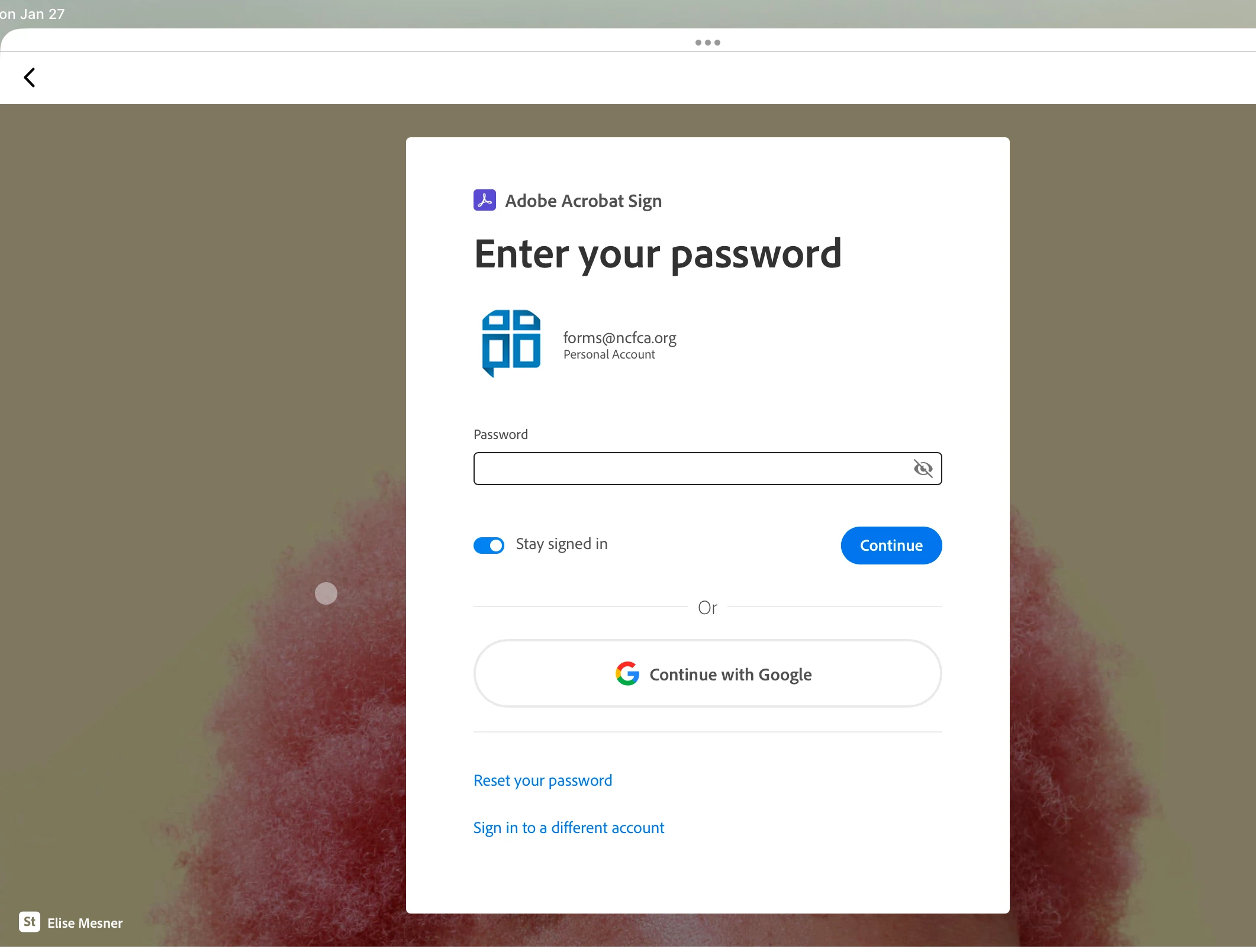
I have tried to login to the Adobe Sign app (which I have used with no problems for the past 2 years) on my iPad and after logging in, it takes me to the main Adobe screen.  Then when I try to click on "Get e-signatures" it won't do anything because I can't get the app because I'm already in it!  This is extremely frustrating!!  I have tried restarting my iPad, deleting the app and reinstalling but nothing is working.  As you can see from the screenshots, I am logging into Adobe Sign but that is not where I am taken!
1 reply

Meenakshi_Negi
Legend
January 29, 2025

Hi Forms27558368n3vj,


Thank you for reaching out. 


We have checked that you have an Acrobat Pro subscription, which includes the Acrobat Sign individual service plan. You can access the Acrobat Sign service via the Acrobat desktop application or an Acrobat Web account. For more information, refer to the following help document: https://adobe.ly/4hx9RIO


You can access the document in Acrobat Sign under the Agreements tab in the left-hand window in the Acrobat desktop application. In the Acrobat Web interface, go to Documents > Agreements or directly click on the Agreements tab next to the Shared tab on the home page. 


Let us know if you have any questions. 


Thanks,

Meenakshi


Marking a reply or response “Correct” will help future users with the same issue quickly identify the correct answer.

Participant
February 12, 2025

This didn't answer my problem.  I know how to send documents to be signed as I have been doing it for 2 years now.  My problem is the Adobe Sign App on my iPad no longer works!  I cannot send through my browser either because it keeps sending me to the app which doesn't work!!

Participant
April 21, 2025

Struggling with the same issue. Have you found any solution?