
Participant
November 29, 2022
Question

adobe Sign - Authrity Problem

  • November 29, 2022
  • 1 reply
  • 554 views

Dear Sir,


I am trying to send a document to be signed, but I am getting “Your account has been deactivated. Please contact your support staff”


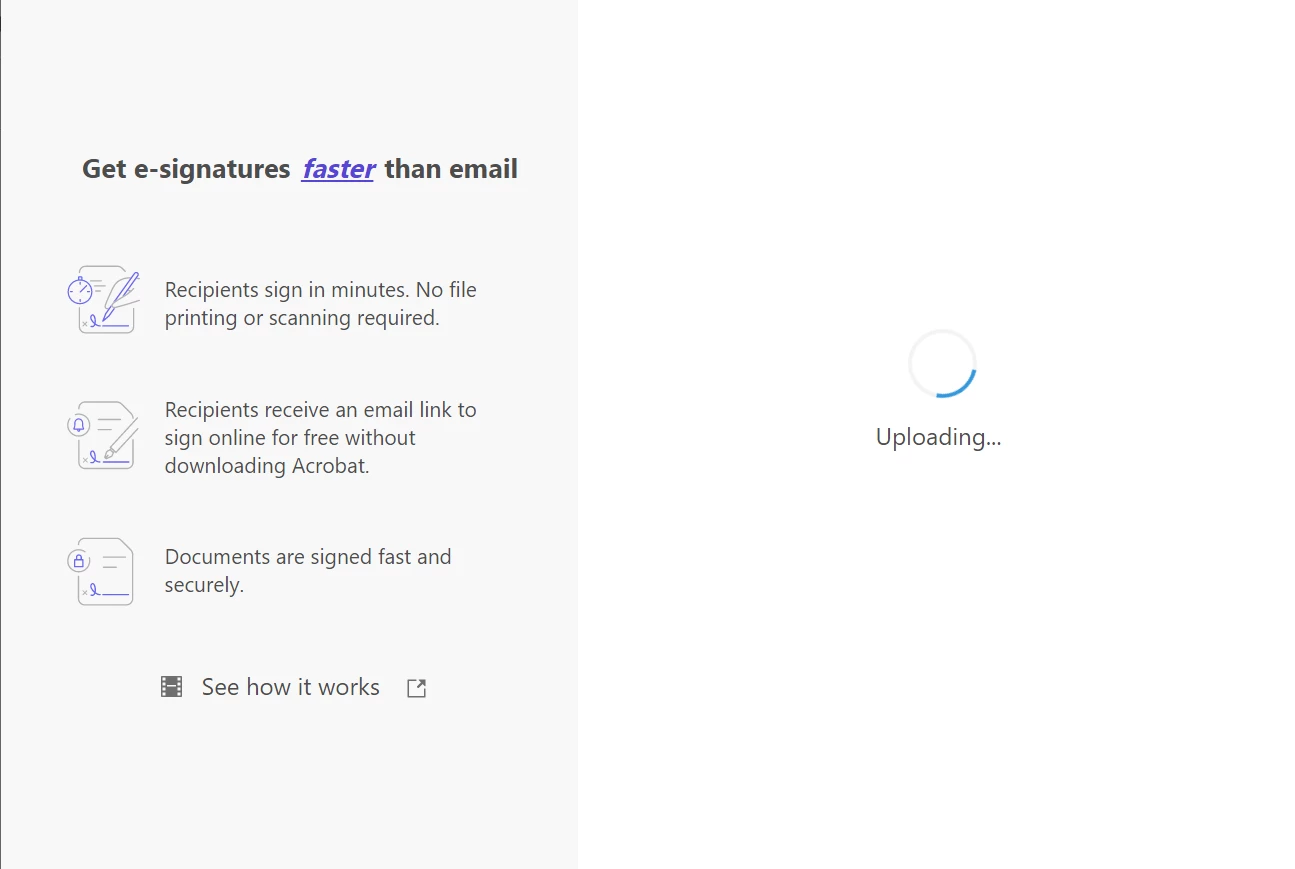
On Adobe Acrobat when I click on More options I get a blank scrolling image and nothing is happening.

My login id is: [Email address removed by Moderator: If you need to send any info to the Product team, please send a direct/private message by clicking on the profile of the user and select send the message, please avoid sharing personal info on the public platform]
 

This topic has been closed for replies.

1 reply

Meenakshi Negi
Community Manager
Community Manager
November 29, 2022

Hi AHMED ALAHDAL,


Thank you for reaching out.


We checked your account, and the Acrobat Sign account shows inactive. That is the reason you get the error message.

Try signing out from Acrobat and opening Acrobat Online: https://acrobat.adobe.com/link/home/. Go to the E-sign tab and select Request e-signatures. Check if you can access the service.


If the error still occurs, let us know.


Thanks,

Meenakshi

Participant
November 30, 2022

Thanks .. Adobe support team reset my account .. Soved..