
Participant
July 24, 2024
Question

Adobe Sign crashes on MacOS 14.5 Sonoma

  • July 24, 2024
  • 2 replies
  • 657 views

I'm no longer able to request e-signature via Adobe Sign in Acrobat Pro. Adobe greys everything out with no options. Thankfully, hitting escape does cancel whatever it's trying to do, but I am a law clerk and getting clients signatures fast is a very important part of my job.

Running Adobe Acrobat Pro Version 2024.002.20933 (Continuous Release) on a 2021, M1, iMac running  macOS Sonoma 14.5 
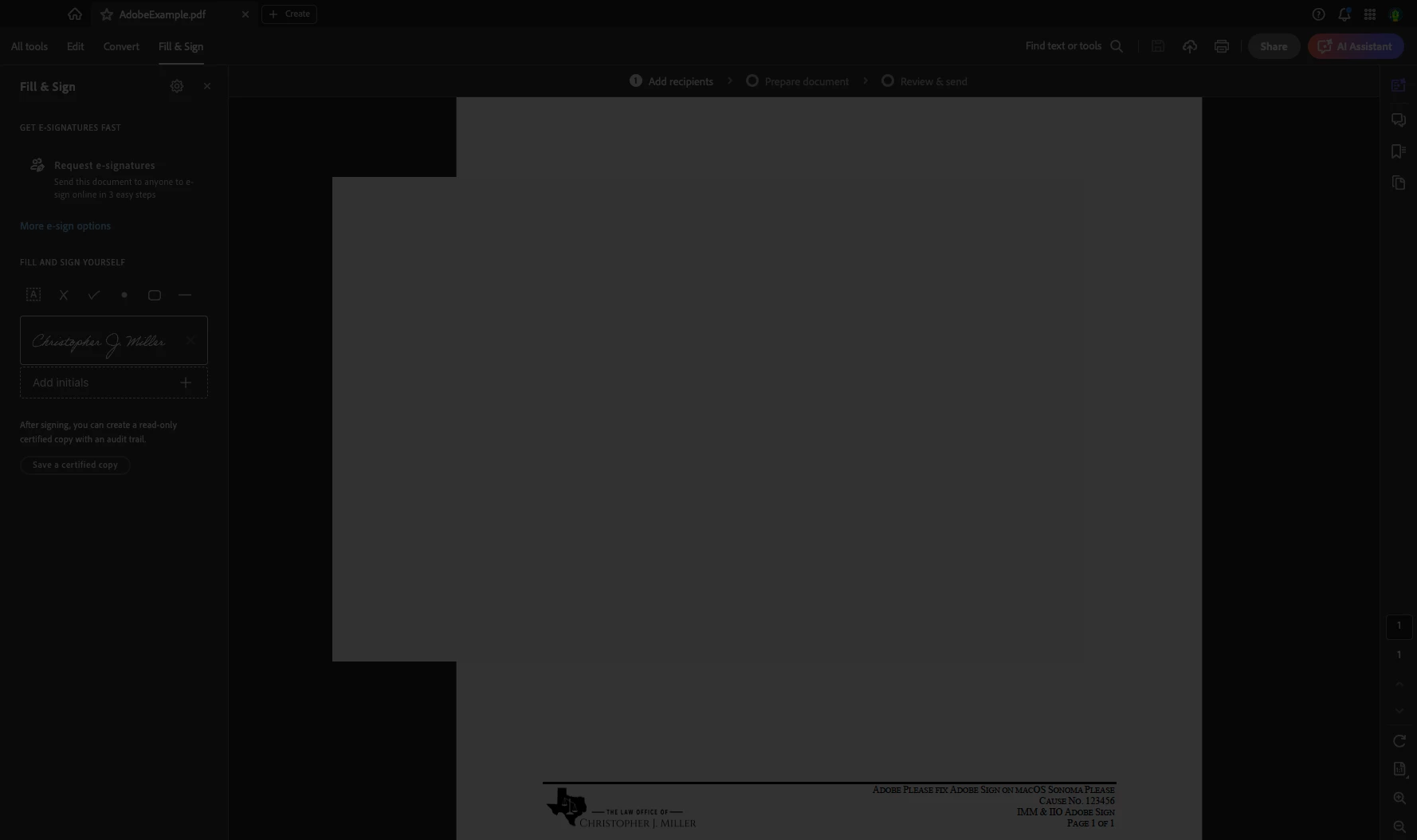


[attaching picture of screen when trying to add e-signature field]

This topic has been closed for replies.

2 replies

Participant
August 20, 2024

I am now having the same issue. Adobe Acrobat Pro 2024.002.20964


MacBook Pro (2021)

MacOS Sonmoma 14.6.1 

Processor: Apple M1 Pro

Build: 24.2.20964.0


Participant
August 20, 2024

FYI - issues resolved with update to Aug 13 release 2024.002.21005

Participant
August 20, 2024

Thanks for coming back to update. I forced the update to that version and can send out e-signature requests again. Thanks!

Meenakshi Negi
Community Manager
Community Manager
July 29, 2024

Hi jmmiller9223,


Thank you for reaching out.


Please update the application to the latest version released last week, which addresses the issue. Then, check if it resolves the crash issue for you.

In Acrobat, go to Help > Check for updates. You may also refer to the information on the following help page: https://helpx.adobe.com/acrobat/release-note/release-notes-acrobat-reader.html


Let us know how it goes.


Thanks,

Meenakshi

Participant
August 20, 2024

The  2024.002.20964 update did not fix the issue, but the 2024.002.21005 did. Thanks!