



Question
Adobe sign - documents sent to Outlook have no button to sign
Hello.
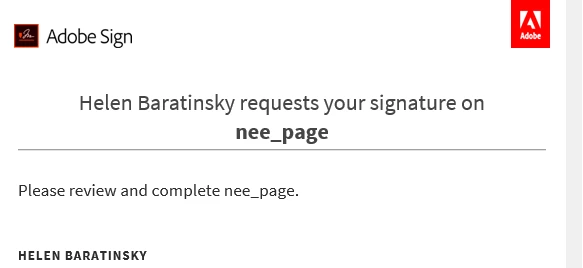
For a number of weeks now, when a document for approval is sent to any local user (using outlook) there is no button to open the document and sign. Appovals to other email systems (e.g. gmail.com) seem to be fine.
I've raised the issue with Microsoft (365 support) and they have talked me through deploying a new add in for Adobe sign, however, this has not fixed this issue and they have referred me back to Adobe to help with the issue.
Can anyone please offer any assistance?
Regards
Ian


 AdChoices