



Adobe Sign Enterprise user support link broken
I am an Adobe Sign enterprise user. While logged in to Adobe Sign, I am unable to access the support menu using the ? icon. When I select this icon

the page re-directs to a sign in page:
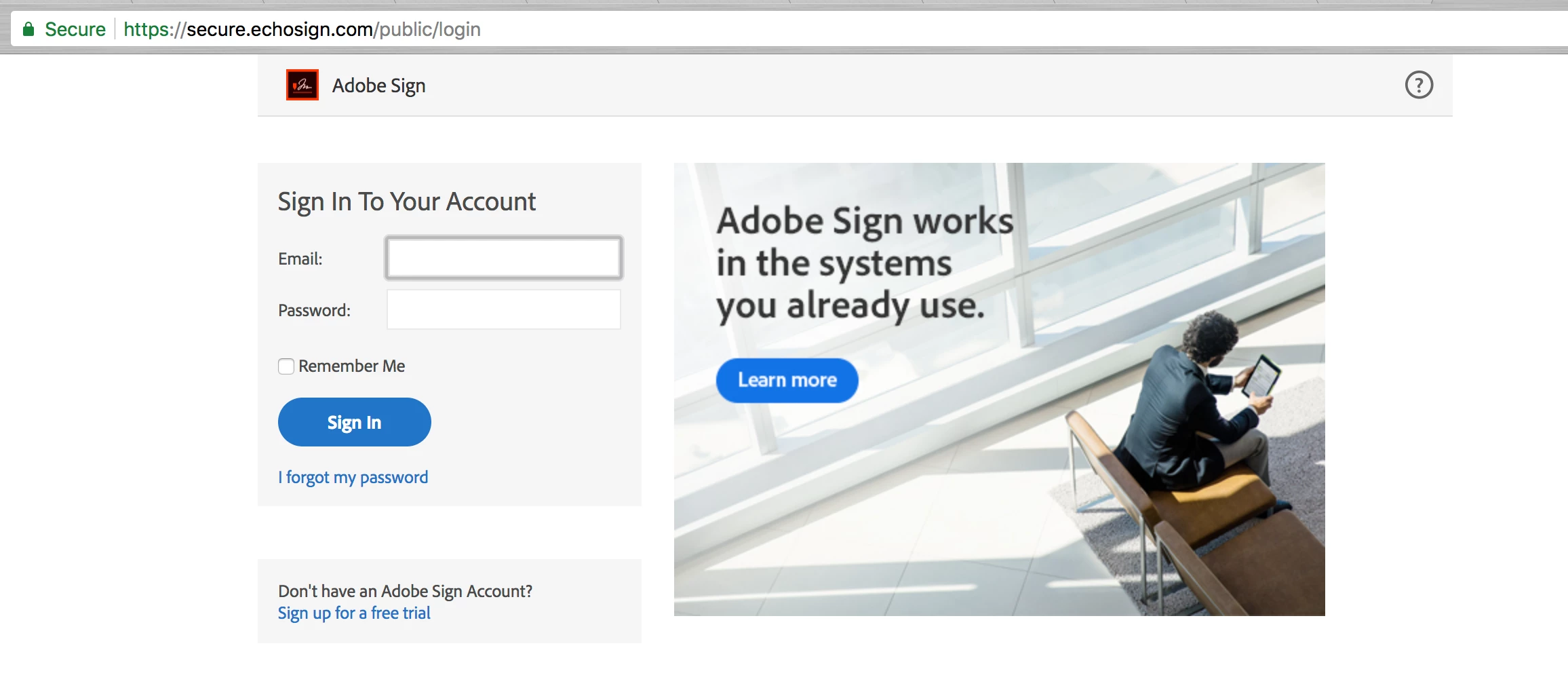
I cannot locate a phone number for Adobe Sign support. I also cannot even log in to the online support portal to file a case due to this looped re-direct problem. I just keep getting re-directed to sign in, then click the ?, then re-directed to sign in, etc.
The reason I am trying to contact Adobe Sign support is to address the following issue:
When an email is send to a signer or other parties on the agreement, an image preview of the document is included in the email message body. This image preview contains information from the first page of the agreement, which in our case can include personal info that for privacy reasons we prefer to not be included in an image preview in the email message body. How can we disable the image preview in the email message? I could not find a setting on our account to disable the image preview.
Thanks
David
 sign on the top right-hand corner of your Adobe Sign Dashboard. Here you will find the contact details for the various support teams (i.e. live web chat, email, and phone*).
  AdChoices