Participant
December 2, 2016
Answered

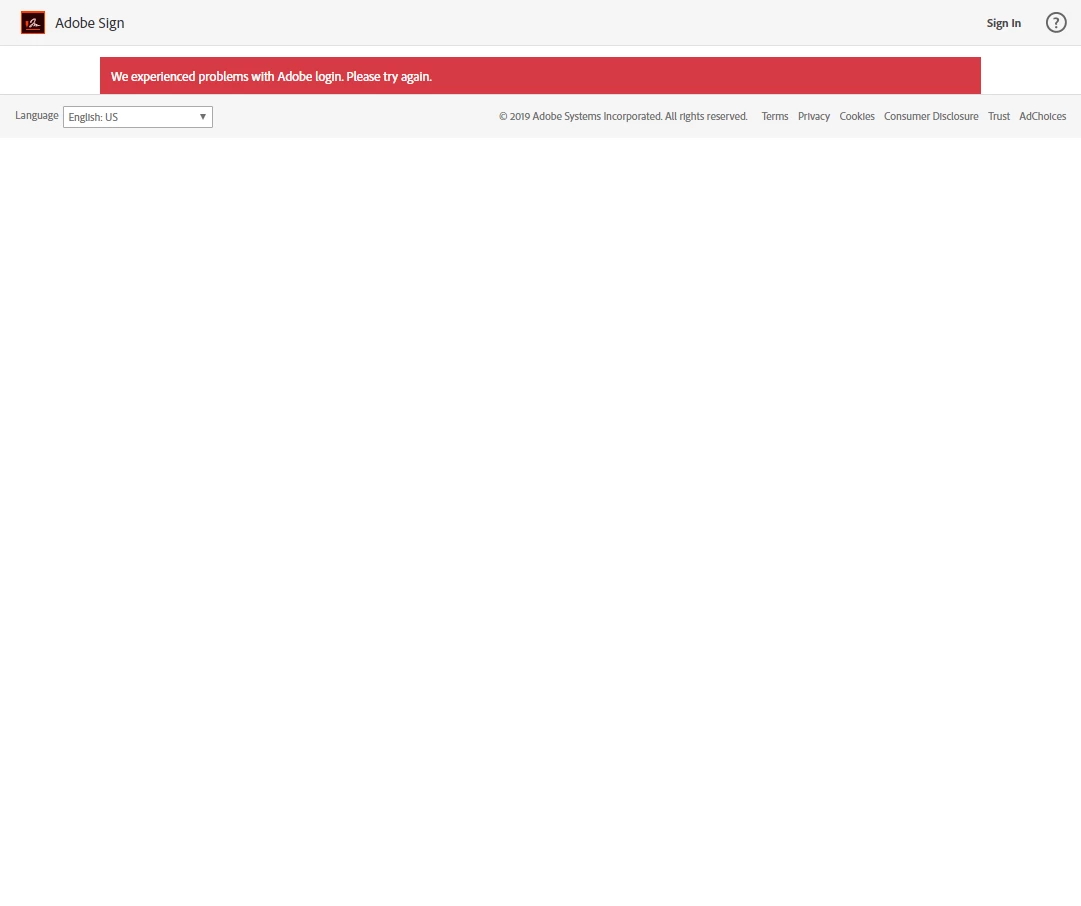
Adobe Sign error - We experienced problems with Adobe login. Please try again.

  • December 2, 2016
  • 9 replies
  • 12131 views

! !I have been unable to log into my Adobe Sign account. I receive the error in the title. When I try to contact support it wants me to login with the same account, so I am stuck. I can use my login for other areas of Adobe (ie,... Creative Cloud or this forum) Anyone have any thoughts or a direct contact phone number? Thanks!


"We experienced problems with Adobe login. Please try again."


Steps I've taken so far

  • tried again
  • tried different browsers
  • tried browsers in in-private/incognito mode
  • tried a different computer all together
  • reset my password successfully only to continue to receive the error.
  • check with another user in our account (he could login)
 

This topic has been closed for replies.
Correct answer mhowell-CCO

I had the same issue last week.

Turned out my account was locked because I used the wrong password.
Unfortunately, I never got an error message that my account was locked.
Took me 3 days of being on chat/phone with support for someone to figure
that out. Maybe you could ask them to check that for you ...

Good luck!

matt

-------------------------

Guiding thoughts:

- Be kind. Be gentle. Accept that others can disagree with you and still
be good people.


- "Technology to the Glory of God"

-------------------------

9 replies

Participant
October 11, 2024

Hi,
i also face the same problem when try to login using adobe sign and i check from the acrobat.adobe.com portal for request e-signature menu not show.


Participant
November 29, 2022

Hello, 


I'm trying to log into Adobe Acrobat Sign but the following error message occurs "We experienced problems with Adobe login. Please try again."


This has been the case for around 4 hours and I can't log in. 

Meenakshi Negi
Community Manager
Community Manager
November 30, 2022

Hi Sydenhams27353649tmi4,


Thank you for reaching out.


We have checked your account, and it shows in the created state. Are you using the service for the first time, or did you make any recent changes? 

Please try opening the following link: https://secure.echosign.com/public/login

and try signing in. Check if you can access the account.


Let us know how it goes.


Thanks,

Meenakshi

nateb39229477
Participant
April 16, 2020

We changed the email address to a different one on the Creative cloud subscription and now can't get into Adobe Sign.  We can log into the main Adobe.com login and it shows the creative cloud subscription but not able to log into Adobe Sign...

nateb39229477
Participant
April 20, 2020

Still nothing.  No phone support but only support on a forum and I get nowhere.  Why do I pay for this again?

mhowell-CCO
mhowell-CCOCorrect answer
Inspiring
April 20, 2020

I had the same issue last week.

Turned out my account was locked because I used the wrong password.
Unfortunately, I never got an error message that my account was locked.
Took me 3 days of being on chat/phone with support for someone to figure
that out. Maybe you could ask them to check that for you ...

Good luck!

matt

-------------------------

Guiding thoughts:

- Be kind. Be gentle. Accept that others can disagree with you and still
be good people.


- "Technology to the Glory of God"

-------------------------

Meenakshi Negi
Community Manager
Community Manager
February 19, 2019

Hi Paulf,

Sorry for the delay in response.

It seems that the credentials that you are using to login to the Adobe Sign account are not correct.

Could you please confirm if you have recently made any changes to the Adobe ID or the Adobe Sign email address?

If you are still experiencing the issue, please share your Adobe Sign email address in a private message that you are using to log in.

To initiate a private message, refer to the steps mentioned here How Do I Send Private Message

NOTE: Please do not share your email address or any other personal details here in the forums or any other social sites.

Let us know if you need any help.

Regards,

Meenakshi

Participant
February 19, 2019

I changed the ID to handoff to another user but it requires I login to verify. I don’t know how to go about resetting the password at this point.

PAUL FORBING

Tahoe Partners

[Details are removed by moderator]

Meenakshi Negi
Community Manager
Community Manager
February 19, 2019

Hi Paul,

This generally happens when you set an email address which is already registered under an Adobe Sign account.

That means you already had an Adobe Sign account with that email address.

In this case, you will need to free that email from the old account.

Then only it will be able to send a document for signature using the current account.

As you are not able to contact support, I am sending you the private message.

Please check your inbox and refer to the steps provided in the message.

Let us know if you need any help.

Regards,

Meenakshi

Participant
July 9, 2018

I'm getting an error message time and time again when I use the send for signature option in Acrobat DC. The problem persists in both the desktop version and Acrobat DC. The error message that I'm getting is: "We experienced problems with Adobe login. Please try again."

I use the same password for both Acrobat DC and Adobe sign. Adobe sign is part of my Acrobat DC plan. I tried everything including clearing the cache, aligning passwords so they match in both programs. I also spent over 1 hour on a chat session with one of the technicians who told me that password restrictions on my email hosting with GoDaddy could be the problem which I found odd and when I checked with GoDaddy they laughed off this suggestion. So no email restrictions.

So I cannot use the send for signature option at the moment which is causing me severe headaches and in fact business to boot. Nobody including Adobe seems to know how to fix the problem. Any insights from the community out there? Thanks for your help.

AkanchhaS8194121
Legend
July 9, 2018

Hi SymmetryAccounting,

Sorry to hear about the inconvenience caused.

As mentioned that you have tried with the Adobe Sign website as well as Acrobat DC. I assume, there might be problem with the login credential used to send the agreement. Are you experiencing this problem with one specific document or with multiple documents?

  • Please send the agreement using your corporate ID, as subscription is registered to the that email.
  • Also, check with new agreement sending via corporate ID(registered for Adobe Sign)

Let us know if it still doesn't work.

Regards,

Akanchha

Participant
July 10, 2018

Hi Akanchha,

I encounter the problem when sending any document through Adobe DC. If I open the document on the desktop and select send for signature from within the document itself, the program works through the steps of sending the document including providing me with a confirmation receipt and a reference number that the document has been sent. However, the document never arrives to the intended recipient and I have tried to send to multiple different emails.

I do not understand the two bullet points that you are making. I registered for Adobe using the business email. I do not use any other email. I login to Adobe with this email and do not use any other email after that point. Also, when I try to login to Adobe Sign (Echosign) I get the following message:

This is terribly confusing and I intend to move my business to another provider when my subscription expires as I'm not happy with the performance of Adobe.

Participant
October 12, 2017

I can sign into Adobe.com, but I get the following error when I click on the Adobe Sign capability.

We experienced problems with Adobe login.  Please try again.

Can anyone assist?

Meenakshi Negi
Community Manager
Community Manager
October 13, 2017

Hi Dpellacani,

As you have mentioned that you are able to login to the Adobe account, do you have the same login ID for both?

Please try to use this link Sign In — e-signature and e-sign Software Solution — Adobe Sign to log in to your Adobe Sign account.

If that does not work, try to open the link in the incognito window.

Then try to log in with the email address you use for Adobe Sign account.

Let us know how it goes.

Regards,

Meenakshi

Participant
April 13, 2018

Hi.  I did try the incognito window and the link above, but received the same error "We experienced problems with Adobe login. Please try again.".  Should I delete and re-add my Adobe Sign account?

Regards,

Darrell

andrewd71545485
Participant
January 9, 2017

I changed my log in email address and cant log in to manage my documents now. Please Help Me!

Message was edited by: Andrew Ditch

AadeshSingh
Community Manager
Community Manager
January 10, 2017

Hi andrewd71545485

Please reply to my private message with the requested details.

Regards,

Aadesh

Participant
August 27, 2018

Same happen to me

marlinr68952741
Participant
December 19, 2016

Keep getting this "We experienced problems with Adobe login. Please try again."

Been going on for 3 days. I can access via my iPhone but with my previous password not my current one!

Tried other browsers and changing the password but still no joy.

Any ideas?

AadeshSingh
Community Manager
Community Manager
December 19, 2016

Hi  marlinr68952741,

Please be informed this is a know issue now & the concerned team is still working on it.

Once the issue is resolved you will be notified over the email.

Regards,

Aadesh

marlinr68952741
Participant
December 20, 2016

Hi Aadesh,

I still cannot login. Is there any idea when this will be rectified. It has been 5 days now without desktop access???

Regards,

Marlin

Participant
December 2, 2016

I have been trying to log into my esign account for over 24 hours but keep getting this message "We experienced problems with Adobe login. Please try again." I have tried logging in on 4 different pc's using 3 different browsers with no luck. I can log in using my ID/password to other areas such as here but not to use the esigning and I have 2 contracts that I need to send for signing. I'd be grateful for any help offered. Thank you.

AadeshSingh
Community Manager
Community Manager
December 2, 2016

Hi dermoto14850936​, 

I see Max failed logins exceeded error message for your Adobe Sign account. Please check my private message so that we can help you to get this issue fixed.

Regards,

Aadesh

krisrezac
Participant
December 28, 2016

Can you post the resolution to the question asked?  I've been trying to use Sign for days!!!! I've sent a message to you directly and no response!  Help!!