


Answered
Adobe Sign - How to use encrypted files
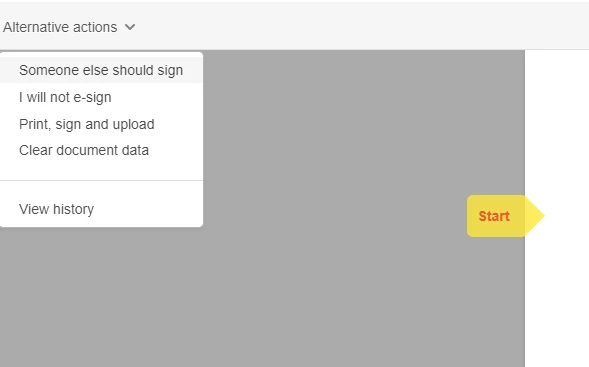
The adobe sign offers the option to load a document manually signed but then does not provide the previous signatures obtained. The individual physically signed a blank copy and I scanned it in. The rest of the approvers do not get added to the original document but are annotated on a another page added to the new scanned in document. Could not get the previous page from the product but had to go back to the last email before the one physically signed and save that. Then I tried to combine the files using Adobe combine files, but it wants a password to import the signed files. But this is unknown and I never assigned one.
- So I can't get a complete file from Adobe sign only a version created when the physical sign copy was added.
- I can't use Adobe tools to correct it by combining them either.
- Can we correct any of this? Otherwise I have to print everything out and rescan it after I
 AdChoices