
lynnp54145859
Participant
August 21, 2016
Answered

Adobe Sign Server Error when trying to load a document for signing

  • August 21, 2016
  • 11 replies
  • 14943 views

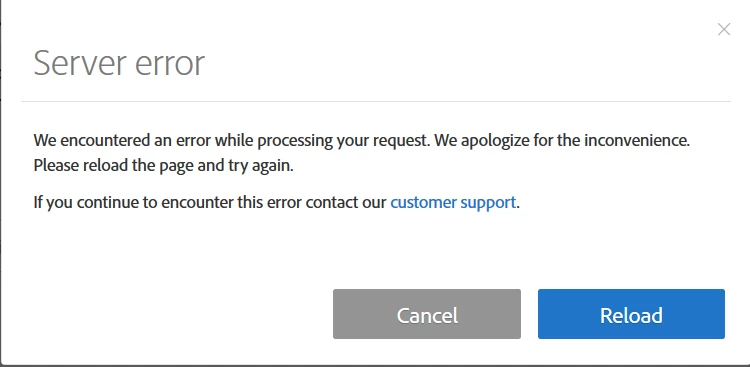
I use an enterprise license for Adobe Sign and when trying to load a document for signing, I continue to get a "Server Error" dialogue box pop up. It tells me to reload the page but the error persists.  When I click on the link for 'customer support', I do not get an option to contact anyone and was eventually led to this forum to post my issue.  Is anyone else having this issue?
 

Correct answer viciwhiz

I had this same problem.  I used a different browser (problem with internet explorer...no problem with Google Chrome).

Good luck.

Vici

11 replies

ryant45406583
Participant
August 21, 2016

I am getting the below message.  Any assistance is appreciated.

sudarshans
Adobe Employee
Adobe Employee
August 22, 2016

Hi Ryan,

Could you tell me when do you get this error? like the steps taken that lead to the error.

Regards,

Sudarshan

ryant45406583
Participant
August 22, 2016

Sudarshans,

When I send out a specific form I get this message.  I tried to recreate the form and still received the Server Error message.  In short, when I send that particular form, the person filling out the form gets the server error when they try and submit the form.  I have used the form for several months.  This just started happening last Friday.

Does that help?

Ryan Tobaben

[Personal information removed by moderator (see this page)]