Participant
June 5, 2018
Answered

Adobe Sign shows blank document

  • June 5, 2018
  • 1 reply
  • 756 views

Hi,

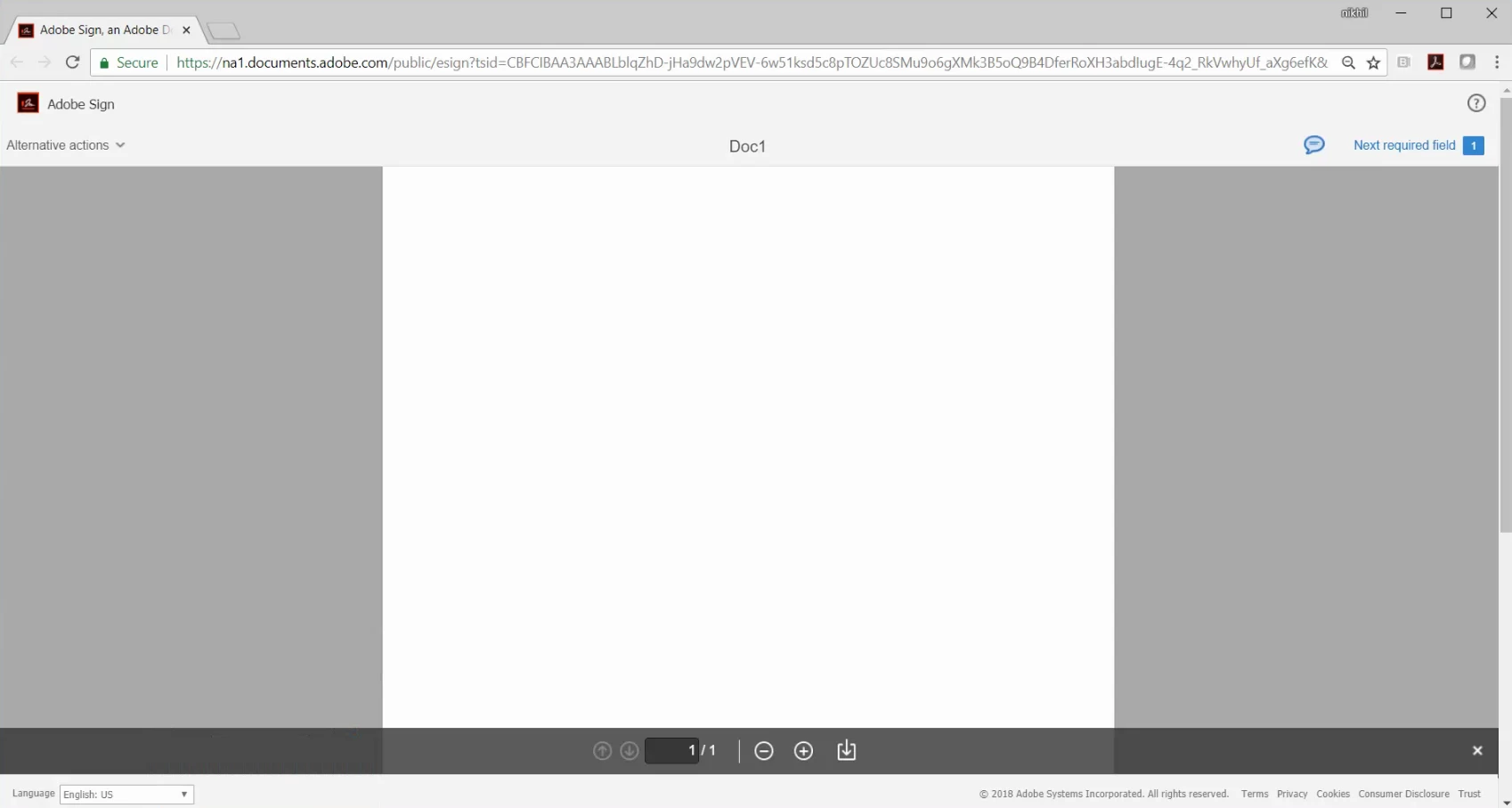
we have 3 users based in India that get a blank document in Adobe Sign, without any option to sign it. They have forwarded me the link and when I open it (I'm based in Netherlands) it works as it should. Because none of the users located here in Netherlands have reported this issue (and we sign documents all the time) it looks like the issue is somehow related to them being in India (GDPR related perhaps?). Below is a screenshot of how it looks. It has worked before just fine. I have tried reinstalling Adobe on one of their laptops and it did not work. They are all Windows 10 laptops, one on the latest April update but the others on the Fall Creators update. Tested in Chrome and Edge, issue is the same in both browsers. I hope anyone can shed some light on this strange issue.

Thanks!

Mathias
This topic has been closed for replies.
Correct answer AkanchhaS8194121

Hi Mathiass,

Sorry for the delay in response to your query.

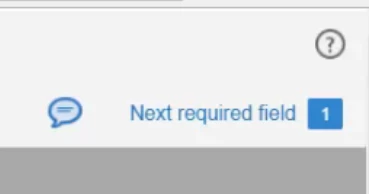
As mentioned above that this doesn't work only for the signers based in India. However, the same forwarded link works for you when you check it at your end in (Netherlands). So we suggest you to contact to the support team by clicking on the icon present at the upper right corner in your Adobe Sign account (shown in the screenshot).

Our back-end support team will check the link at their end and will let you know, what exactly causing the problem in this scenario.

(Do let us know the latest on this and if you have managed to find the solution for this problem then please do share your findings)

Regards,

Akanchha

1 reply

AkanchhaS8194121
AkanchhaS8194121Correct answer
Legend
June 12, 2018

Hi Mathiass,

Sorry for the delay in response to your query.

As mentioned above that this doesn't work only for the signers based in India. However, the same forwarded link works for you when you check it at your end in (Netherlands). So we suggest you to contact to the support team by clicking on the icon present at the upper right corner in your Adobe Sign account (shown in the screenshot).

Our back-end support team will check the link at their end and will let you know, what exactly causing the problem in this scenario.

(Do let us know the latest on this and if you have managed to find the solution for this problem then please do share your findings)

Regards,

Akanchha