



Question
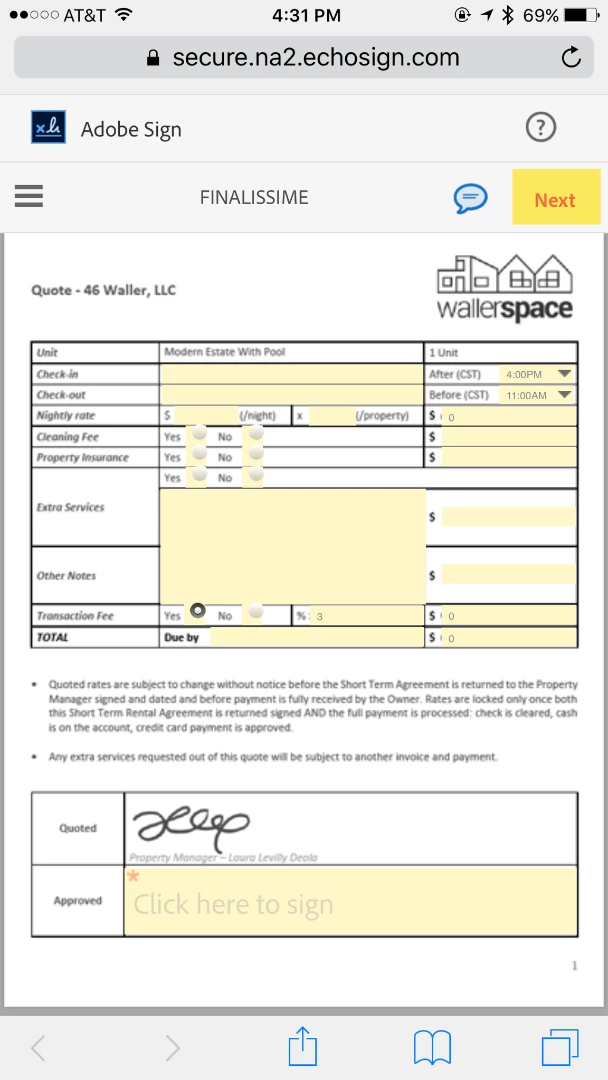
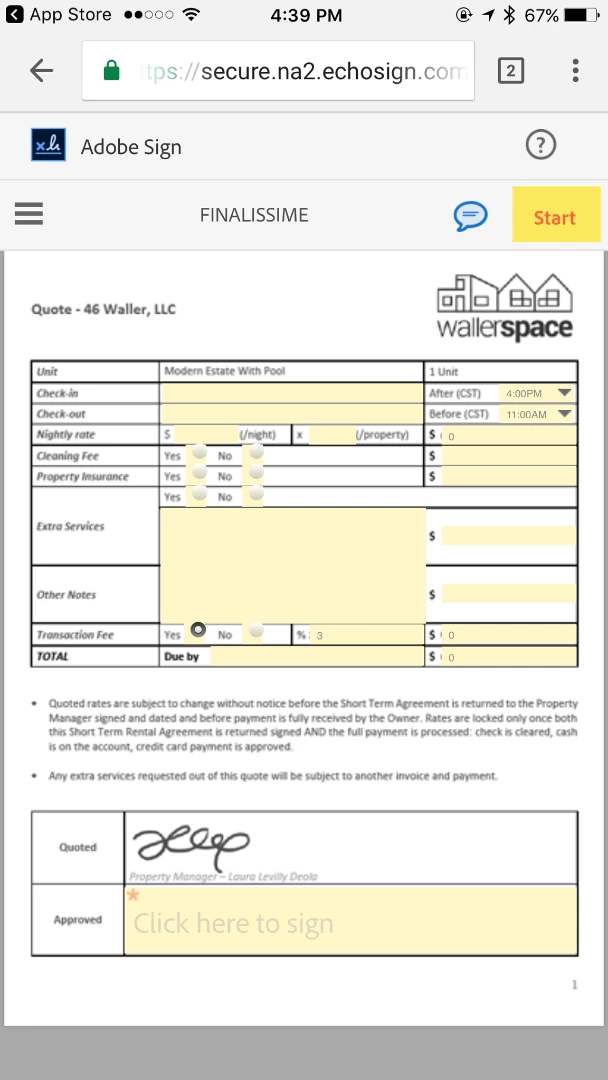
Blurry text on mobile devices
Hello,
I work on a Mac, prepared my document in Word, exported it to Adobe Acrobat, added my fields and saved it especially as an electronic document file, then uploaded it to my Adobe Sign library, added a couple of calculation fields, and as soon as I send this doc to myself in order to test it, it shows all blurry (you can really hardly read anything) on my mobile devices. I need this document to be easily fillable and readable on the go, so I tried it on my iPhone and iPad both on Chrome and Safari - same issue across all devices and browsers. Doesn't matter if I zoom in/out or flip my screen to landscape, it is still blurry. Can you please recommend anything that would help me?
Thanks so much,
Laura


 AdChoices