
Participant
September 30, 2022
Question

Can't add Developer Access to Account

  • September 30, 2022
  • 1 reply
  • 761 views

I am unable to follow the steps in https://opensource.adobe.com/acrobat-sign/developer_guide/index.html under step 3, where it directs you to fill https://www.adobe.com/sign/developer-form.html.


Once I fill the form, and sign into adobe. I get the following email.
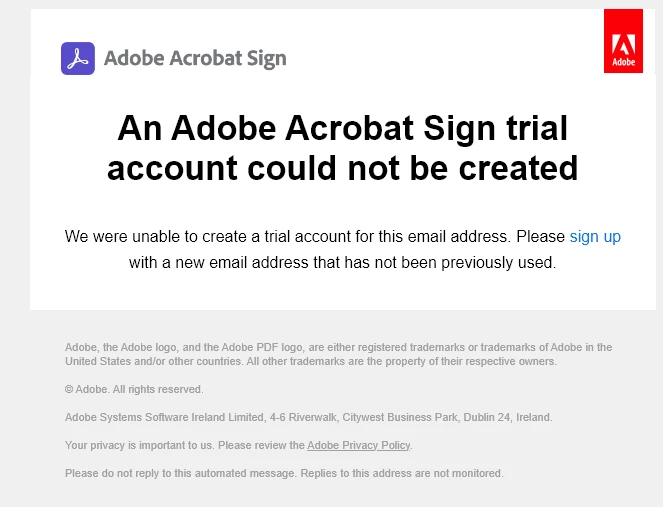
 

Note: I am on - Creative Cloud All Apps 100GB


What other ways can I add developer features to the account? If I create a new account, won't it not be able to access my forms.


FWI - I am attempting to integrate with make.com (formally intergomat) via the following guide: https://www.make.com/en/help/app/adobe-sign#connect-adobe-acrobat-sign-to-make

This topic has been closed for replies.

1 reply

Meenakshi_Negi
Legend
September 30, 2022

Hi Tristan5DCA,


Thank you for reaching out.


As mentioned above, you have Creative Cloud All Apps. It includes the Acrobat Sign individual plan as a part of Acrobat Pro DC. That is the reason you get the message. You already have the Acrobat Sign registered under that email address.

This is a designed behavior in which you cannot have two Acrobat Sign accounts under a single email address. 

You will need to use an email address that was never used for Acrobat Sign.


Thanks,

Meenakshi

Participant
October 3, 2022

How can I use the API to access my forms?

Participant
October 3, 2022

If they are not under the new account which has the API Functionality enabled?