
Can't change logo according to guideline for Adobe Acrobat and "Adobe Enterprise Sign Solution
Hi All,
I'm getting mad and also desperate at once and I kindly hope of your help to get me out of the spinning frustration. Perhaps, it's only a small thing I might miss but I don't know exactly how to get to the settings according to the guideline.
We 100% need to change the default message and logo which is sent out to recepients for signing any documents and I wan't to change it to our personal branding.
I have found this:
https://helpx.adobe.com/sign/using/upload-logo-to-account.html
I'm 100% fine with which is explaind, however, I'm not able to follow on this as I miss the settings to get through as described in the guideline.
I would kindly need help with both of the settings described:
1. Change of the profile logo at the top right corner which appears for every user individually by default, unless it's changed by one of the admins.
Guideline says: "Administrators at the account or group level can upload an image to display instead of the default Adobe Acrobat Sign logo. This image appears in the upper-left corner of the screen for the users in your account when they are logged in."
2. Change / customize company Hostname/Url (Same issue)
I am an admin. Logging into the account, I should be able to navigate to the described settings, however, this setting is missing.
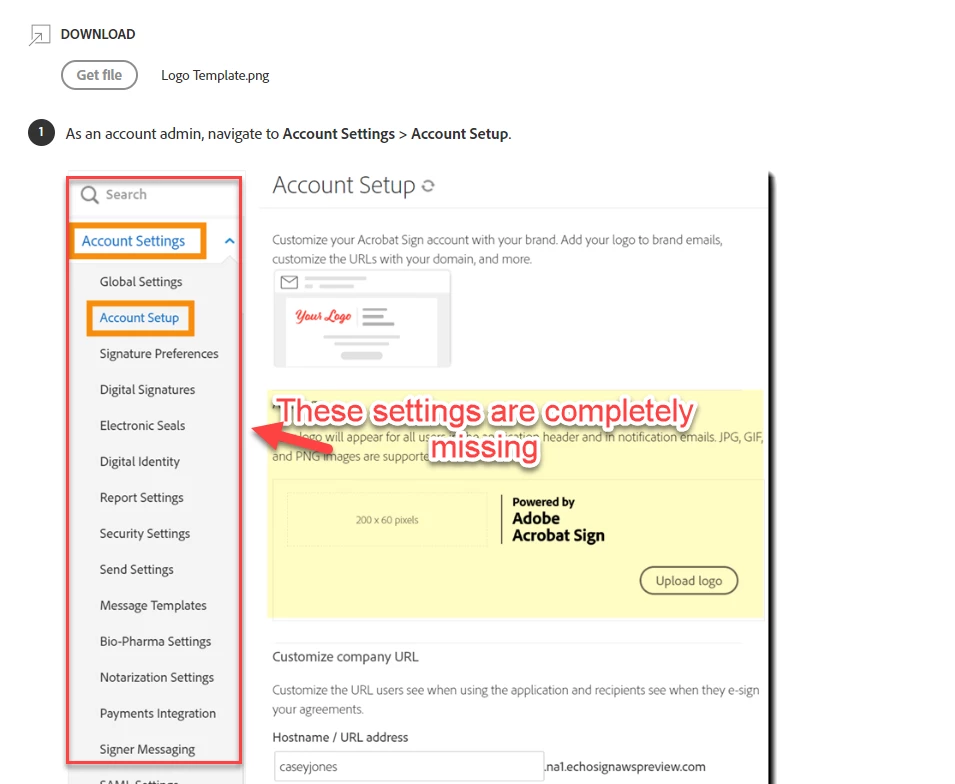
It ain't matters if I visit the setup in browser adobe.com and log in or open the desptop application.
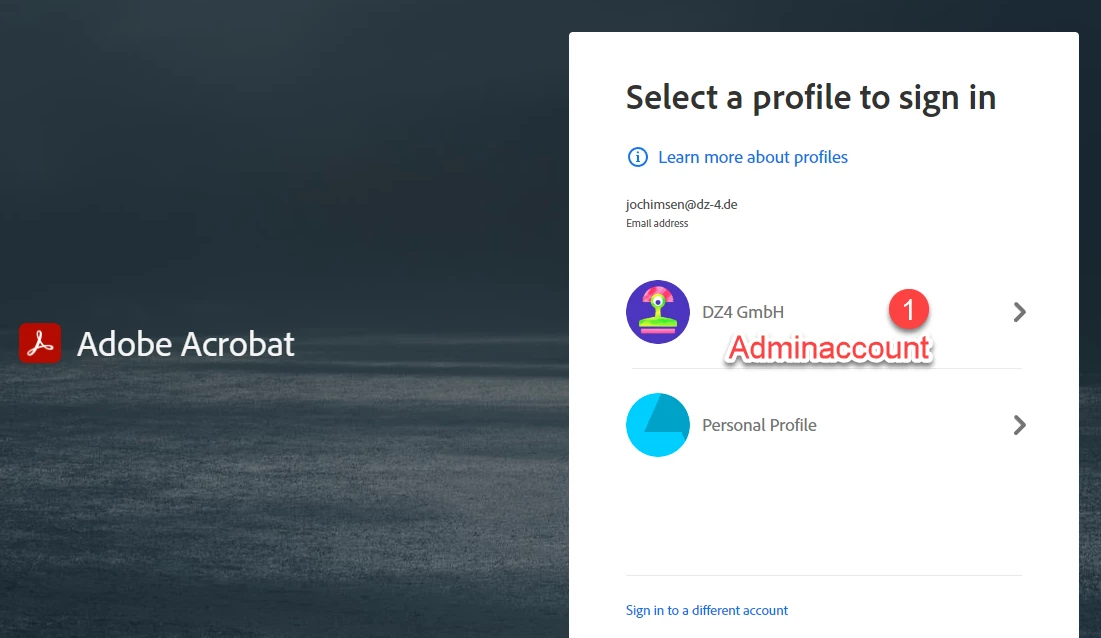
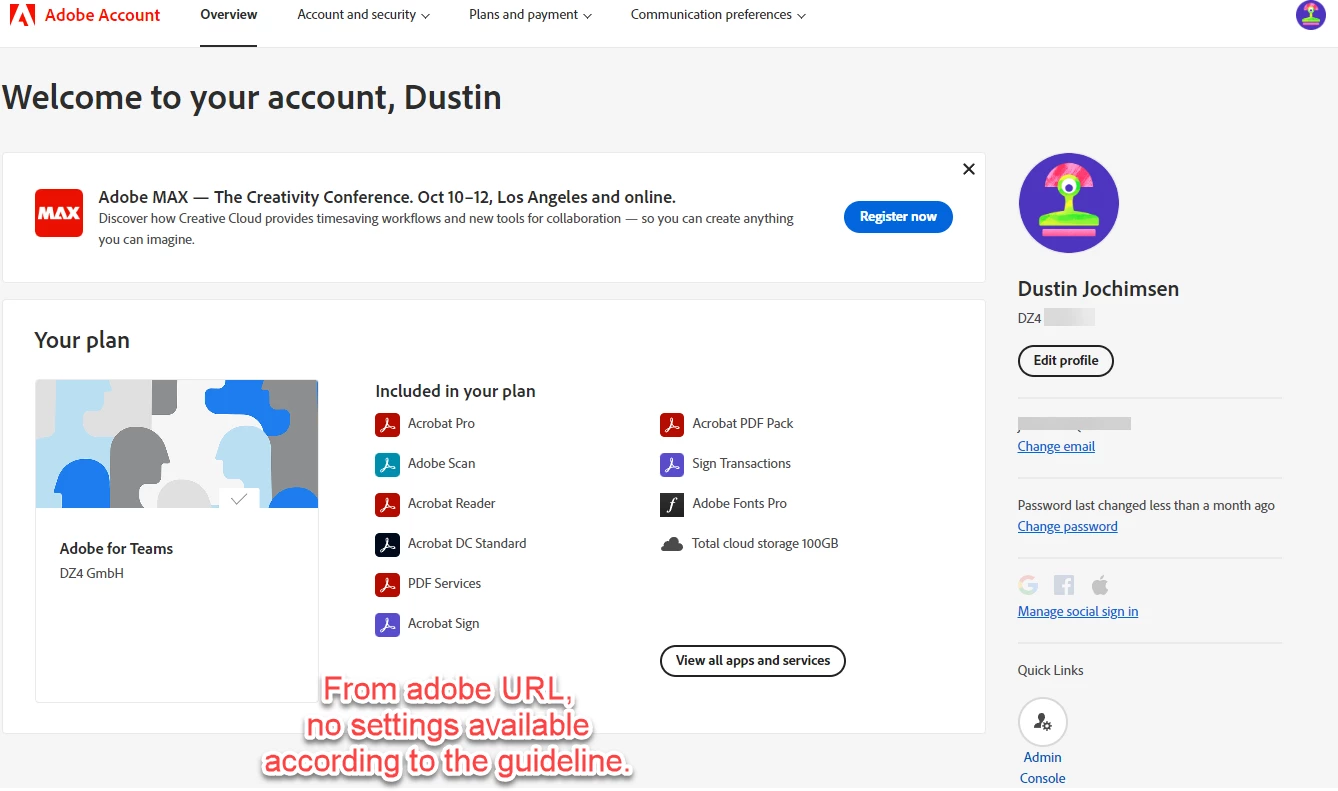
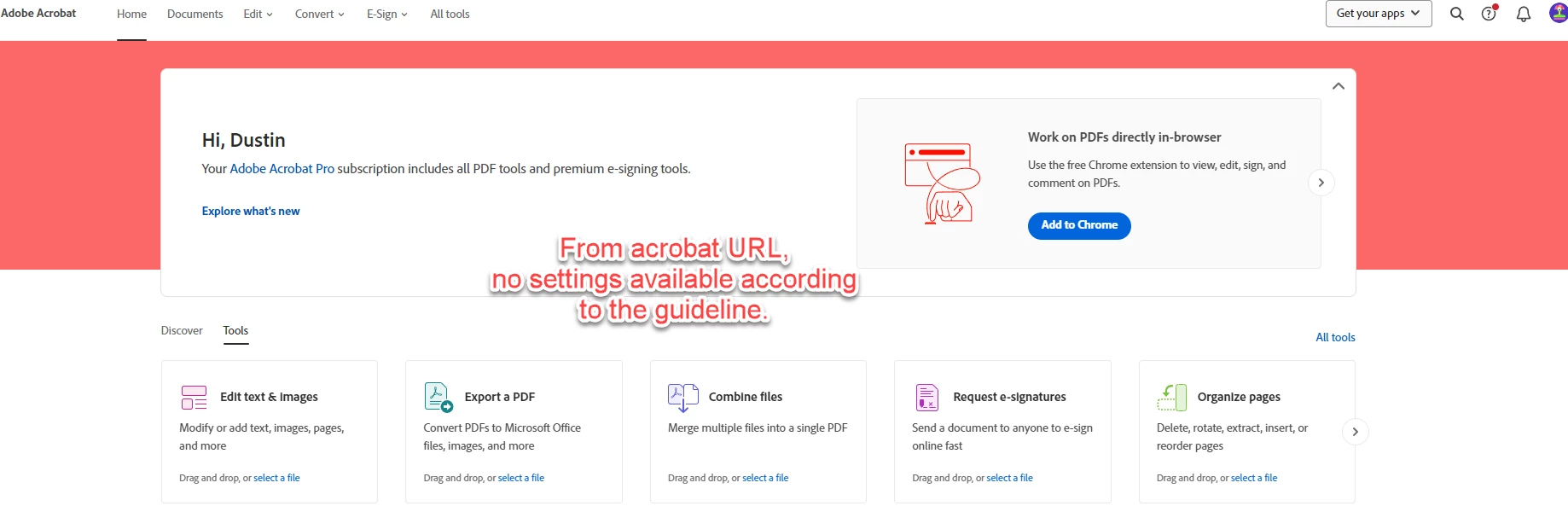
It almost the same looks like trying to find the setting when using another account for a seperate contract "Adobe Sign" which is handled with a different Admin Console and login.
May some one assist please?


 AdChoices