
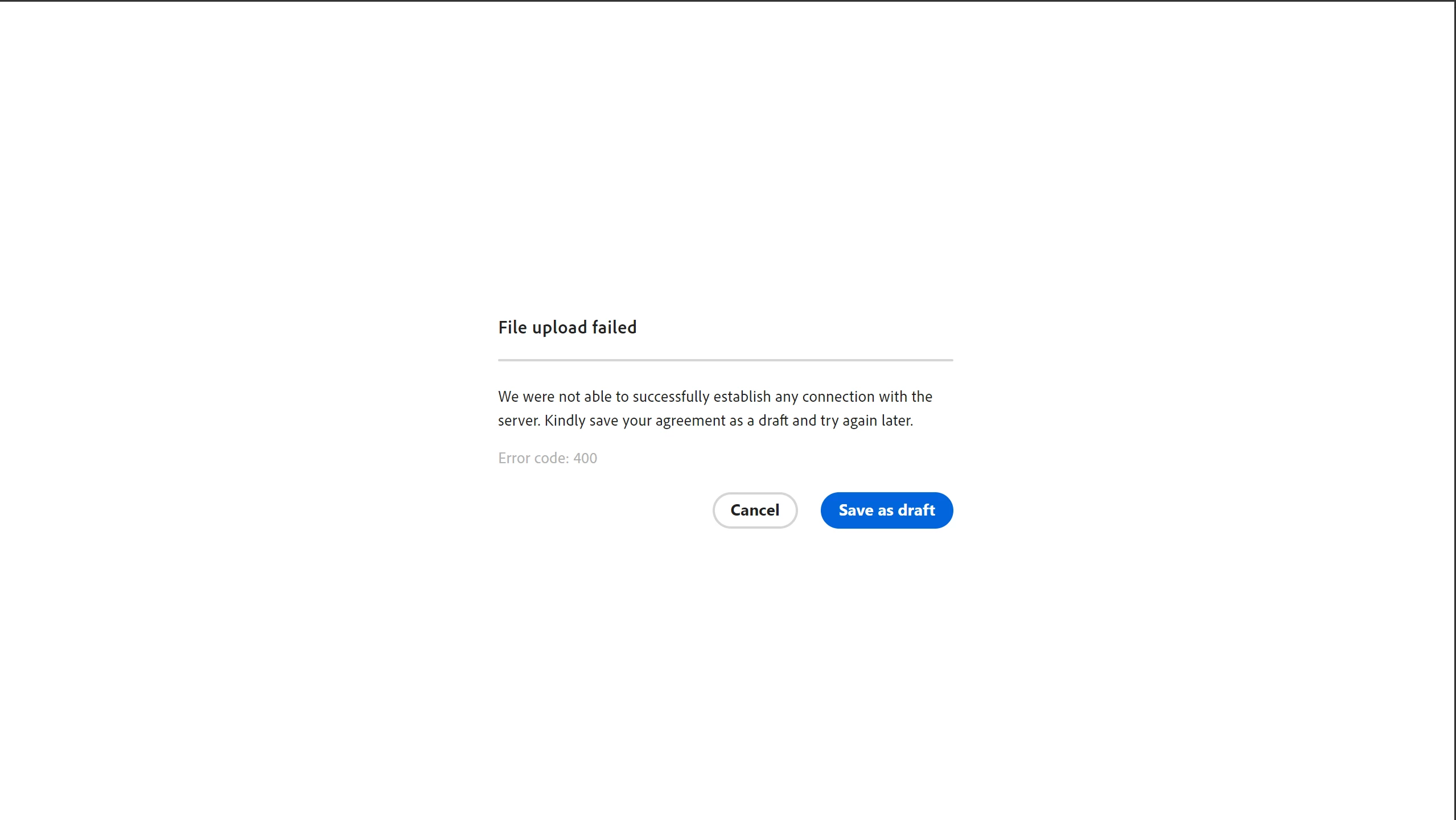
Cannot send one specific document via adobe signature (File Upload Fail Error Code 400)
Hello,
I’m am trying to convert one very specific word document and send it over via adobe sign, but whenever I do I get a "File Upload Fail Error Code 400" prompt. (screenshot attached). I tried disconnecting from the internet, restarting my computer, researching online, trying later, and am unable to delete/redownload the app to my computer as I need Admin permission at my work to do so, and cannot obtain said permission at this time. I do not believe deleting my browser cache would solve this problem, as I am specifically running into this issue with the adobe App. I do not run into this technical issue when sending any other documents through adobe sign, it seems adobe only has difficulty specifically sending one specific document type.
Any assistance or advice that can be provided is greatly appreciated, thanks so much!


 AdChoices