


Participant
Dec 17, 2016 1:07 PM UTC
Answered

Could not download a document after signing it

So, I signed a document with Adobe Sign and the document has been sent. After that I was offered to save just signed document, which is a great idea, because I need to keep a copy for myself. So the system gave a link for downloading the document. Since I did it on my phone I decided to save the link and open it later on desktop. But when I tried to open the link (3 mins after signing) I saw a message that page was not found. What the hell??
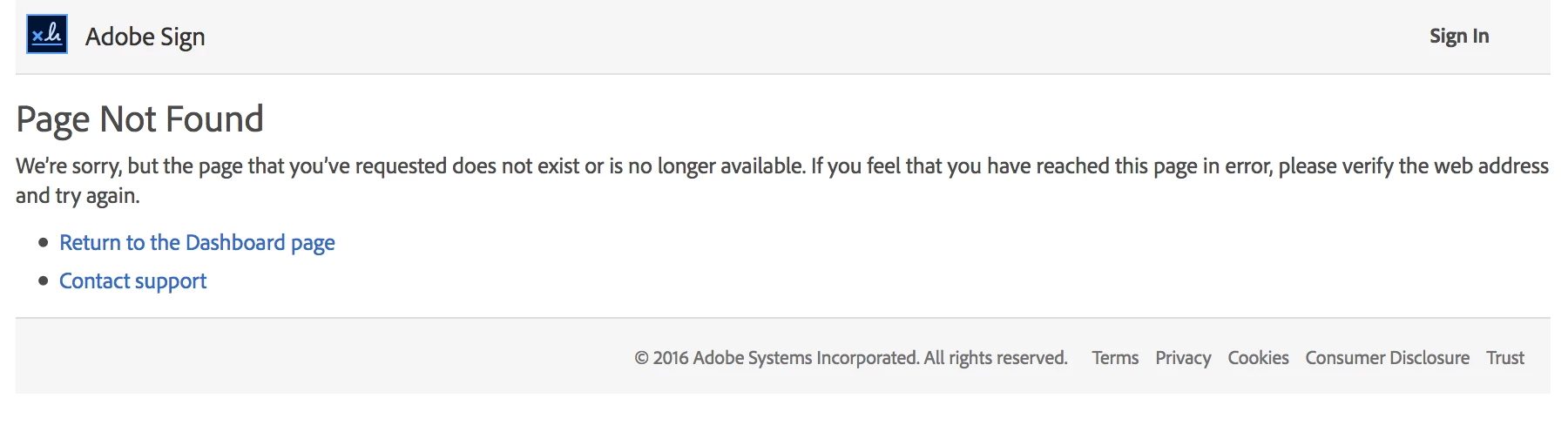
The most hilarious part is when you click on the link Contact support you get another 404 page. Are you kidding me?

How can I get my document back?

This topic is closed to new replies. Start a new post to keep the conversation going.
AadeshSingh
AadeshSinghCorrect answer
Participating Frequently
Dec 19, 2016 11:47 PM UTC

Hi konstantino85036295

Please be informed signed copy of the document is send as an attached in the email. Please check your email for the Signed copy of the document.

Regards,
Aadesh

2 replies

AadeshSingh
AadeshSinghCorrect answer
Participating Frequently
Dec 19, 2016 11:47 PM UTC

Hi konstantino85036295

Please be informed signed copy of the document is send as an attached in the email. Please check your email for the Signed copy of the document.

Regards,
Aadesh

Translate
MichaelKazlow
Legend
Dec 18, 2016 12:21 AM UTC

I believe it is not available. If you happen to have an Adobe Sign account then the document might be stored there. Where I work frequently run in to that issue. I have a Enterprise Adobe Sign account and everything sent to me for sign is available there after signing. Heck, a document sent for me to sign by Adobe was available for me to see even though I did not have an Adobe sign account for years after it was sent to me to sign.

Translate