

lsolutions
Participant
October 7, 2026
Question

Could not request to Request E-Signature in recently purchased Adobe Pro Plan

  • October 7, 2026
  • 3 replies
  • 18 views

Hi,

I currently have an active Adobe Acrobat Pro.

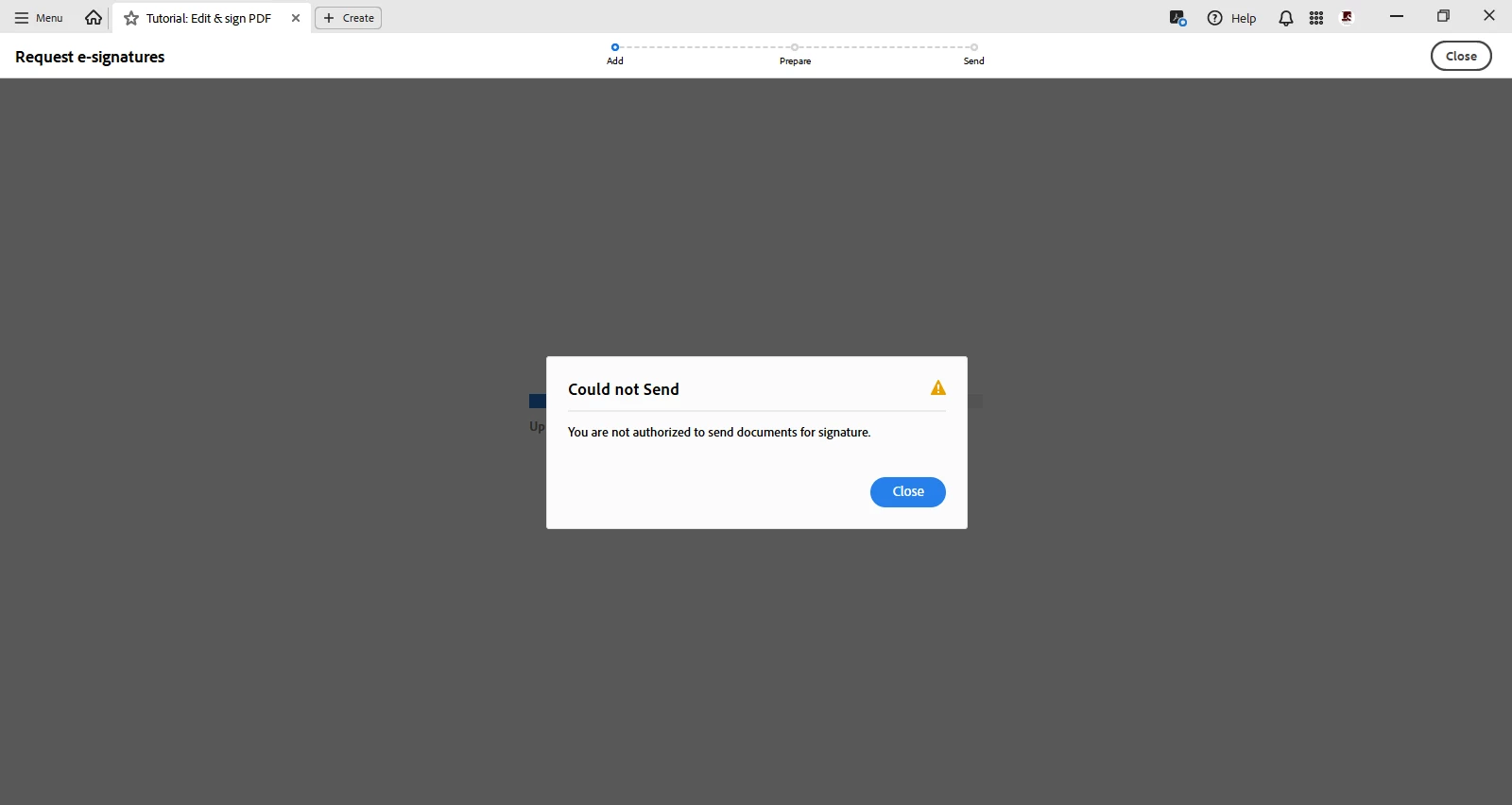
However, when I try to use Request e-signatures, I receive the following error:

Could not Send
You are not authorized to send documents for signature.


    3 replies

    lsolutions
    Participant
    October 8, 2026

    It did not work. This is what it shows:


    Anand Sri Bhattacharya
    Community Manager
    Community Manager
    October 8, 2026

    Hello ​@lsolutions 


    I hope you are doing well, and sorry for the trouble.

    Please check this article and try the suggestions: https://helpx.adobe.com/sign/web/kb/adobe-sign-error-message-not-authorized-to-send-documents-for-signature.html


    Please note that if your account is managed by an organisation, ask your Acrobat Sign administrator to check your sending permissions.


    I hope this helps, and please reach out if you need any assistance.

    Regards,

    Anand Sri.

    Meenakshi Negi
    Community Manager
    Community Manager
    October 8, 2026

    Hi linkservesolutions,


    Thank you for reaching out, and sorry for the trouble caused.


    This issue usually occurs when the email address used for Acrobat Pro was already registered for Acrobat Sign. We have checked the account associated with the email linked to your community profile, and it shows as an Enterprise free trial account.


    Please try signing out of Acrobat, and then follow these steps:

    • Launch Acrobat web

    • Sign in with the same credentials that you used for the desktop application.

    • Go to the E-Sign tab and select "Request Signatures."

    • Now, try sending the document for signature.

    If it goes through, you can then launch the Acrobat desktop application and try the feature again.

    Please let us know how it goes!


    Thanks,

    Meenakshi