
Create Template Option Missing
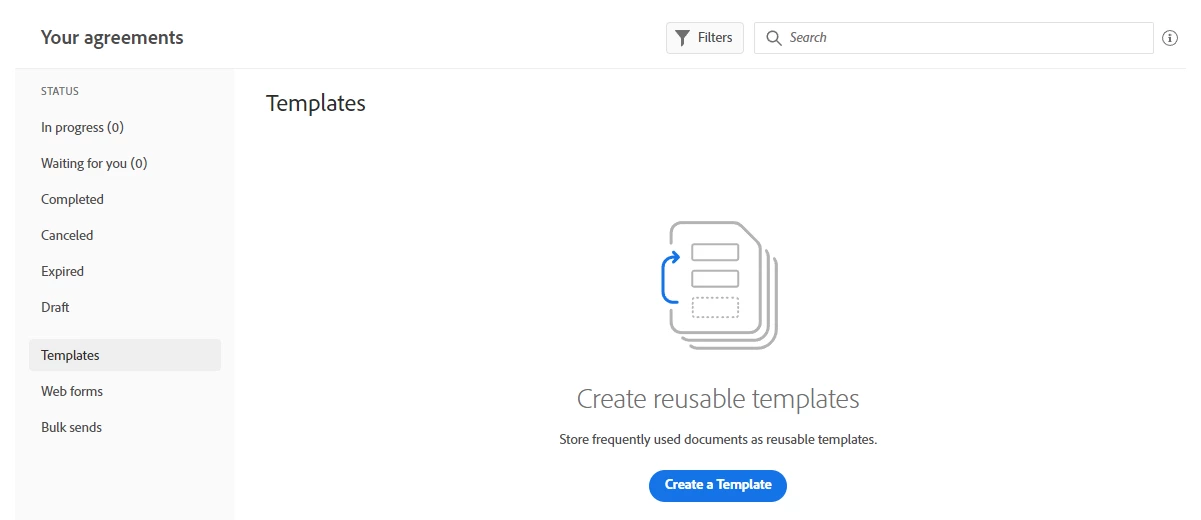
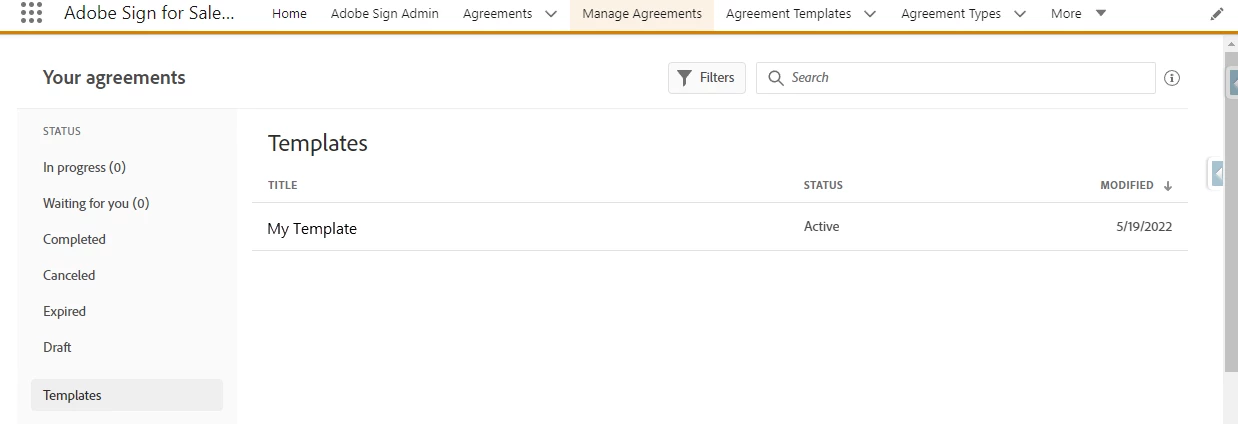
I'm using Adobe Acrobat Sign in Salesforce. When I first select Manage Agreements-->Templates, I see the option to create a template (see the first image below). After I select Create a Template and upload my file, I see my template but when I come back to Manage Agreements-->Templates, I no longer see the option to Create a Template (see second image below). Am I missing something obvious? I've found two workarounds. The first is to choose "Send an Agreement", choose the option to Preview & Add Signature Fields, and check the "Save as Template" box on the next screen. The second is to open a new tab and drop the URL https://secure.na4.adobesign.com/account/addDocumentToLibrary into the tab, and it opens the add template window. Both seem a bit ridiculous as workarounds - I should simply be able to add a template.


 AdChoices