Greetings!
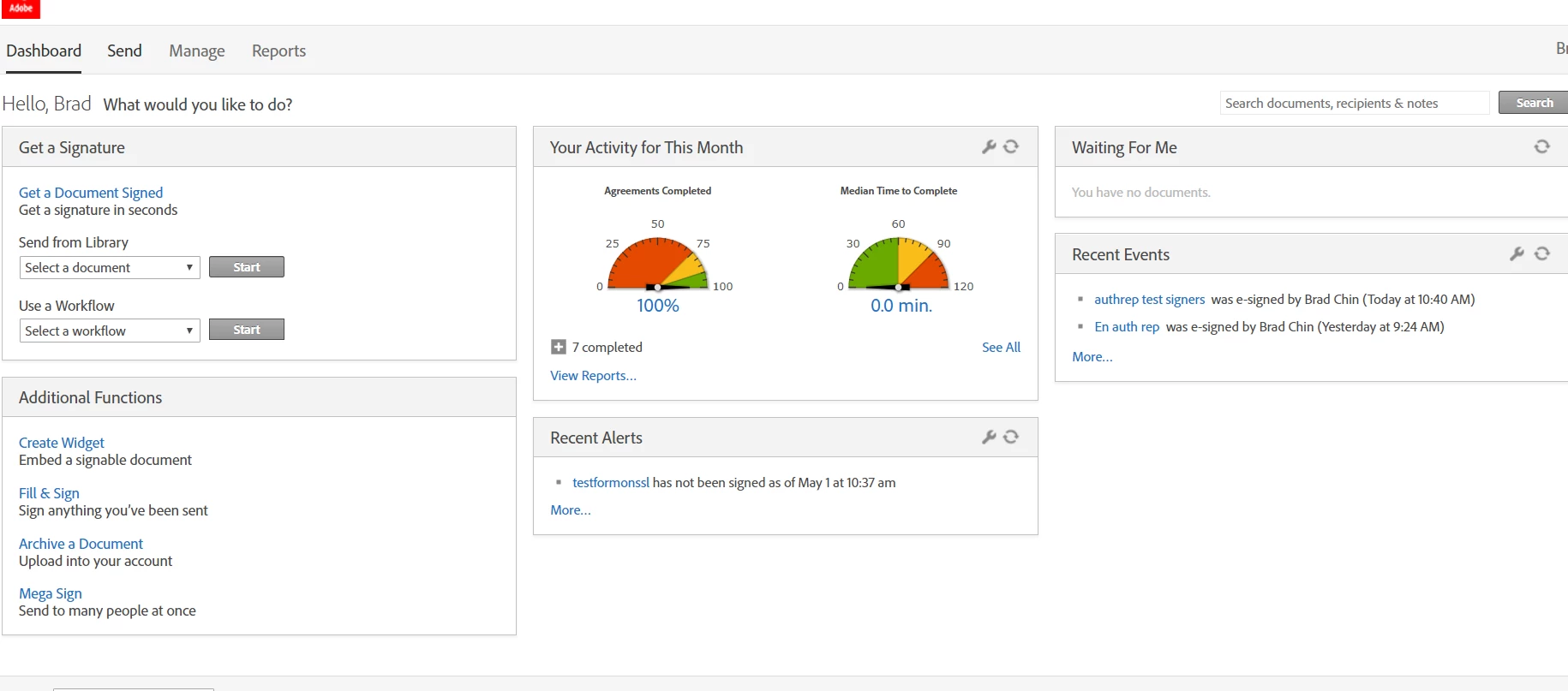
What has likely happened is the Account Admins have had the feature suppressed for the account or group your userID is in.
This can be done (and undone) by having your Account Admin contact your Success manager or the customer care team.
Only an account admin has the authority to request edits to the back end (based on the assumption that they suppressed this feature for a business reason).
It is possible to enable this feature (and all of the features in that same Additional Functions section) at the user level also. So if your Admins decide they only want you to build library templates, they can suppress the feature for the account or group, and then enable just your user. And more than one user can be discretely enabled, just in case there are a few people you want to empower this way.
TL;DR: Have your Account Admin contact your success manager to enable your user to build library templates.





 AdChoices