
Question
Dropdown field doesn't work for Counter Signer on Web Form
Any help appreciated:
Web Form, user opens, fills, and signs.
Routes to Counter Signer. Although the dropdown menus work for the first user (who isn't supposed to use them), and everything else works for the counter signer, the dropdown menus are not clickable.
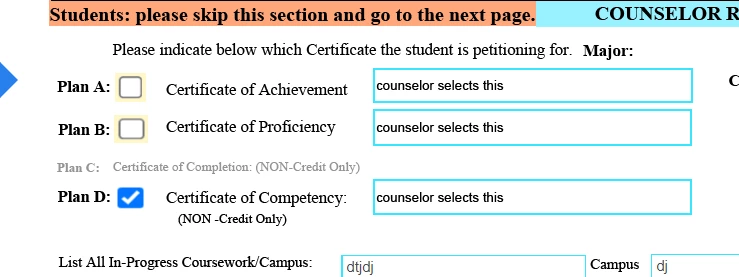
Note: For Reasons, this form is a fillable form that I uploaded into Adobe Sign as a Web form and then set only a signature field in the Web Form options. I have to leave the original fields in it, not set them all in again in the Web Form function, because if I do it that way, none of the tooltips or formatting show accurately.


 AdChoices