
E-sign template hangs preparing document
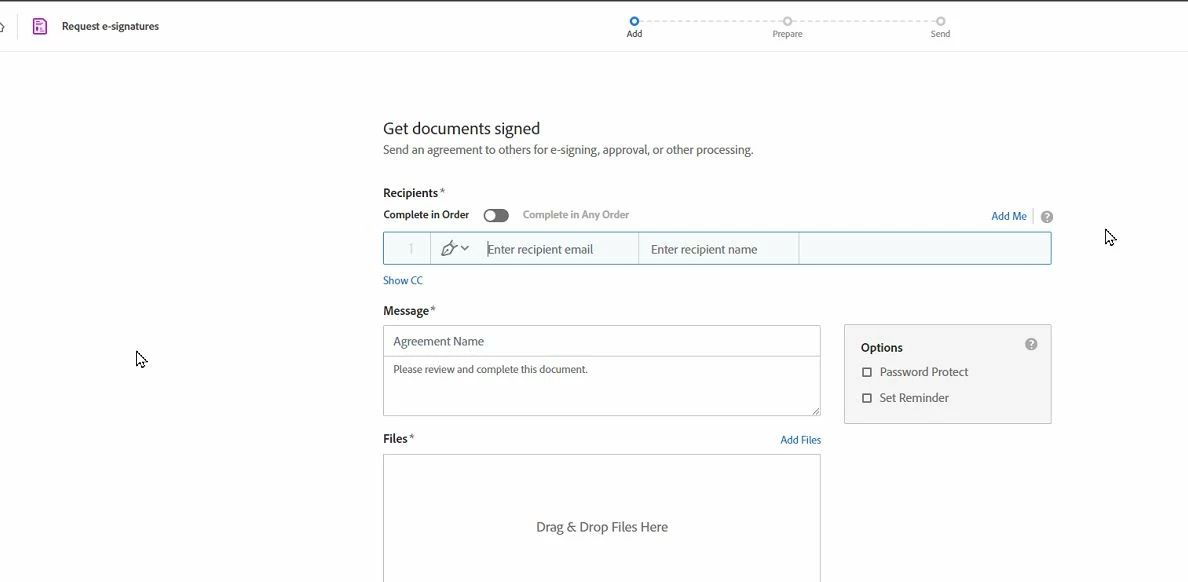
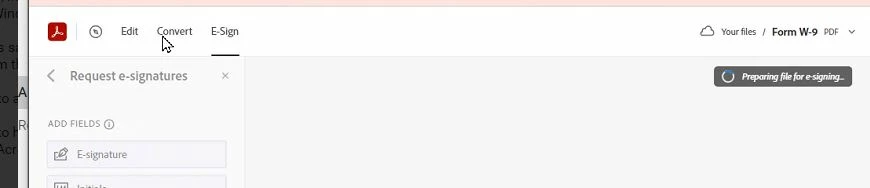
Two users perform the same task in Acrobat cloud using the same workflow. The e-sign wizard looks different for each user. One can successfully prep and send the document, but the other person's wizard will hang on preparing.
Tested with same workstation, same Windows profile, same browser, same (shared) e-sign template, same Acrobat license but different Acrobat accounts.
The user having trouble can successfully e-sign send via cloud when NOT using a template, but this requires more clicks. E-sign send using the desktop client also works, but requires more clicks.
We've tried rebuilding the e-sign template w/ different forms and they also hang for the one user having trouble.
Looking for suggestion on how to change the e-sign template wizard? I couldn't find any prefernce settings.
< successful wizard view >
< hanging wizard view >


 AdChoices