
Participant
April 3, 2023
Question

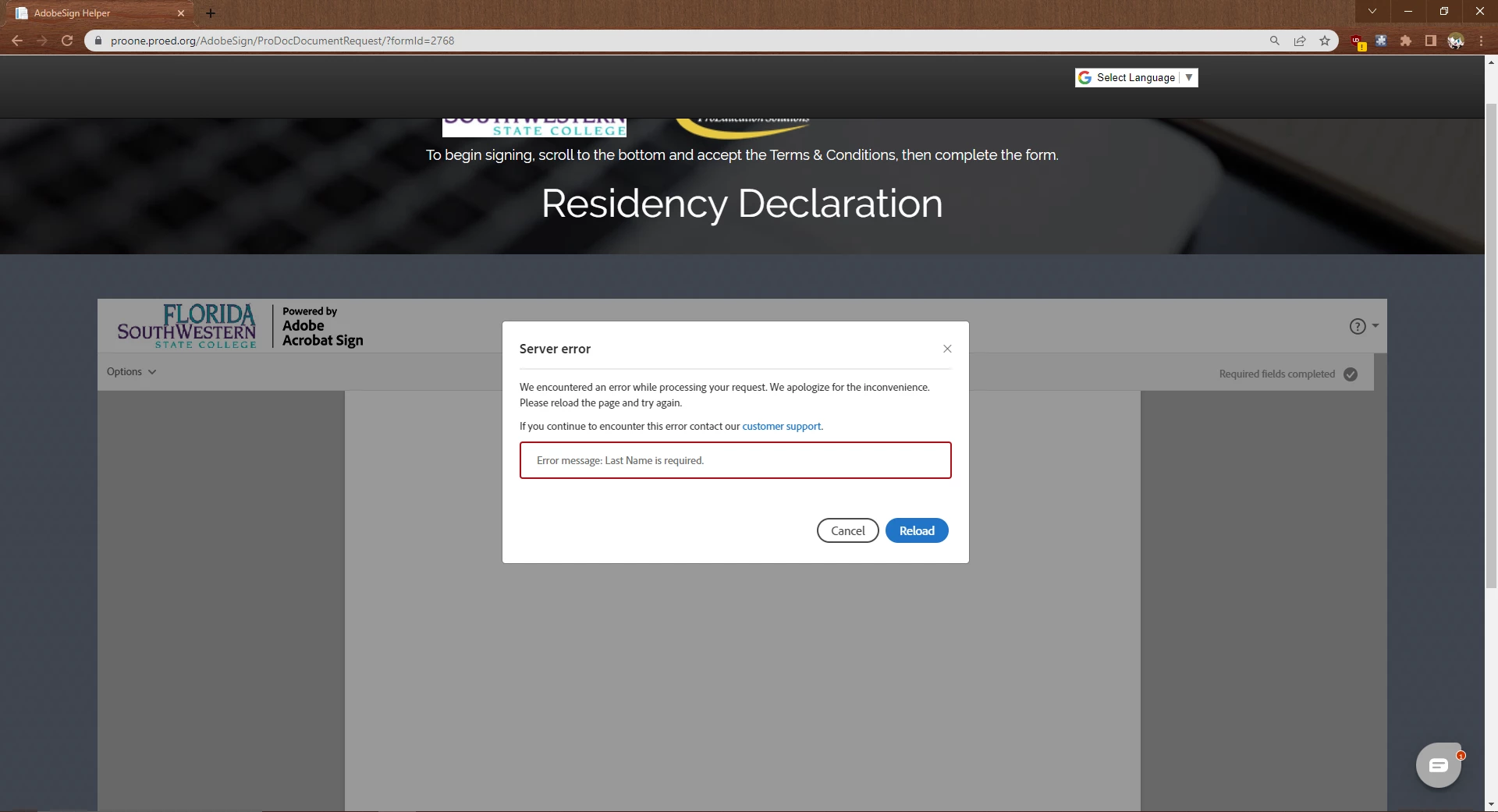
Error message when signing

  • April 3, 2023
  • 2 replies
  • 901 views

"Error message: Last Name is required."


I'm trying to fill out my residency form, and even with all of the necessary fields filled out, I don't understand what it means. I've done this form over 10 times now, and on different devices. My phone, my Ipad, my computer. I've even waited 2 days to do it later, but nothing. I don't know the issue at all.
This topic has been closed for replies.

2 replies

Participant
April 16, 2024

Just click on the "type in" field to sign (there are 3 or 4 little tabs on top when you click on the box). Then put space in between your first and last name. 

Ex: Type: John Snow instead of JohnSnow, and you will fix the problem. 


Meenakshi_Negi
Legend
April 10, 2023

Hi Melvinsays,


Thank you for reaching out, and sorry about the delay in response.


Try to use the new incognito window on Chrome to fill this document. Check if you still get the same issue.

If the issue still occurs, please confirm if you received this document for signature or if it is available on a website.

Do you experience the same issue with other documents for signature?


Let us know if you need any help.


Thanks,

Meenakshi