
Question
eSign document rendering issue in iframe
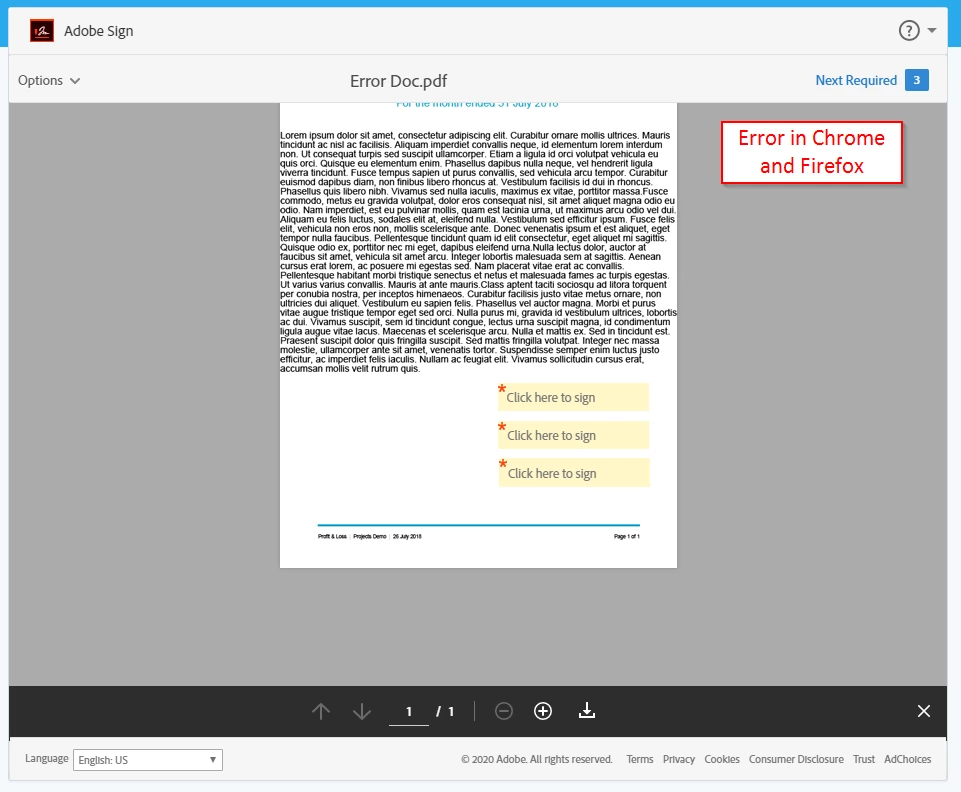
I am displaying documents to sign within an iframe and have found a PDF that doesn't render correctly in Chrome and Firefox (Edge and IE are OK). Once loaded the document is zoomed out and the top portion is cut off and can't be scrolled to.
I've also noticed that the "Start" labels don't appear correctly either. If I navigate to the URL directly (outside of the iframe) the document is rendered correctly.
How do I determine what it is about this particular document that is causing an issue? It doesn't appear to contain form elements etc and all other documents I've used so far work as expected.
Error in Chrome & Firefox, can't scroll to top of the document
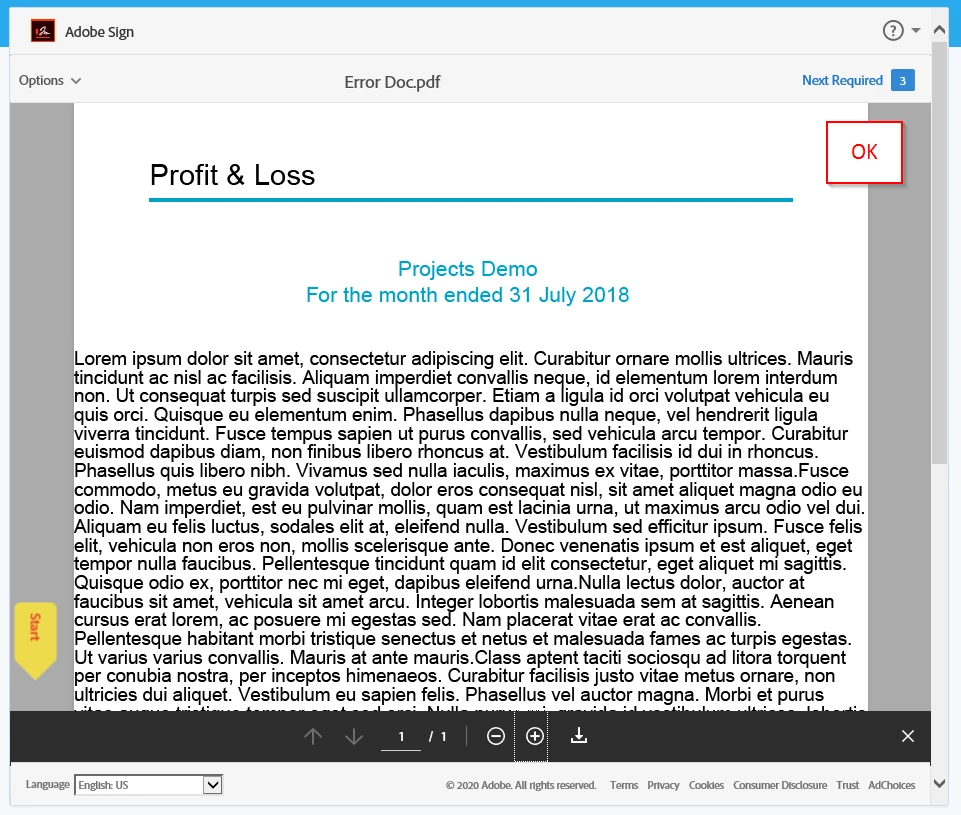
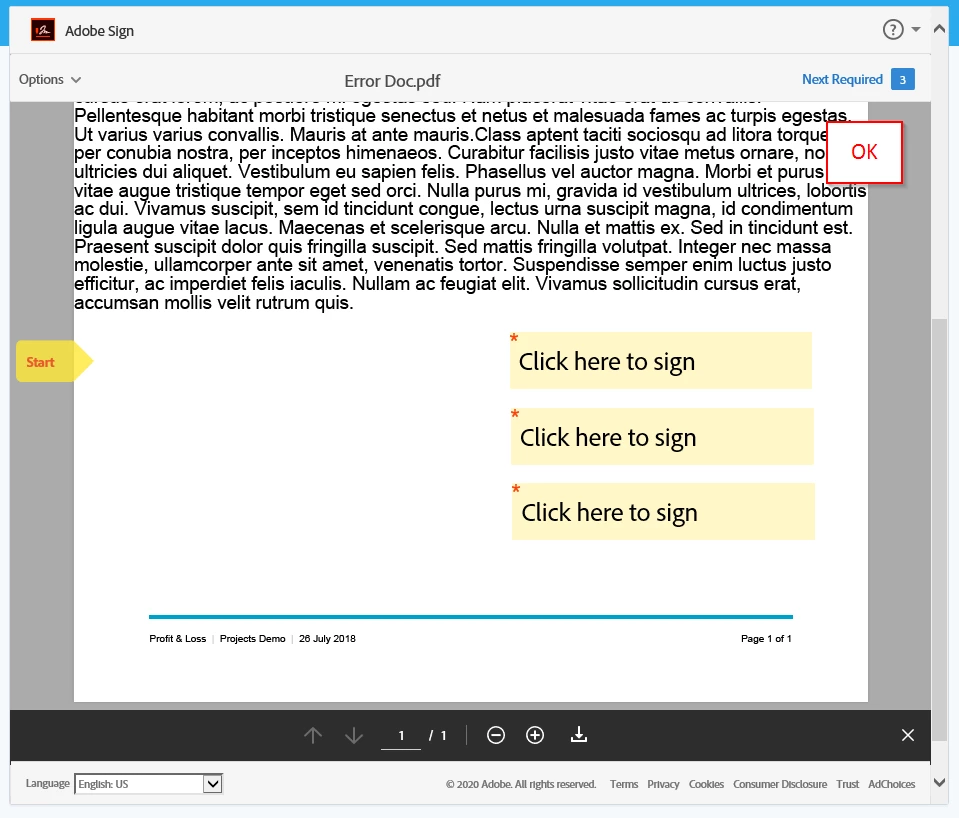
Expected result in Edge & IE


 AdChoices