
Inspiring
March 29, 2021
Answered

Getting a blank popup when requesting signatures in Acrobat Pro

  • March 29, 2021
  • 13 replies
  • 31687 views

Hi All,

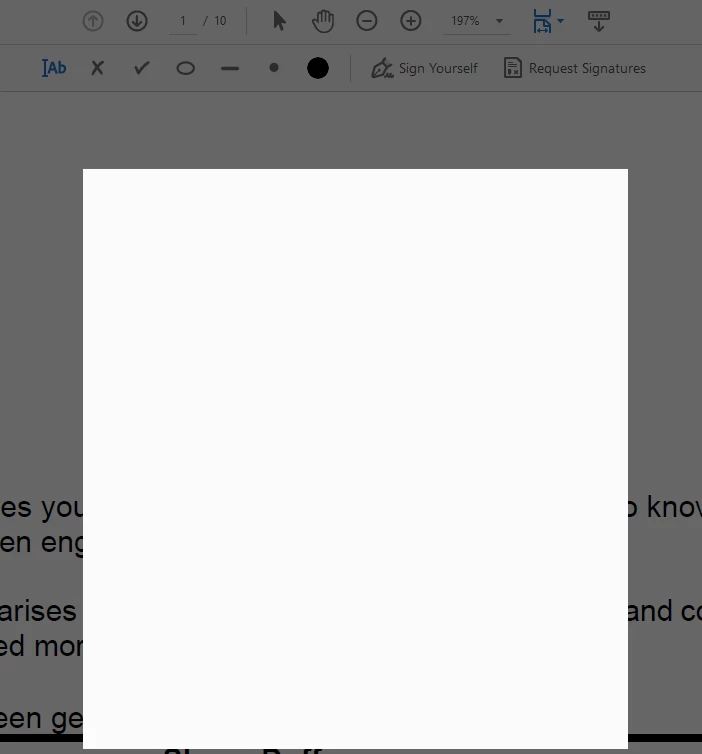
When I hit request signatures, the popup where you enter recipients is blank.  I have used this may times before and never had this issue.  I have signed out, restarted the laptop ans signed back in twice, still the same issue.  Screenshot below.


Thanks for your help.


Correct answer Shane_au

Hi Shane,


You can download the latest Acrobat installer from this link : https://helpx.adobe.com/in/acrobat/kb/acrobat-dc-downloads.html . Do let us know in case you face the blank popup screen post re-installation.


Regards,
Sandeep Grover


The issue was th most recent windows update that cam through about 16/9/21.  I am unable to return to previous setpoint on my laptop because I use onedrive and this interferes with the set point for windows, so I had to wipe my laptop and reinstall windows and all apps.  Now everything works fine.  This also hapened to me last year after a windows patch and I had to do the same thing.  

13 replies

AmbooS
Adobe Employee
Adobe Employee
September 21, 2021

Hello,


We are investigating the issue you have started facing with the latest Acrobat update. Would like some more information from you -

1- Do you see blank view when you click on Home->My Computer or Home->Document Cloud also? 

2- Could you please check what is the folder path shown in "CEF_DIR" key at the following registry -
(if you have Adobe Reader) HKEY_LOCAL_MACHINE\SOFTWARE\WOW6432Node\Adobe\Acrobat Reader\DC\Installer or
(if you have Adobe Acrobat) HKEY_LOCAL_MACHINE\SOFTWARE\WOW6432Node\Adobe\Adobe Acrobat\DC\Installer?

and if that folder path actually exists on your machine?


To check the above registry, please go to Start->type "regedit" and press <ENTER> key. This will open registry editor. 


Thanks for your patience,
-amboo

Shane_auAuthor
Inspiring
September 21, 2021

Hi,

I was getting help through the chat window, attendant remoted into my machine, we uninstalled DC Pro and tried to reinstall, but the zip file wouldn't open.  I think it may be related to the last windows 10 update I insalled a few days ago.  


The reader path above is in my register, but not Acrobat, as it is uninstalled.  


Document cloud works fine.

I will continue investigating windows patch.

AmbooS
Adobe Employee
Adobe Employee
September 21, 2021

Sure. Please keep us posted on your observations.

Shane_auAuthor
Inspiring
September 21, 2021

Version 2021.007.20091 

Windows 10 home version 20H2

Participant
March 29, 2021

PDF file is open- Signature Area Selected and when I click on "Request Signatures" I get a white box overlay and cant do anything else. Have to hit Escape. But Still not able to add any signatures. 

If I try to add my own signature I get a feel grey overlay with a white pixel dot in the middle. 


What is going on? Anyone else having this issue? 

I have restarted, I have tried other documents, I have tried going through the online version. 

Going crazy and have some docs I need out the door! 

Help!


Meenakshi Negi
Community Manager
Community Manager
March 31, 2021

Hi Kastatsa,


Thank you for reaching out and sorry for the trouble.


I have checked the screenshot that you have shared above. Please ensure that the application is updated to the latest version.

In the application, go to Help > Check for updates.


If the issue still occurs, please share the application and OS version on the machine.
Also, share the screenshot or small video of what happens when you try to add a signature via the online account.


Thanks,


Meenakshi

Participant
April 6, 2021

Hi, Everything is up to date- Machine is Mac Mini with M1 chip running 11.4 big sur


If I go to the online account it just opens the app on my desktop.