
Frage
How do I customize the recipient page in "Sign and Track"
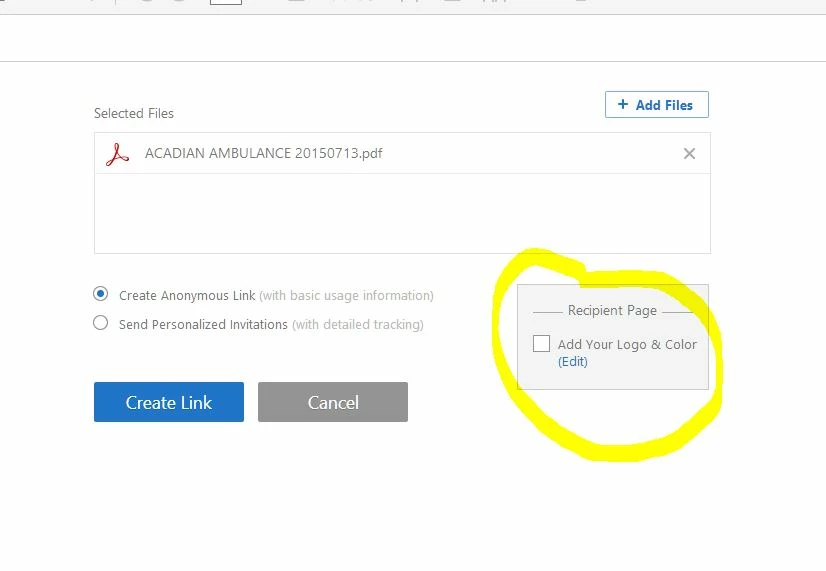
I can't figure out how to add my logo and colors to the recepient page as indicated in the shot below. I click edit and it opens my document cloud account, but I can't figure out where to go from there.
 AdChoices