Participant
Jun 28, 2023 1:55 AM UTC
Answered

How do I Prevent Automatic Data Fields in E Signatures?

Hi,


I am trying to make leases for a few of my tenants (Canada, NS). Whenever I send E-signatures the Data Fields are already present in all sections of the 15 page lease and I need to manually delete each one except for the intended sections. How do I stop Adobe from automatically making data fields and I can just manually add my own?


I have attached a screenshot for reference. The yellow sections automatically fill up and it takes me so much time trying to get rid of it with every lease. The "Save as a Template" does not work either for future use either. 

Meenakshi_Negi
Meenakshi_NegiCorrect answer
Legend
Jun 13, 2025 10:34 AM UTC

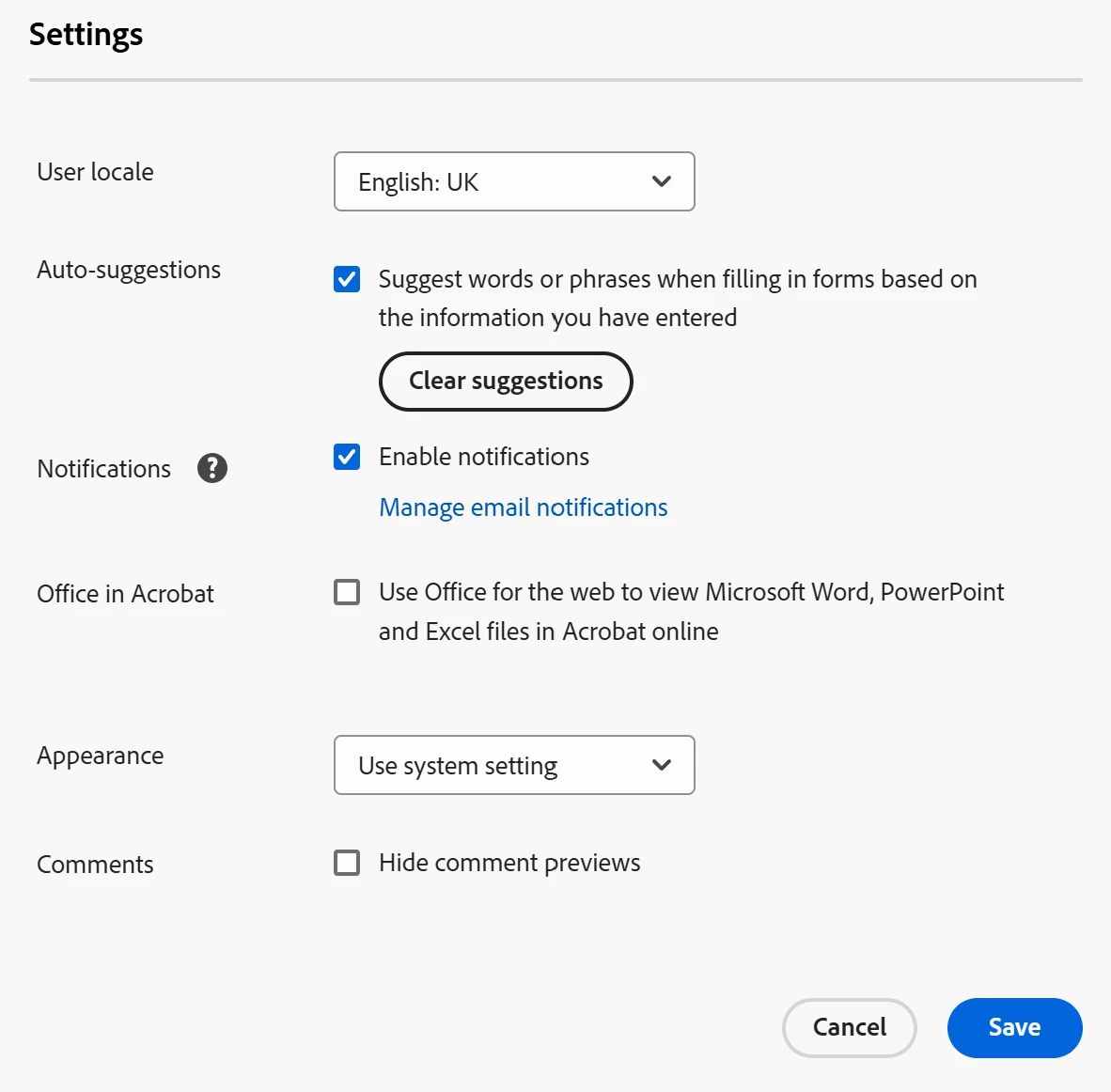
With Pharma version of Adobe, I don't get the E-signing settings showing


Hi smiro,


Thank you for reaching out.


We have checked your account and see that you have the Acrobat Sign Enterprise service plan provided. If you have administrator rights for the account, you can access the settings. Otherwise, please check with the Administrator for your Acrobat Sign account or the IT team in your company. 

For more information on how to access the settings, refer to the following help document: https://adobe.ly/440GXMc. 


Feel free to let us know if you need any help.


Thanks,

Meenakshi 

24 replies

Participant
Jul 21, 2025 3:47 PM UTC

I don't have the E-Sign menu in my settings.  Any ideas?

Translate
Participant
Jul 18, 2024 10:45 AM UTC

SOLUTION.
You may not like it - but it works.

Print to "Adobe PDF" in your printer. It flattens the PDF (removes all fields from being fillable).


Then save this "Printed PDF" wherever you need it saved. 

Then e-sign this newly created PDF - all the previously fillable fields are locked in/non-fillable and you're good to add Signature field, maybe Date & Name - and you're away!!


NB: don't use "Save As" - as it'll most likely not work properly - you have to use the printer "Adobe PDF" (an option in the little printer icon)!


Translate
Participant
Sep 16, 2024 5:41 PM UTC

Print to PDF also does not work. even if you dont save and print its still going to populate incorrect fields

Translate
Participant
Oct 21, 2025 4:53 PM UTC

Has anyone found a solution for this that they can re-post. It definitely makes the product unusable. I have been trying for over an hour to get it to just add a very simple signature line onto a document that is pre-filled, but it won't stop detecting every single "field" on the document and placing blue boxes over the content that is already there. 

It doesn't even work to manually remove the fields with the trash can. They just come right back. 

What a garbage product. 

Translate
Participant
May 3, 2024 5:00 PM UTC

this is the worst upgrade Adobe has made so far. Did not work for me either


Translate
Participant
Mar 21, 2025 7:18 PM UTC

I agree. This change makes Adobe unusable.
If I can not turn this off (which I have attempted three times following the steps above), then the software is useless to me and I will have to find an alternate solution for e-signatures.

Translate
AkanchhaS8194121
Legend
Jun 30, 2023 3:56 PM UTC

++adding on to the expert's suggestion.

This is a fillable PDF that you have been trying to send for E-signature. That is the reason it automatically detects the form fields available on it.


Following the above steps, disabling the detection of form filed in Acrobat's preferences will help you to achieve what you are willing to do.


Thanks,

Akanchha  

Translate
ericn43237979
Participant
Mar 5, 2024 9:42 PM UTC

this did not work for me.  I did not create a fillable form...just a word doc with Name:______________________. but Adobe make it a fillable form.  Fine for the customers name but my name is typed in and it wants to put a box over it that i cannot delete.  I unchecked the box as mentioned above then restarted adobe but it still detects the fields??

Translate
Participant
Apr 21, 2024 4:56 PM UTC

I am having this same issue. I keep deleting the field and it doesn't go away. Form field detection is disabled. I am at a loss.

Translate
Bernd Alheit
Community Expert
Community Expert
Jun 28, 2023 6:59 AM UTC

In the preferences of Adobe Acrobat disable the detection of form fields.

Translate