



How to remove / disable signature pages from final approved esigned documents
Hi Guys, does anyone know how I can set my esigned pdfs to NOT SHOW the digital signature field on the final approved pdf?
I love the 'send for signature' feature but when the end user signs and downloads the pdf, the signatures are embedded into the pdf. When printing this is ok as that page can be discarded, but when downloaded and forwarded onto more customers or internal people in the normal method all end users are getting the signature pages. The end users do not have acrobat DC and thus cannot delete that last page and resave. They are stuck with it.
How can I still get the signatures but disable the embedded signature pages?
Is this even possible? I would think so as the email the signer gets says to download a final copy.
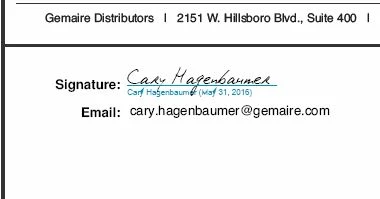
the attached image shows the 2nd page with embedded signature:
 AdChoices