


I am facing an issue with Issue with Attachment Fields in Adobe Sign Template
Hi,
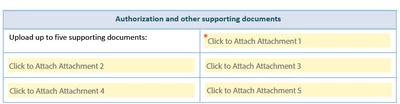
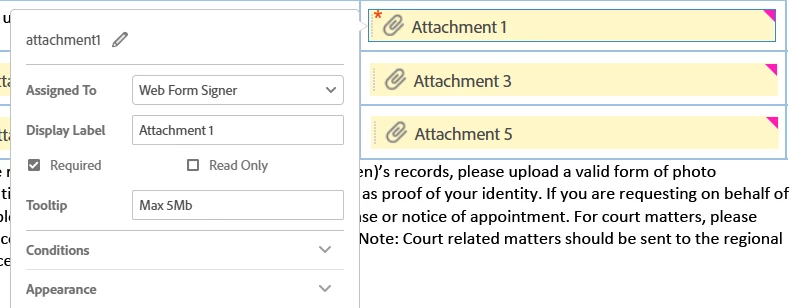
I am facing an issue with the attachment fields. When I design a web form and place the attachment fields, they appear clickable with a yellow background, as shown below. (here also Display Label I gave as 'Attachment 1')
However, when I place the same attachment field in the adobe sign template, it doesn’t appear clickable and the yellow background is missing. Please refer to the screenshot below.
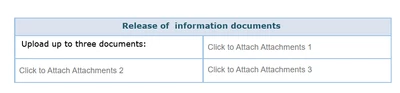
I also noticed that if I don’t provide any value in the Text to display property, the attachment field appears correctly with the yellow background. In the screenshot below, I didn’t specify any value for the Text to display property of the first attachment, and it displays properly.
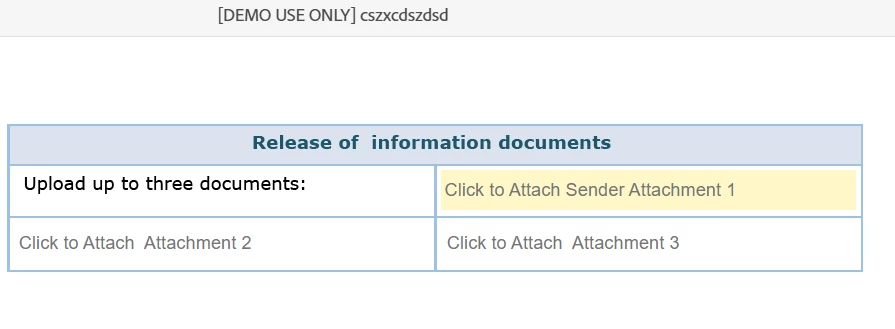
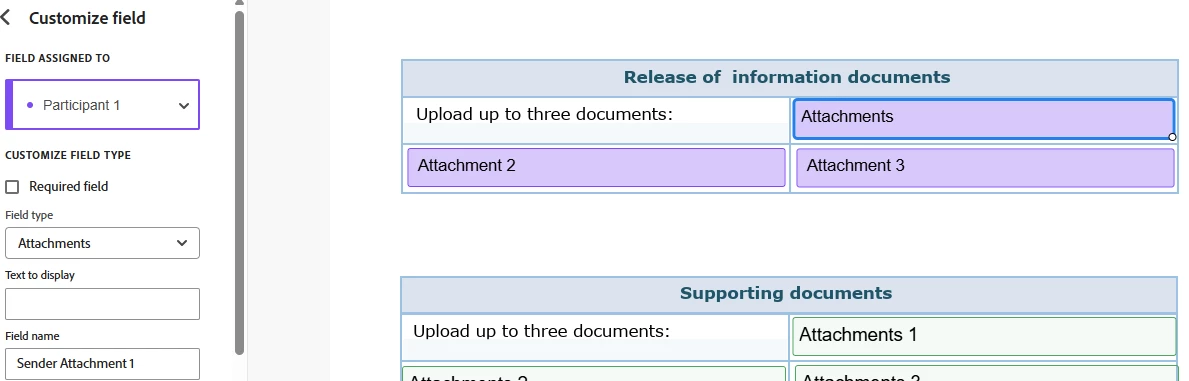
Could you please let me know is why it is not looking clickable with yellow background if I provide the Text to display property value?
Thanks,
Sreejesh
 AdChoices