

Question
Locked out while setting up SAML
I'm looking to purchase Adobe Sign for our organisation, so signed up for a trial. The idea was to deliver a slick demonstration to the people who need it and then get buy in.
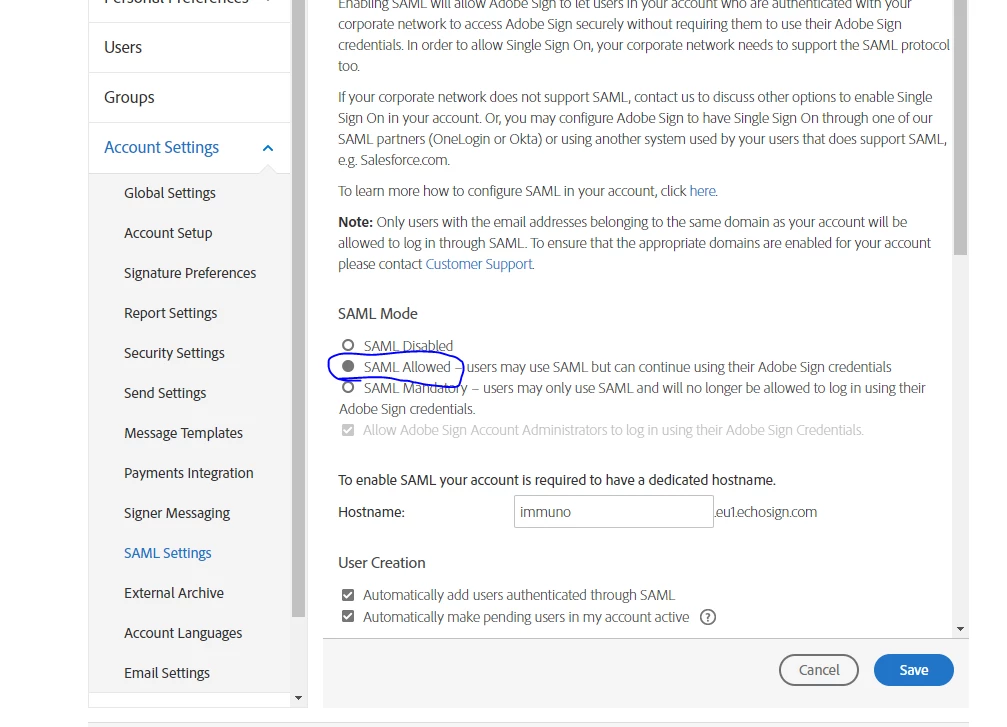
Part of this was to set up SSO (SAML) with Okta. It didn't seem to work initially and I've now locked my self out. I would like someone to switch my account back to 'SAML Allowed', from 'SAML Mandatory'. Unfortunately Adobe Sign support won't help as I'm not a customer 
Anyone have the powers to do this?


 AdChoices