
Participant
April 12, 2023
Question

MS Teams Approval & Adobe Sign

  • April 12, 2023
  • 3 replies
  • 1249 views

Trying to figure out why the "Adobe Sign" feature in Microsoft Teams Approval app doesn't progress past completing signing in with my Adobe account.


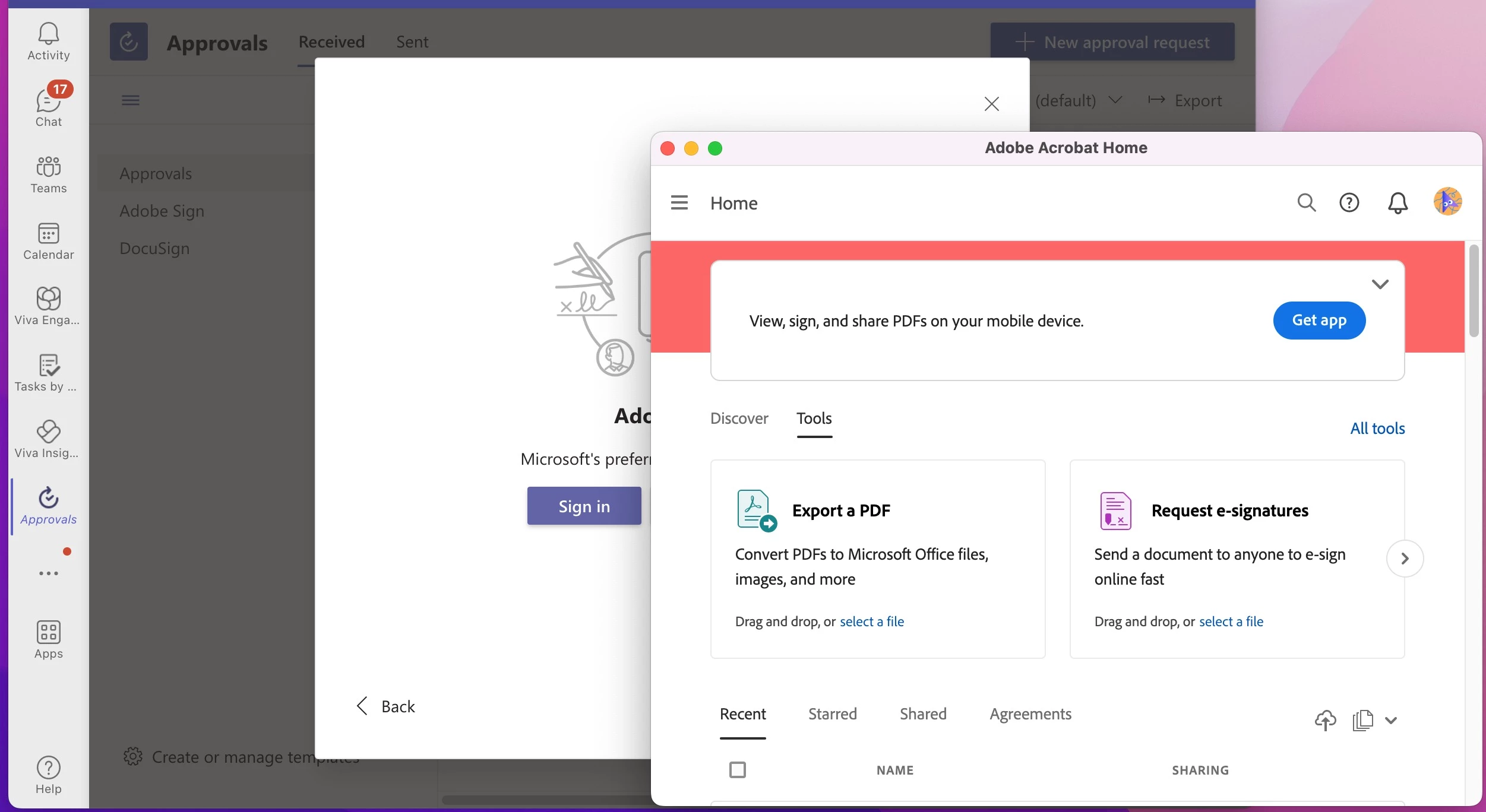
Authentication completes, but I'm left with a floating windows for Adobe Acrobat and nothing in the Teams Approval app is enabled to work with setting up documents for signing.


Does this only work an explicity Adobe Sign subcription or can it work with Adobe Acrobat Pro or Creative Cloud licensed accounts?
 

3 replies

Participant
April 9, 2025

I have the same issue, I go through the authentication part OK and then Adobe Sign in fails. I spent 1h 40m on a web chat with Adobe and we got nowhere!

Meenakshi_Negi
Legend
April 9, 2025

Hi SteveB112,


Thank you for reaching out.


Could you please share more information about the issue you refer to here? Are you not able to sign in to the Acrobat Sign account? Please share the screenshot of the error message you received.


Thanks,

Meenakshi

Participant
May 16, 2023

Same issue occurring. Haven't gotten anywhere with support.


What happens if you try to set it up via Teams in a web browser, rather than the desktop app? I am getting a 431 error, which indicates a problem with the oauth request (the technical bit that connects the two services)

Participant
April 17, 2023

Exact same issue here. Used to work, now we have the same problems as described above.