


Question
My Adobe Sign Name is incorrect once a document is signed and filed
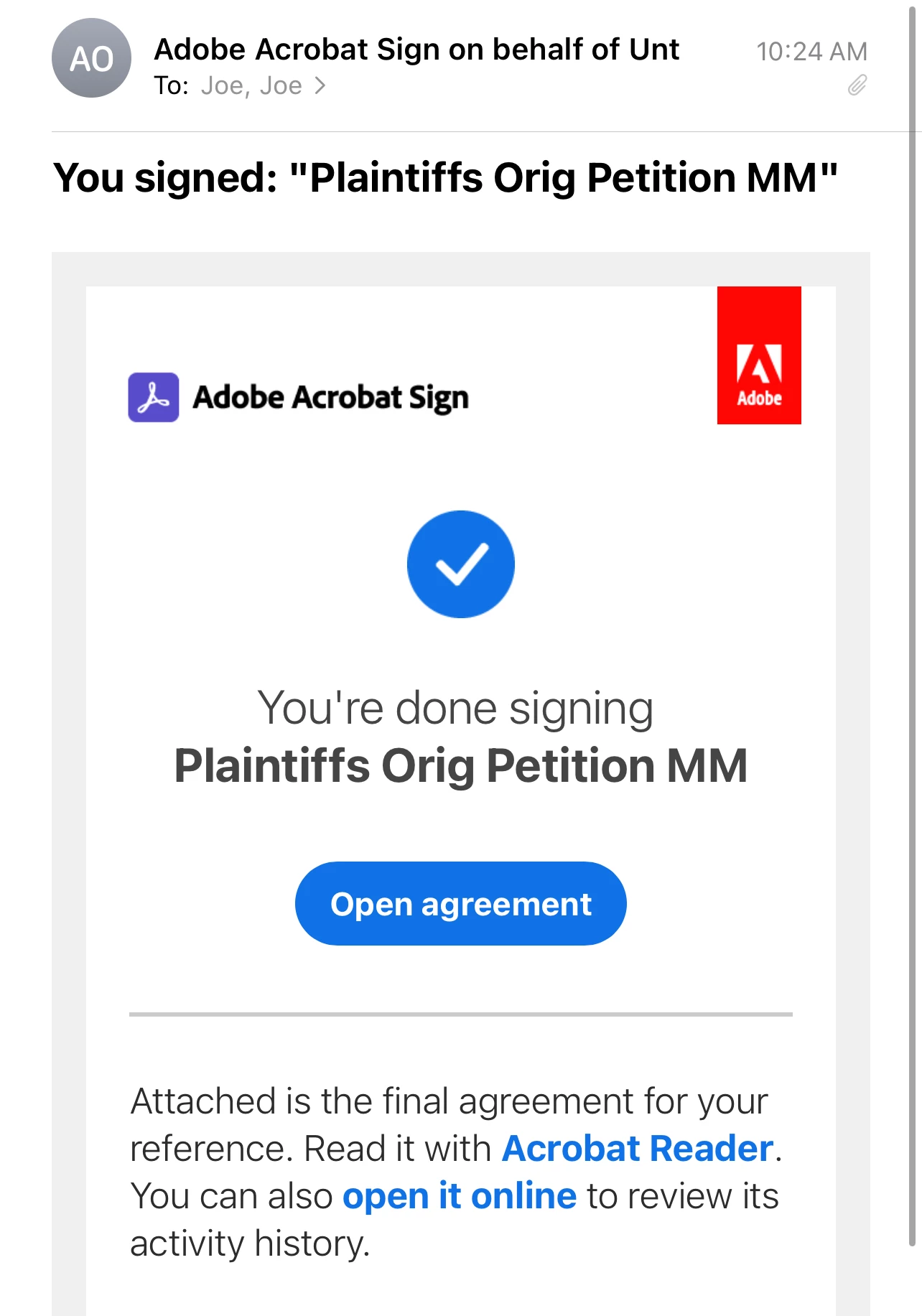
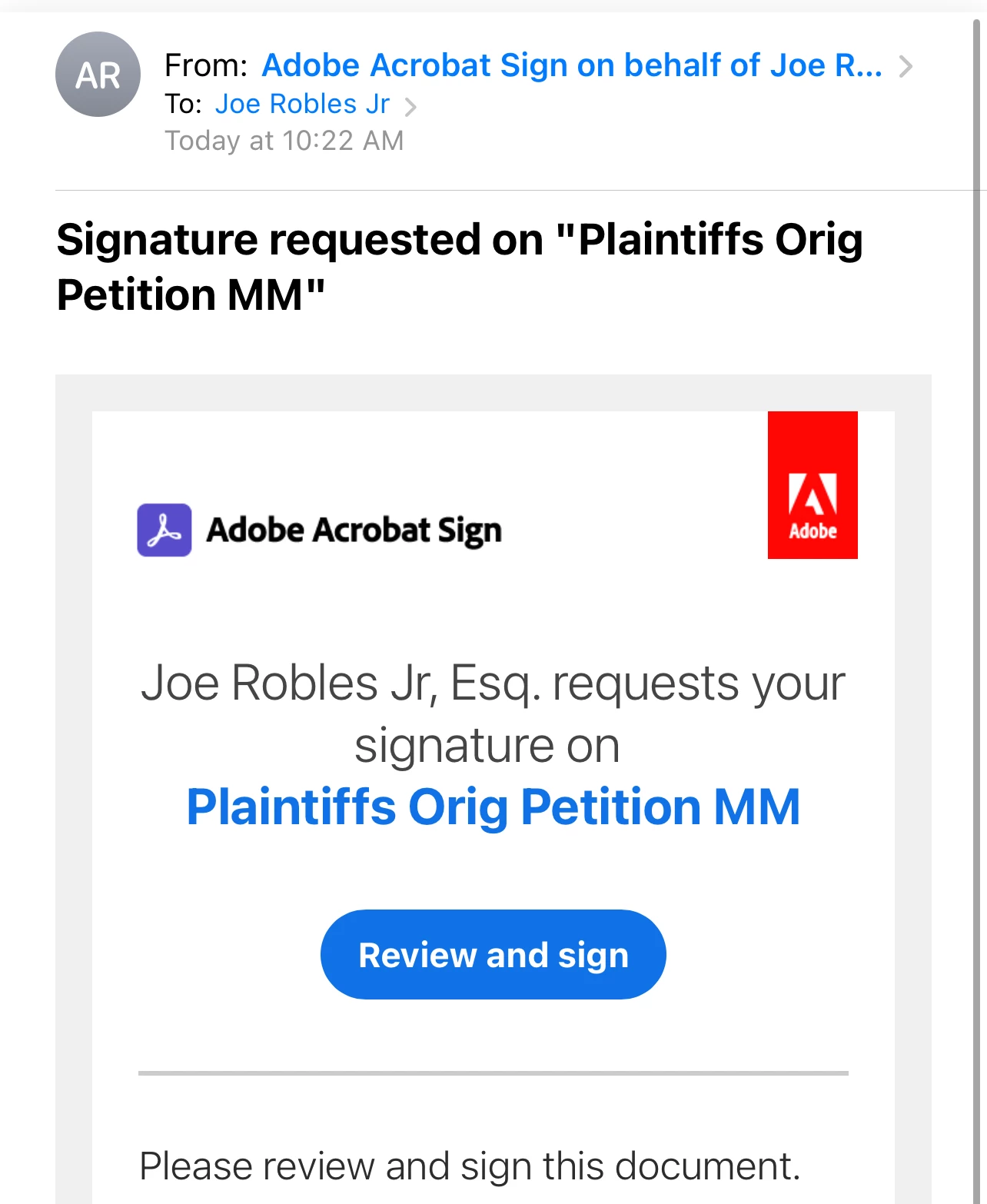
When I send a document for signature, the "FROM" states it is from Joe Robles Jr, Esq which is exactly what I want, but when someone signs the document, it states that the document was signed on behalf of Unt in the "FROM" section, which always scares away the people who just signed the document. I don't know how to change this. I went into the account profile online, and made sure the names are changed and corrected and they are. I went into company, and ensured everything is correct and it is. I also went into preferences>Identity and ensured that was correct to, it is. I don't know how to remove the "Unt" part and it has been aggravating me for at least 6 months. Help please!
 AdChoices