In some cases, your user account might be corrupted, preventing the Adobe installer from accessing or creating prerequisite files and folders. To resolve this issue, create another account, sign in to the new account, and try to install or run Adobe applications from the new account. ▶ https://helpx.adobe.com/kr/acrobat/kb/acrobat-dc-downloads.html
Try installing 32-bit from the list of files Adobe is distributing.
Thank you for reaching out, and sorry about the delay in response.
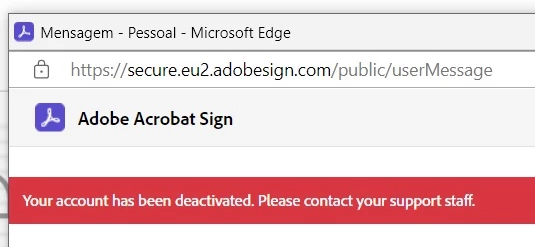
We have checked your account with the email address used to sign in here on the community, and it does not show any active subscription.
Please let us know if the issue still occurs. Share your account email address in a private message. You may initiate a private message using the envelope icon at the top right corner of this community page.
We will check the account information to ensure the services are active.




 AdChoices