Participant
October 2, 2015
Answered

Next required auto-jump

  • October 2, 2015
  • 1 reply
  • 689 views

When someone is signing in echosign is there a way to automatically skip to the "next required" - and not have to click the "next required" button (which some folks don't see) - so for example when they pick a radio button from a set of radio buttons - they would immediately jump to the next required section.

Is there a setting to make an auto-jump to next required?

This topic has been closed for replies.
Correct answer Anubha Goel

Hey vator.co,

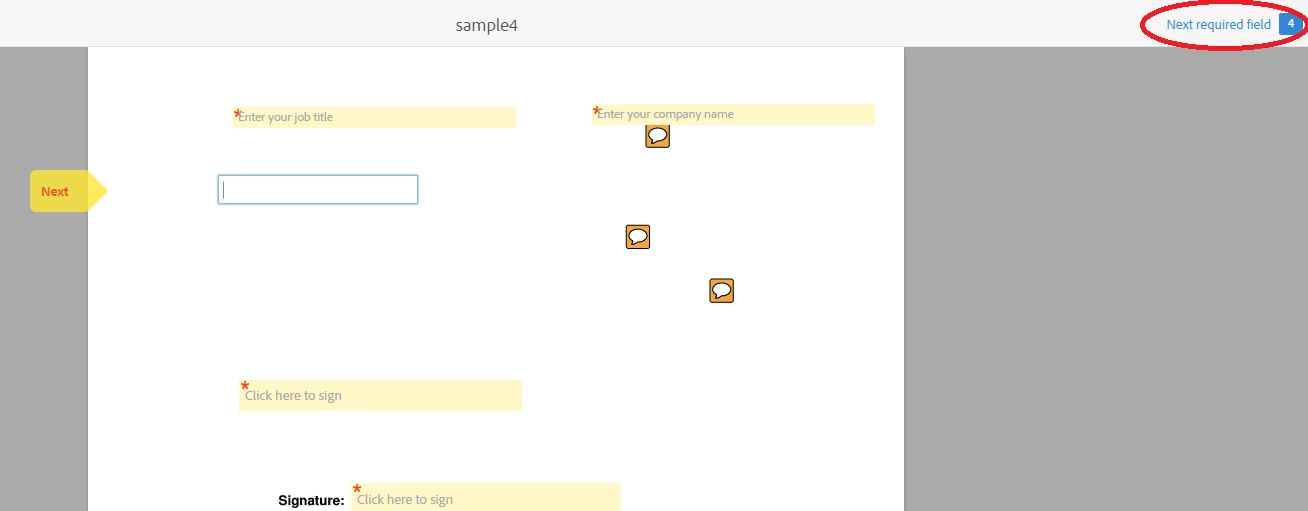
The 'Next required field' button that appears on the right side cannot be skipped.

It shows how many fields you need to fill before signing the document. You can click on it to look for the fields that are yet to be filled or press 'Tab' key to go the next field.

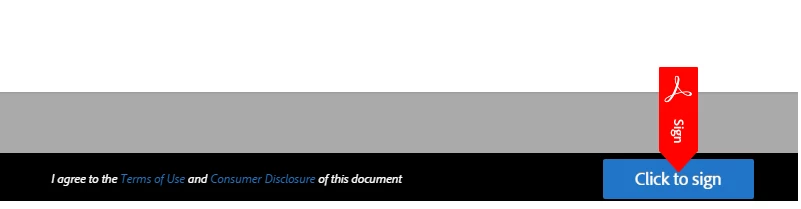
You cannot get the Click to sign button until you fill all the desired fields in the form. Once you fill all the require fields, you will get an option to eSign.

Let me know if you need further assistance.

Regards,

Anubha

1 reply

Anubha Goel
Anubha GoelCorrect answer
Participating Frequently
October 14, 2015

Hey vator.co,

The 'Next required field' button that appears on the right side cannot be skipped.

It shows how many fields you need to fill before signing the document. You can click on it to look for the fields that are yet to be filled or press 'Tab' key to go the next field.

You cannot get the Click to sign button until you fill all the desired fields in the form. Once you fill all the require fields, you will get an option to eSign.

Let me know if you need further assistance.

Regards,

Anubha