
Participant
October 18, 2023
Question

Power Automate - Text Tags seem to disappear

  • October 18, 2023
  • 1 reply
  • 594 views

Hello there,


I'm trying to upload a document, create an agreement and send for signature via cloud flow using Power Automate.


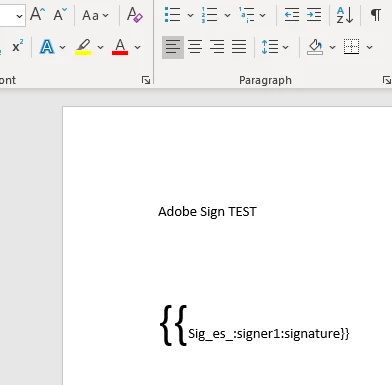
Simple test Word document with one text tag: 


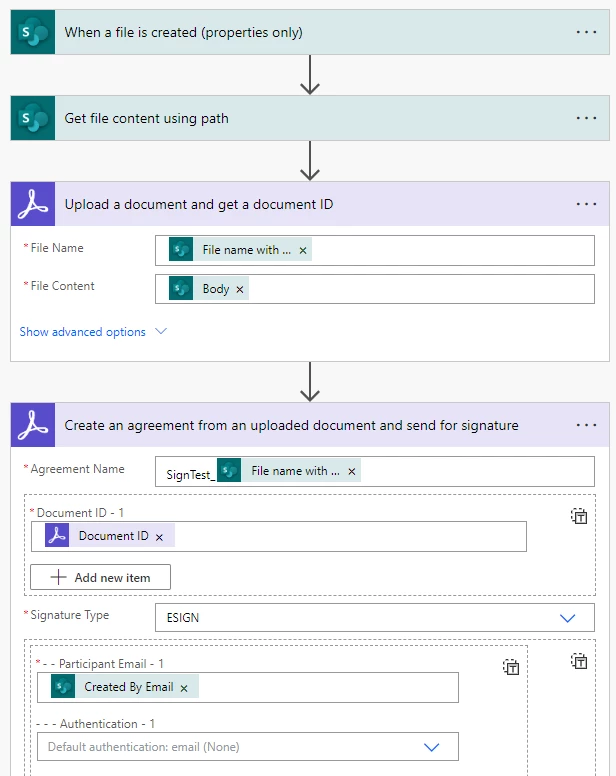
Simple cloud flow:
 

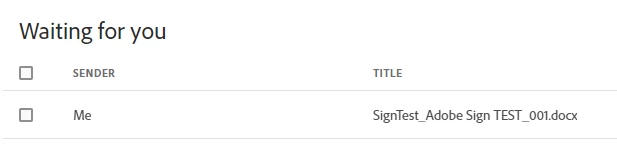
The flow executes fine, the document is visible on the Sign portal:


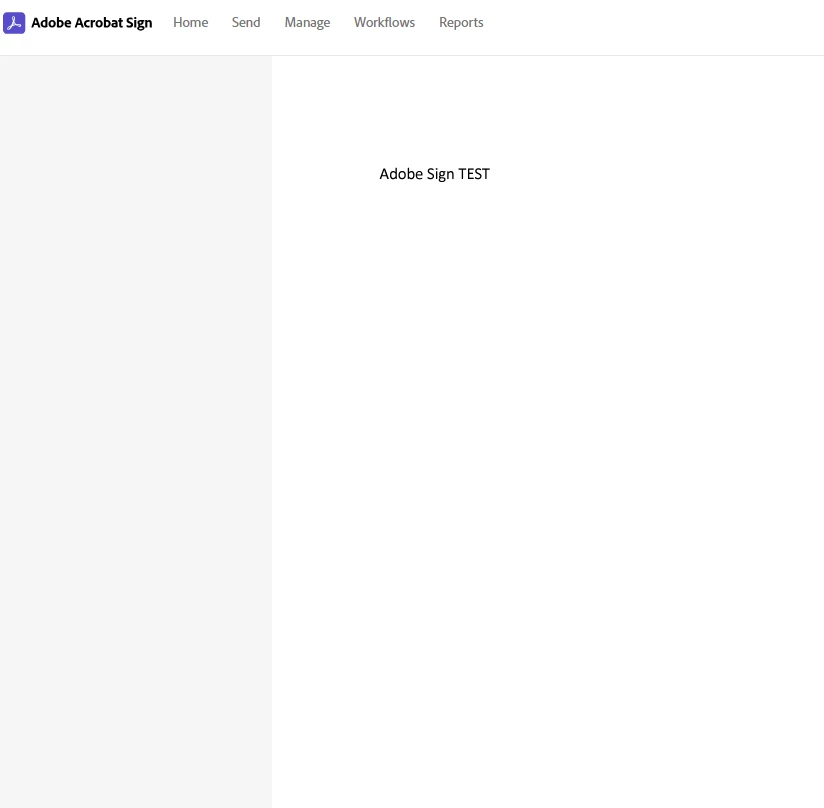
But there is no email notification and the document in the portal seems to lack the text tags:


When I take the same document and start the sign process directly on the Sign portal with the "Send" menu option, everything looks fine:
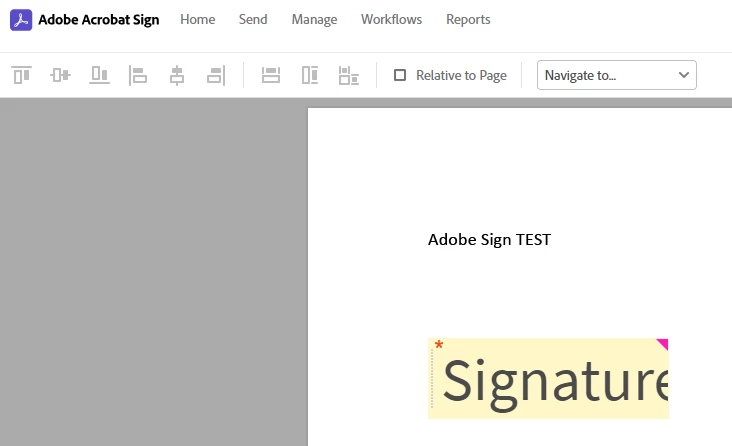


Does anybody have any idea why this doesn't work with the cloud flow?


Thank you in advance.


Cheers,

David

This topic has been closed for replies.

1 reply

Meenakshi_Negi
Legend
October 31, 2023

Hi David32981499jzwh,


Thank you for reaching out, and sorry about the delay in response.


It seems that you are using the Adobe Sign Enterprise plan. If you have a question related to integration, the experts can best answer it. I suggest you, please get in touch with our Adobe Sign Enterprise support team to get the correct information about this. You may contact them using the steps in the following help document: https://helpx.adobe.com/sign/using/adobesign-support-resources.html.

For more information on Power Automate integration: https://helpx.adobe.com/sign/integrations/microsoft-powerapps-flow.html


Thanks,

Meenakshi