
Preassign Signer2 Email
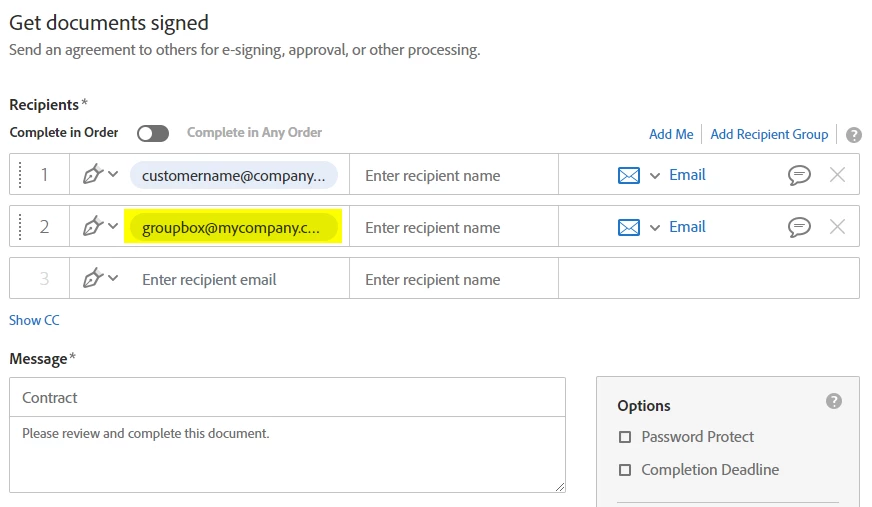
We have a Word template which utilizes text tags to assign all the required fields for Signer1 (the Customer, who is always the first Recipient) and Signer2 (my company, who is always the second Recipient). While Signer1 is a unique address from offer to offer, Signer2 is ALWAYS the same email address - an email node which several members of my team monitor, as there are many contracts coming in which require signing. Is there a method to use text tags within the Word template to preassign the value of Signer2 to the email node (such as groupbox@mycompany.com) so the people sending out contracts (there are hundreds who do this) do not have to use the More Options process just to enter the email address of Signer2?
It would be a tremendous time saver and prevent errors in the Send for Signature process if we could simply enter the Signer1 email address in the Recipients field of the Send for Signature panel and click Send, instead of having to click More Options, enter both email addresses (and hope that Signer2 was entered correctly), and click Send.


 AdChoices