Hello,
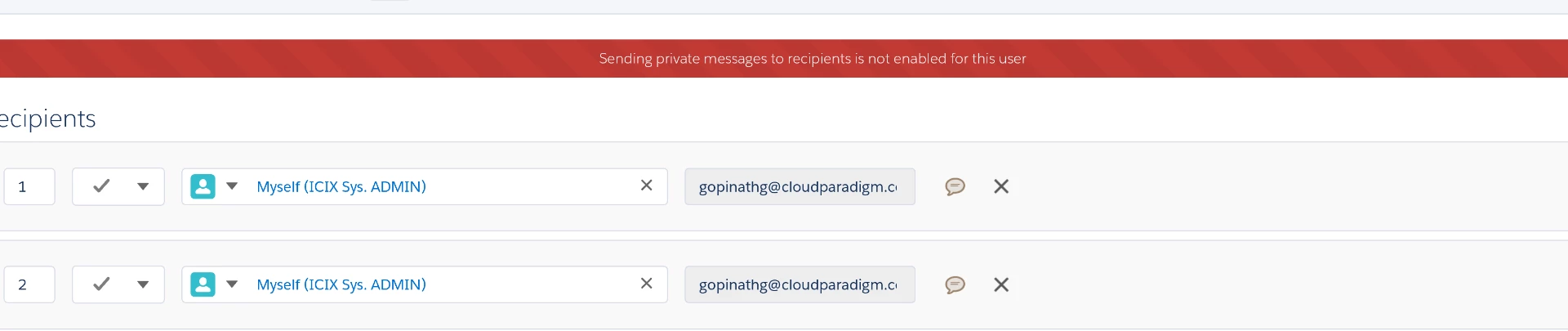
As you get the error message while sending the document for signature in Salesforce, I would suggest you contact the Adobe Sign support team to get this checked.
# For the subscribed account, find below the steps to contact support:
• Log in to your Adobe Sign account directly via Sign In — e-signature and e-sign Software Solution — Adobe Sign
• Once logged in, check the upper right corner of the page and click the question mark icon.
• It will re-direct you to the page where you get the option to create the support case or to start a chat with the team.
• If you've never logged in this way, use the forgot password option on the login link to set your password.
Let us know if you need any help.
Regards,
Meenakshi







 AdChoices