Participant
June 20, 2019
Question

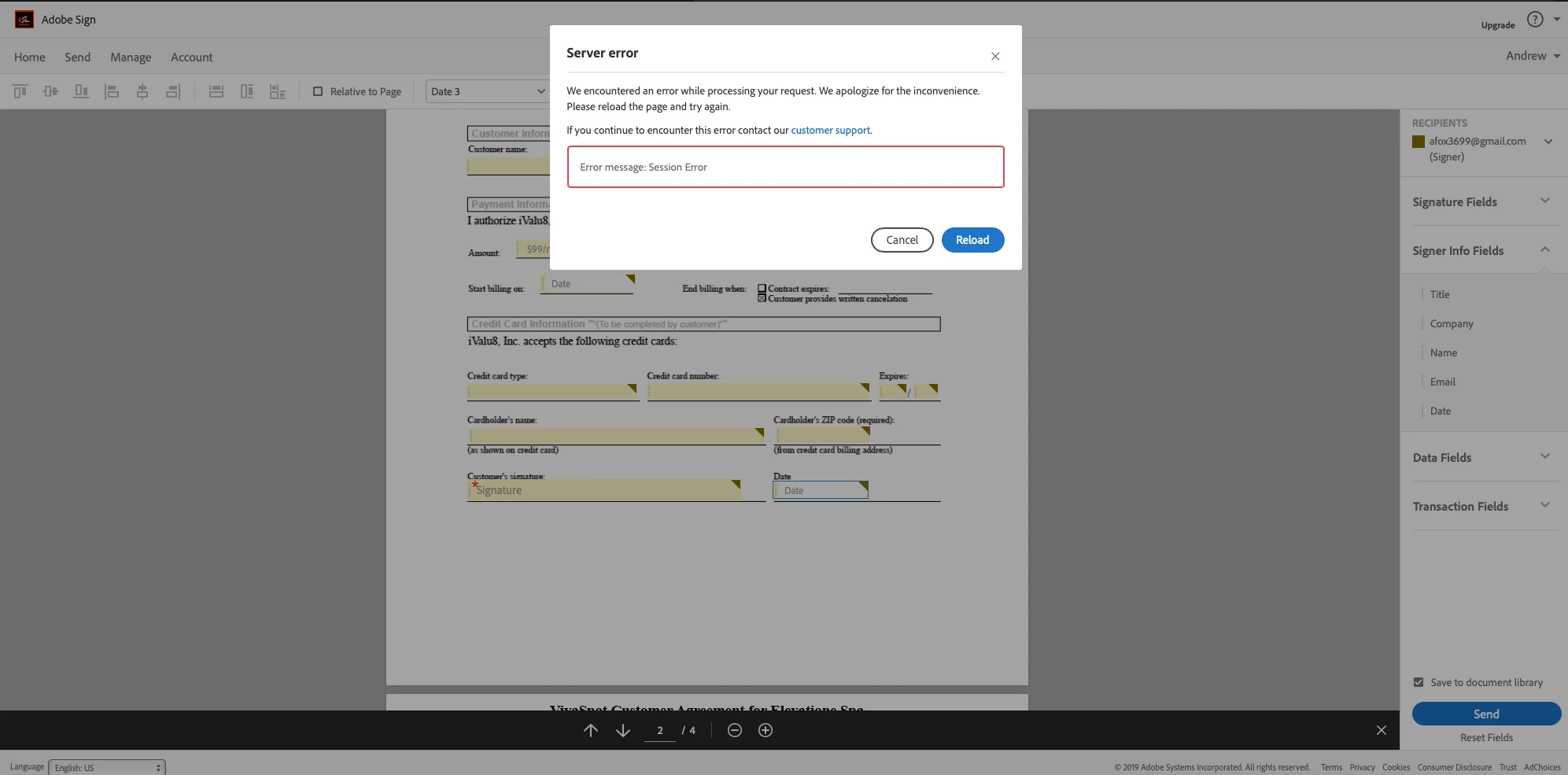
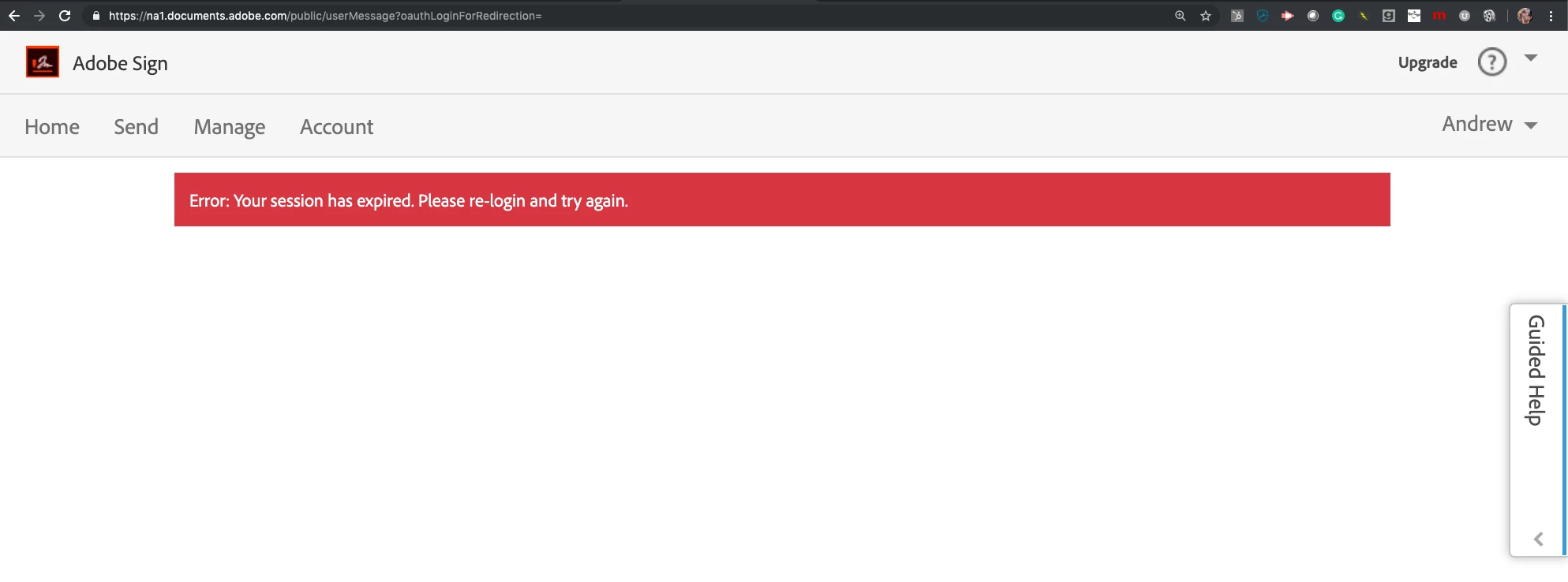
Session Errors when trying to save a template

  • June 20, 2019
  • 1 reply
  • 503 views

Creating a template that i am going to send for signature.  Added fields and then saved.  I lose the template and all the fields and then I get a Session error.  I have also tried to add fields (via Preview and Add Fields) before I send for signature and also get a session error.  First time this has happened and it happens in both Chrome and Safari.

Has anyone experienced this issue and have a potential idea of how to resolve?

Andy
This topic has been closed for replies.

1 reply

AkanchhaS8194121
Legend
June 28, 2019

Hi Andy,

Looking at the description given above, it seems that you get session error specially when you try to send or about to send a document for signature.

Such Errors are most often caused by the local internet browser configuration. You may try the suggestion given in the help article here: Server Error while clicking Send tab in Adobe Sign

Let us know if that makes any difference.

Thanks,

Akanchha

Assisted Living Locators
Participant
July 3, 2019

I have a similar issue when saving a template.  When saving a complete template in this case with 14 data and signature fields I get a Sign In screen and the template is list.   If I do the fields two at a time saving template each time it solves the problem.   Very frustrating but that is my work around.   Any advice here?   I have Adobe Sign paid annual.