


Participant
December 17, 2018
Question

Sign In page and Dashboard is coming repeatedly for every eSignature process

  • December 17, 2018
  • 1 reply
  • 1817 views

Hi

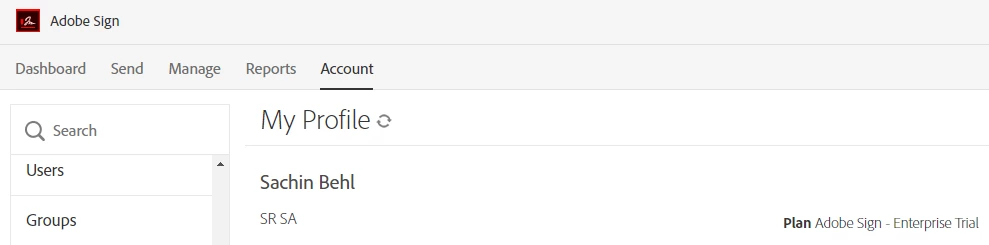
I am signing in from Salesforce - Adobe Sign Admin. Every time I login it lands on below page. Account synching is not happing and not able to proceed with eSignature process. Please guide.
This topic has been closed for replies.

1 reply

Meenakshi_Negi
Legend
December 17, 2018

Hi Sachinb,

I have checked the email address that you used to login to the Adobe forums.

I see that you are using Adobe Sign free trial account.

As you need to use the Salesforce integration for Adobe Sign, I would suggest you use the free Developer edition of Adobe Sign.

You can register for a Developer account here Create Developer Account, APIs for custom applications | Adobe Sign

In case you need any help, please contact Adobe Sign pre-sales team.

They will be able to provide pre-sales technical assistance to you.

You may contact them with the contact option provided in this link Adobe Sign plans for individuals and businesses | Adobe Document Cloud.

Hope that helps.

Regards,

Meenakshi

Participant
December 17, 2018

Hi Meenakshi,

Create developer account and same issue. It's landing on Adobe Dashboard instead of returning back to SFDC App page.

Participating Frequently
December 18, 2018

Hi Sachin,

Is the email address that you signed up with for the Adobe Sign Developers Account the same as the one used in Salesforce? If not, this can cause the syncing issue.

If this is the same email address, please send me a private message with the email address and we'll look into it for you.

Kind regards,