
Signature Missing - Signing complete with Audit Trail
Hi there,
I am running Adobe Sign from a button on a Salesforce record after the doc merge in Conga Composer.
Occassionally our signed contracts are returned without a signature block. I've been unable to recreate the situation, but there are several contracts that have been signed but they do not show the name and signature on the document. I'm trying to identify a cause or get some assistance with troubleshooting it. Obviously, it is embarrassing when we have to resend a contract to the client.
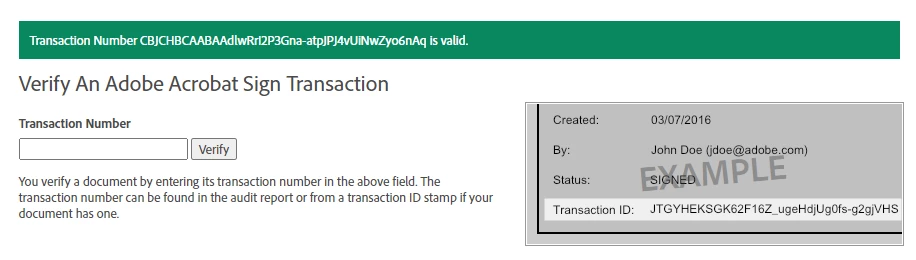
The signature is returned like this, a bit is there but overall missing. The signature link is there and when clicked it takes you to the Adobe site and verifies that the transaction is valid. Salesforce is also recording the transaction as "Signed" and complete.

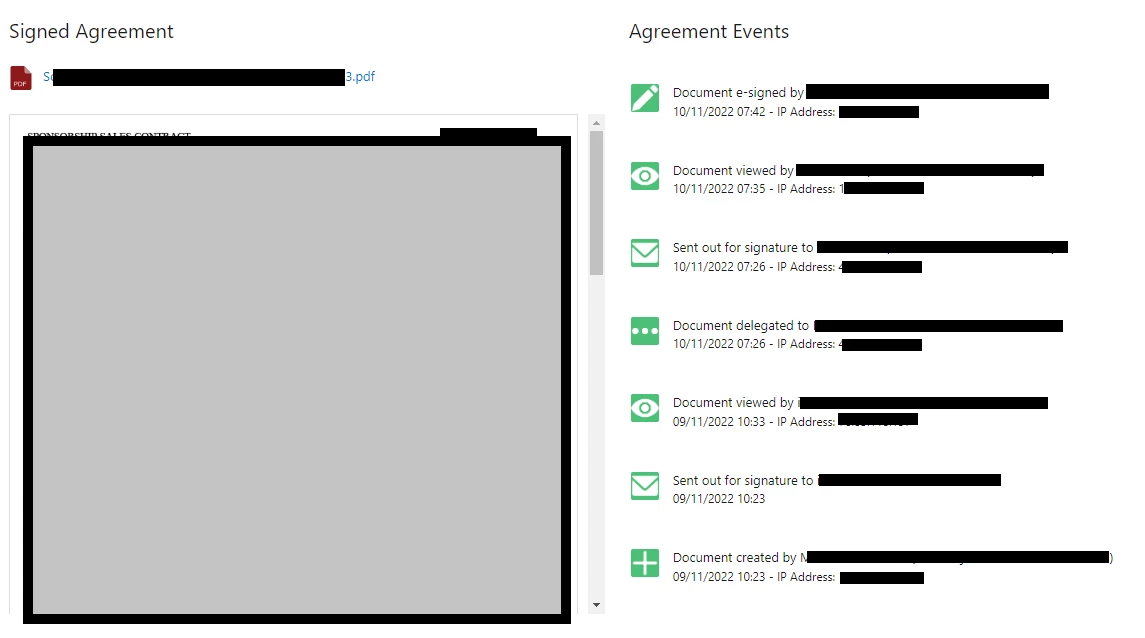
When reported by the user, I ran the document again. But with a different result. No issue. I tested from a few records with no issues.

Any ideas on what could cause this intermittent issue?
Thanks!


 AdChoices