
Answered
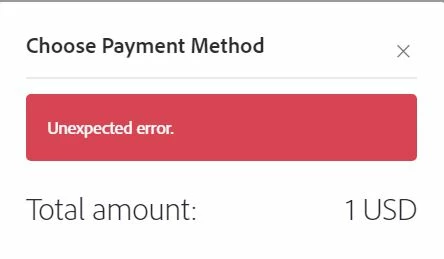
"Unexpected error" during payment
Our customers are consistently getting an "unexpected error" when they sign our contract and attempt to make a payment through Adobe Sign. We have the payment integration with Braintree. We have been able to replicate the error on multiple browsers and devices. The error message shows up at the top of the popup payment window after clicking "Place Order and Sign", and does not include any other details (screen shot below). I would appreciate any pointers on how to resolve this.


 AdChoices