lavier37129975
Participant
May 31, 2019
Question

URGENT - tried to remove the file on cloud but public link still works

  • May 31, 2019
  • 1 reply
  • 611 views

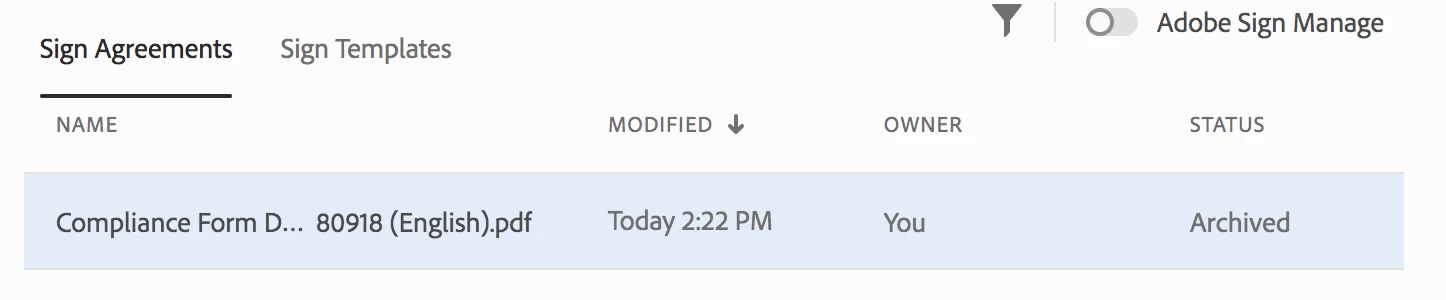
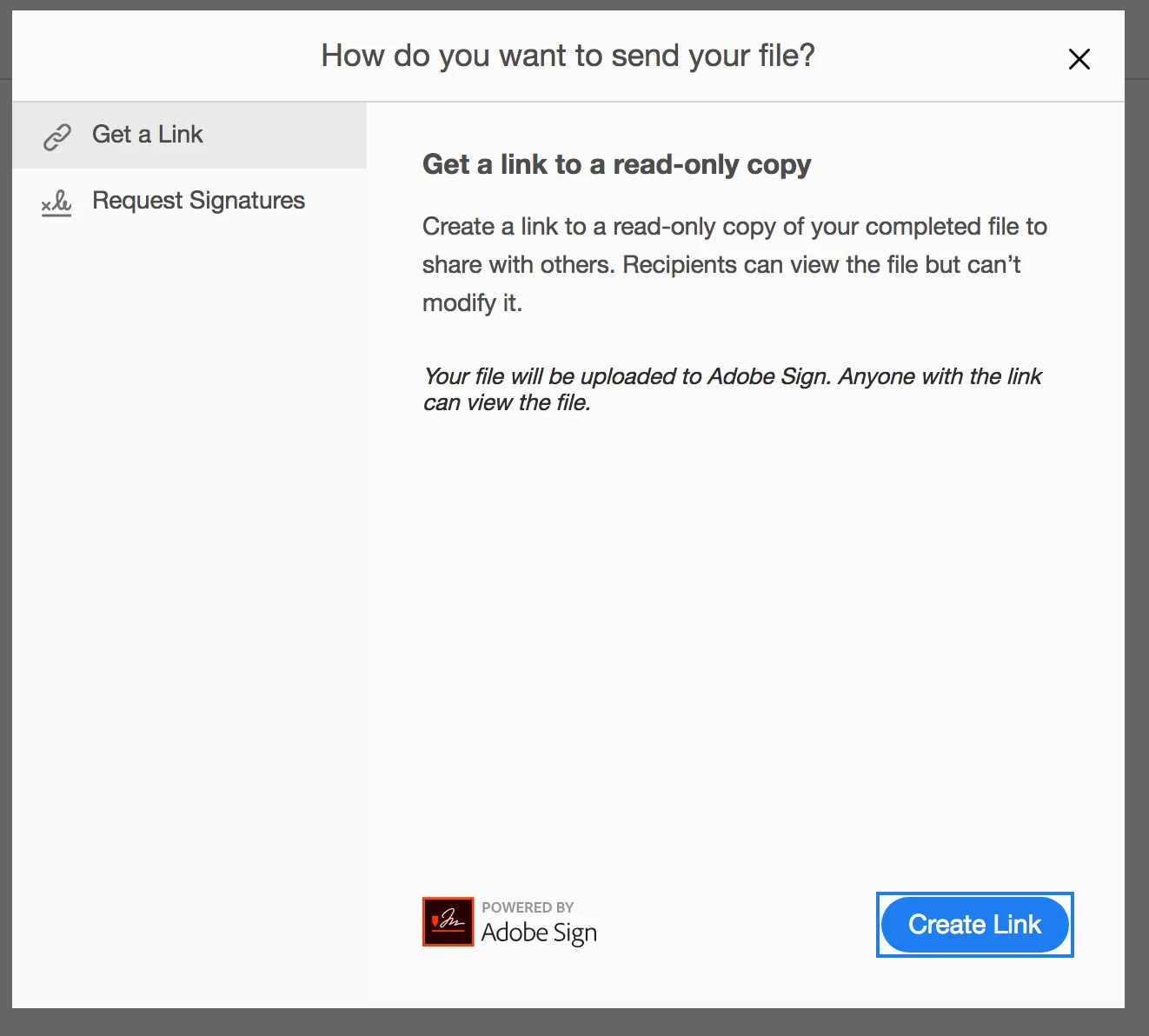
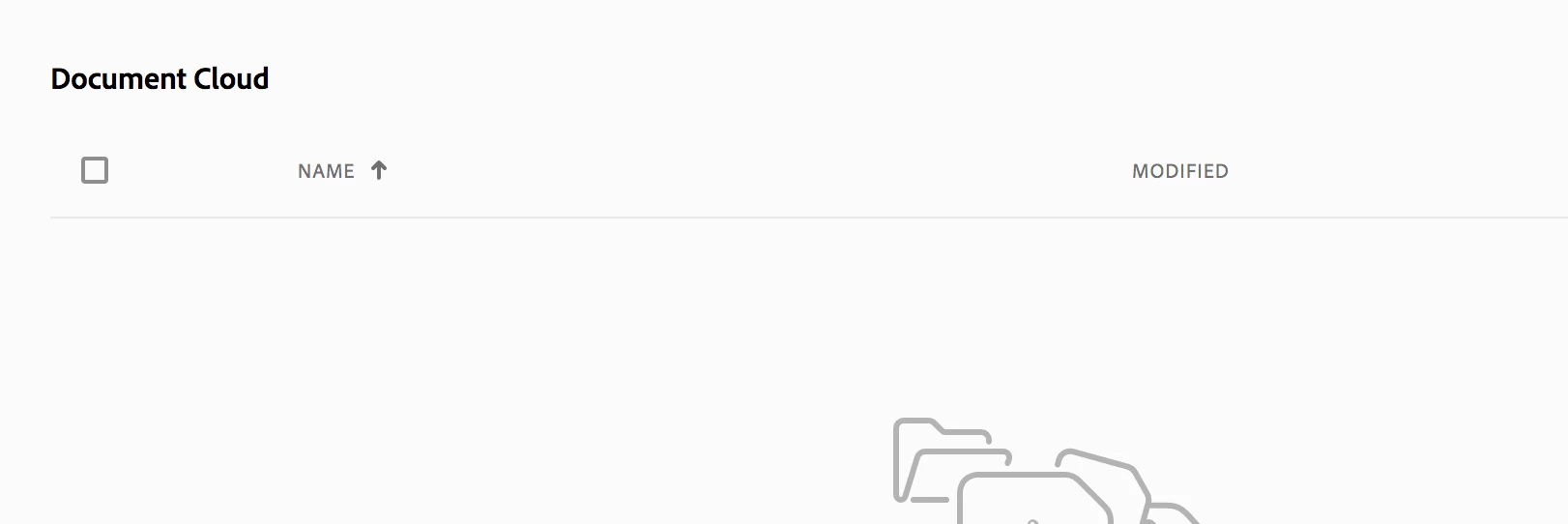
I shared my file using adobe cloud and accidentally created a shared link. I tried to follow the instructions by other forum posts to remove the file from my cloud storage by "deleting the file". The file is deleted, cloud is empty, but under "Shared">"For Signature", the file says it's Archived. When I access the public link on the browser, the link still works. I need this link to be removed urgently as it contains sensitive information. Please help.
Delete or Remove Link Sharing

This topic has been closed for replies.

1 reply

Meenakshi_Negi
Legend
June 19, 2019

Hi Lavier,

Sorry for the delay in response.

As the file is uploaded in the Adobe Sign, you will need to delete the document from the Adobe Sign account in order to remove it from the public link.

To delete a document from Adobe Sign, you will need the Adobe Data retention policy. For more details on Document retention from Adobe Sign, refer to this help link Adobe Sign - Document Retention

Hope the information helps.

Regards,

Meenakshi