Inspiring
September 14, 2021
Answered

Webhooks Configuration failed

  • September 14, 2021
  • 1 reply
  • 1587 views

Request URL

https://api.sg1.adobesign.com:443/api/rest/v6/webhooks
Response Body
{
  "code": "INVALID_WEBHOOK_URL",
  "message": "Validation for webhook url failed. Please make sure that the webhook url responds with a valid HTTP response code and a valid client id."
}


Data:

{    "applicationName": "Test application", 
    "name": "Somename - 5c0bc93d-b955-4451-bbc1-3b7e92c1cd6c", 
    "state": "ACTIVE", 
    "scope": "ACCOUNT", 
    "webhookSubscriptionEvents": [
        "AGREEMENT_ACTION_COMPLETED"
    ], 
    "webhookUrlInfo": {
        "url": "https://www.sqlviewhz.com/KRISADMIN/adobesignCallback"
    }
}
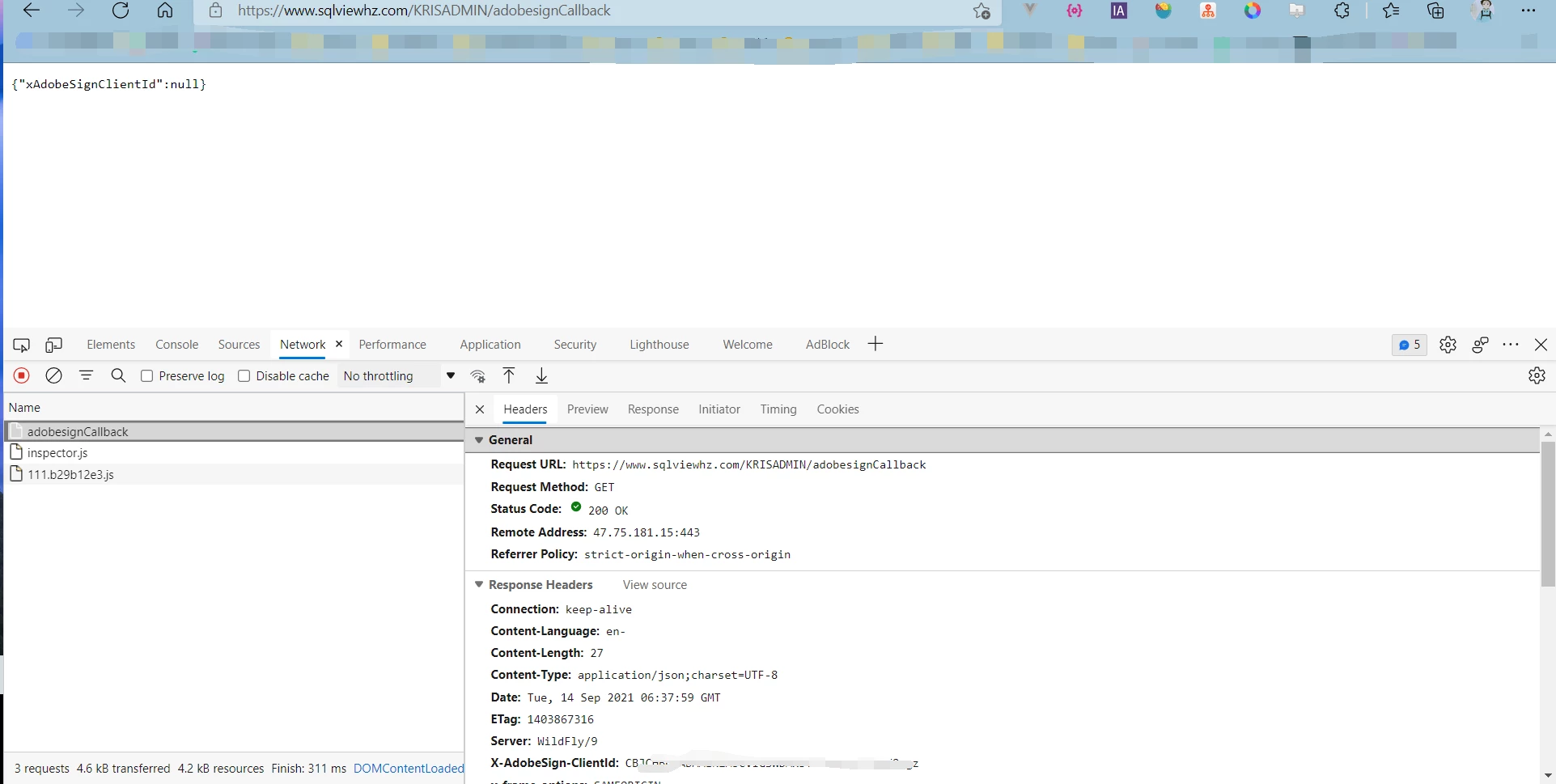


URL can be accessed, webhook configuration failed
 
This topic has been closed for replies.
Correct answer SimonESATS

1.POST

2.GET


I suspect the webhook may have been created via the webportal, rather than via the API.

In that cas the clientID to use is the clientID of the Sign webportal which is

 UB7E5BXCXY


(it should also be in the header of the GET request itself)

1 reply

Adobe Employee
September 14, 2021

how does the url respond to the initial GET request Sign pings the url? and how will it respond to POST requests  following that? See https://www.adobe.io/apis/documentcloud/sign/docs.html#!adobedocs/adobe-sign/master/webhooks.md

The webhook willl send a GET request to the url in order to verify it. It expect a 200 response and the clientID as a response.


If done correctly the same response is expected for the POST notifications.

Inspiring
September 15, 2021

Hi SimonESATS,


Thank you for your reply.

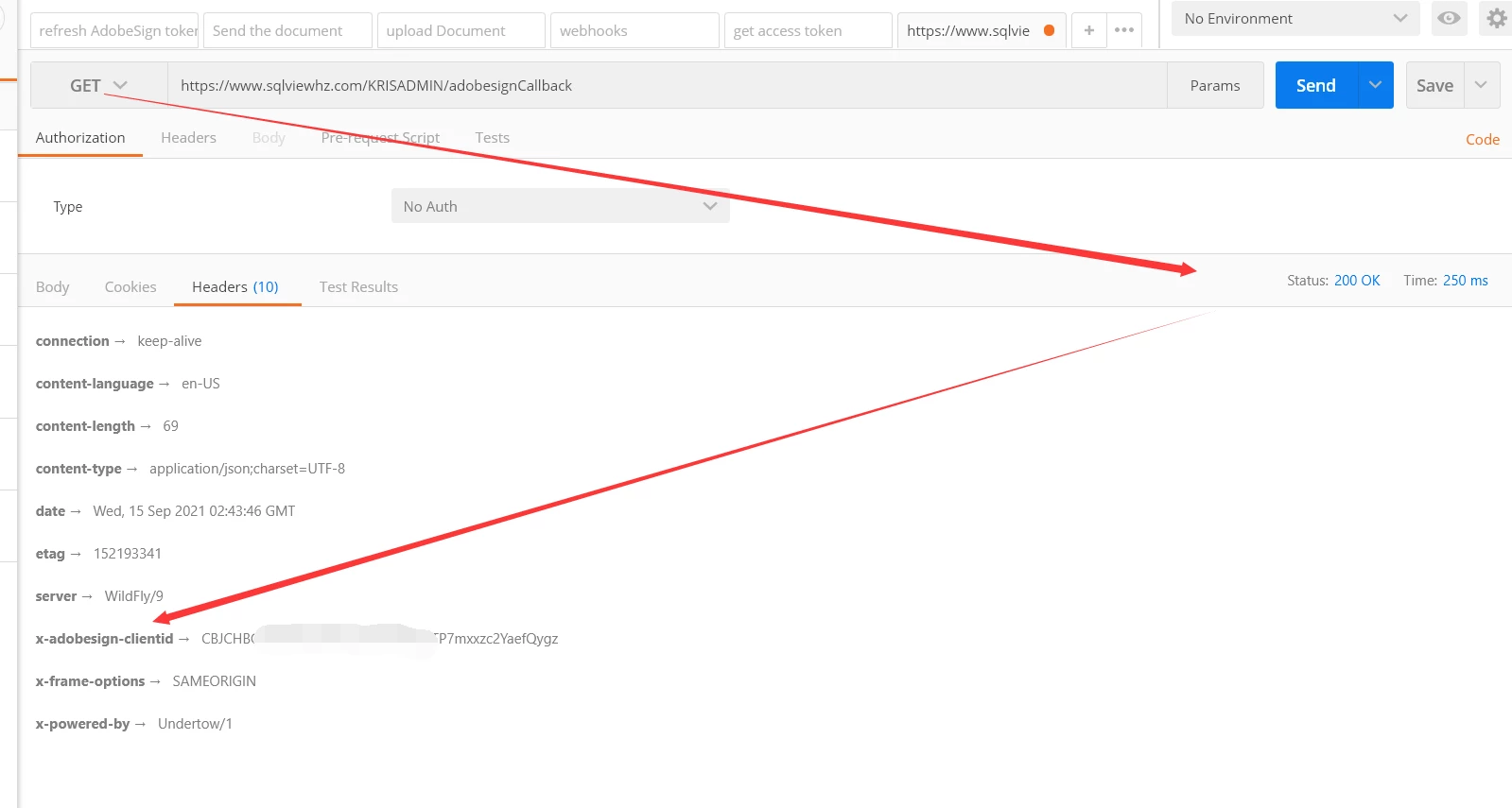
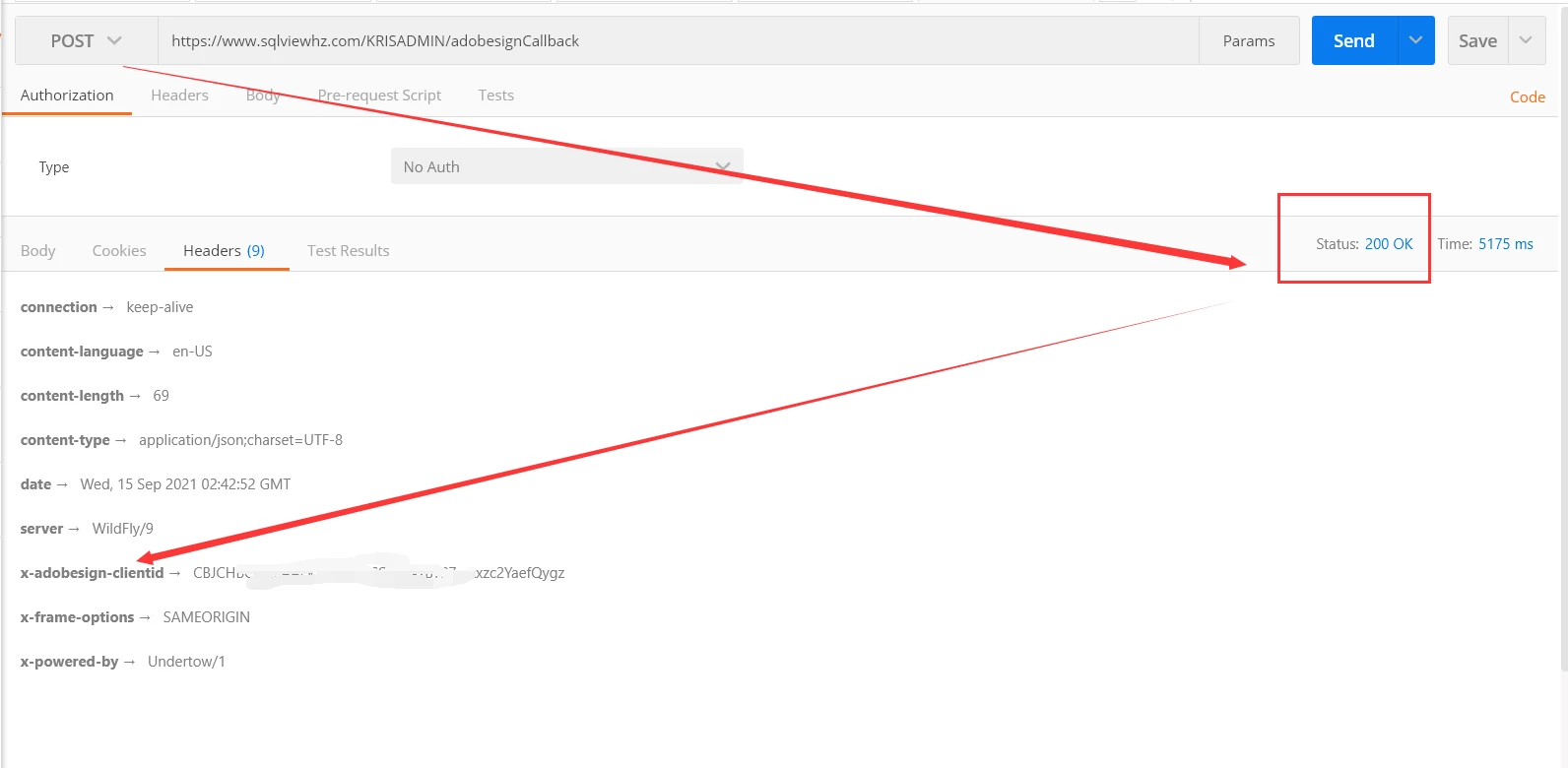
Our URL supports GET and POST request access

The URL I provided is Java Restful. Is there any requirement or attention to the Java project?And I can get that Adobesign requested to visit my URL and returned.


Thanks.

Best Regards.

Inspiring
September 15, 2021

1.POST

2.GET