

Participant
Sep 17, 2026 4:33 PM UTC
Answered

Why is Adobe Sign automatically adding signature fields?

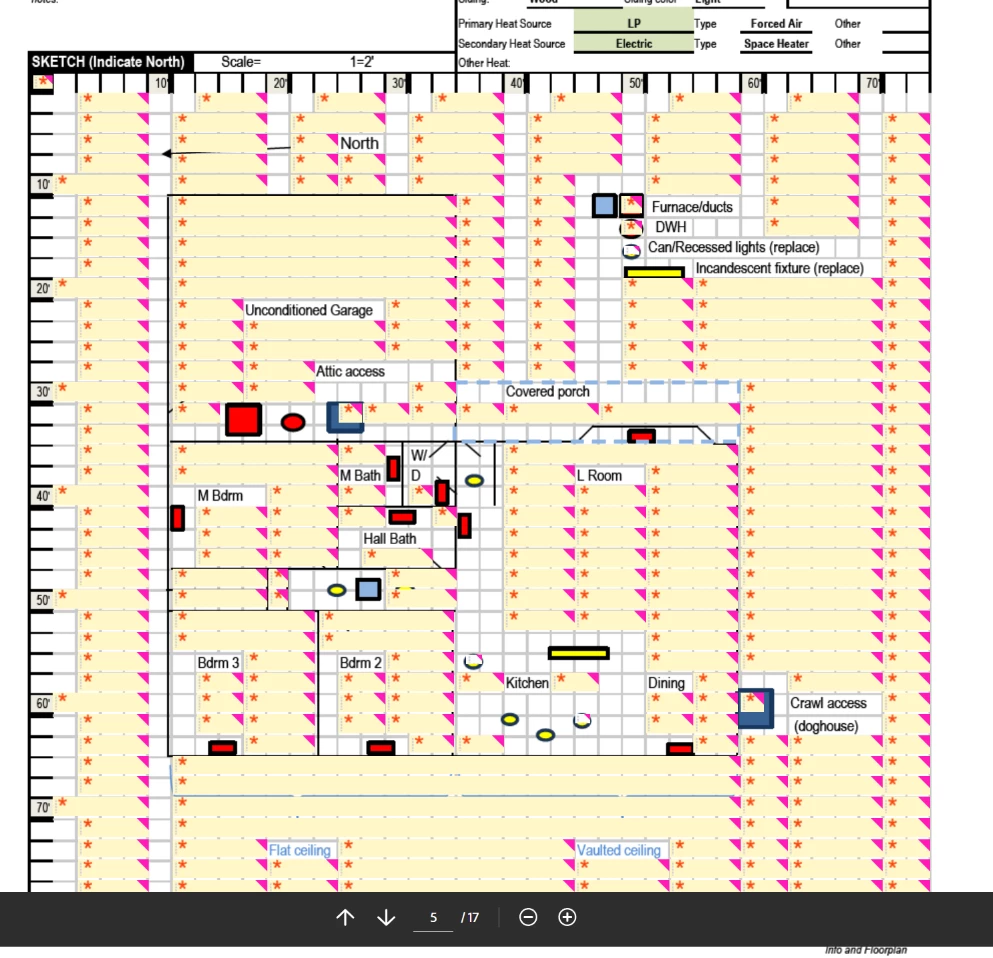
Why is Adobe Sign adding signature fields automatically? I have to go in and delete each one manually. Like below, except the document is 8 pages of this:

 

    Colin27559208oh02Correct answer
    Participant
    Sep 18, 2026 4:05 PM UTC

    I’m unable to reproduce the problem today. I’ve been using the same process to prepare Excel project workbooks for signature for close to a decade without this issue, so maybe it was just a temporary glitch with the way the Excel Adobe plugin was converting the workbook before loading into AdobeSign. Basically, AdobeSign was automatically converting every empty cell in the PDF into a signature field. I tried multiple workbooks over the span of several hours yesterday, finally resorting to manually deleting each signature field. But they seem to be uploading to Adobe Sign just fine today, it’s back to letting me add the signature fields manually. If the problem comes back I’ll upload a copy of the document.

    6 replies

    Participant
    Sep 25, 2026 5:54 PM UTC

    I get the same problem using fillable pdfs

    Translate
    Participant
    Sep 25, 2026 6:23 PM UTC

    These are just straight pdfs, no form fields. Hope the problem never comes back because it was insanely tedious to delete all of them individually, there was no way to shift-select a block of them at one time.

    Translate
    Meenakshi Negi
    Community Manager
    Community Manager
    Sep 28, 2026 7:25 AM UTC

    Hi helpful_Lionheart4616,


    Thank you for reaching out, and sorry for the trouble caused.

    Please confirm if you experience the same behaviour. If yes, could you please share a short video of what happens when you upload the form to add form fields? Additionally, please share the PDF so we can check it.


    Let us know if you need any help.


    Thanks,

    Meenakshi

    Translate
    Participant
    Sep 25, 2026 4:15 PM UTC

    My own post got correct answer….lmfao.

    Translate
    Meenakshi Negi
    Community Manager
    Community Manager
    Sep 18, 2026 10:48 AM UTC

    Hi Colin27559208oh02,


    Thank you for reaching out, and sorry for the trouble caused.


    Acrobat Sign typically does not automatically add signature fields to form fields unless they are explicitly marked as such.

    Could you please share the initial document that you uploaded to Acrobat Sign? This will help us review the workflow and investigate the issue further.

    If you have any questions, please let us know.


    Thanks,

    Meenakshi

    Translate
    Colin27559208oh02AuthorCorrect answer
    Participant
    Sep 18, 2026 4:05 PM UTC

    I’m unable to reproduce the problem today. I’ve been using the same process to prepare Excel project workbooks for signature for close to a decade without this issue, so maybe it was just a temporary glitch with the way the Excel Adobe plugin was converting the workbook before loading into AdobeSign. Basically, AdobeSign was automatically converting every empty cell in the PDF into a signature field. I tried multiple workbooks over the span of several hours yesterday, finally resorting to manually deleting each signature field. But they seem to be uploading to Adobe Sign just fine today, it’s back to letting me add the signature fields manually. If the problem comes back I’ll upload a copy of the document.

    Translate