素子空間
Participant
April 4, 2026
Question

A bit confused about "Quality Issues" rejections for my simple line art illustrations

  • April 4, 2026
  • 6 replies
  • 77 views

Hi everyone,

I’m a bit stuck and was hoping to get some advice from the community.

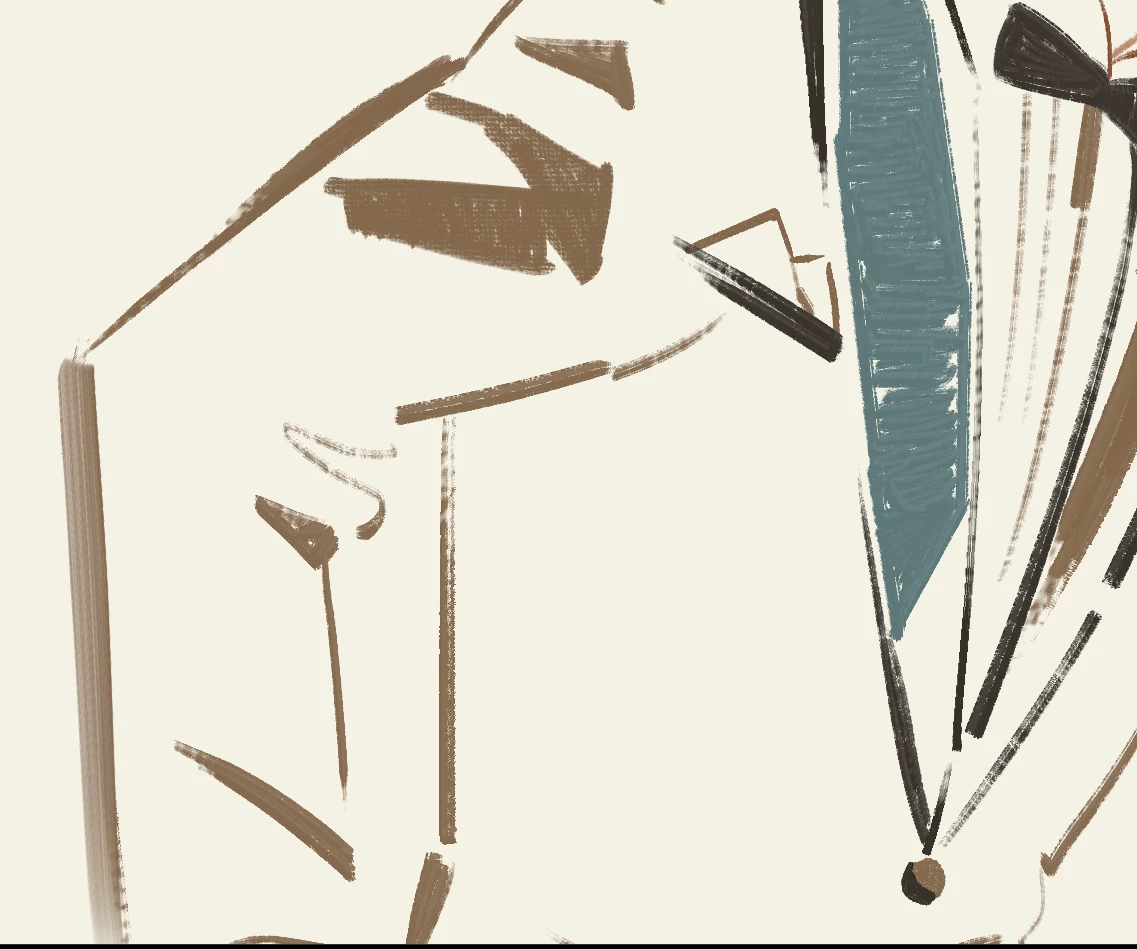
I recently uploaded some high-resolution PNG illustrations (8000x8000 px) created in Clip Studio Paint. However, they keep getting rejected for "Quality Issues" citing noise or artifacts.

I'm a bit confused because I used an oil-paint style brush to give the lines some character, so there's intentional texture in the art. I’ve even tried uploading files where the edges are absolutely smooth and only the filled areas have textures, but the rejection reason remained exactly the same.

I know as a raster file, it won't have the perfectly smooth edges of a vector, but I see a lot of other textured art on Adobe Stock. Is the system misidentifying hand-drawn textures as technical flaws? Or should I be prepping my files differently?

Also, since these are just simple line art character sketches without any color fills, would it be better to just upload them as JPGs instead of PNGs? I’m wondering if the transparency might be causing the noise filter to trigger.

I'd really appreciate any tips or experiences you guys could share. Thanks a lot!


6 replies

Nancy OShea
Community Expert
Community Expert
April 5, 2026

One more thing. Avoid using TEXT on drawings. You’ll reach a wider customer base without text.


Nancy O'Shea— Product User & Community Expert
Nancy OShea
Community Expert
Community Expert
April 5, 2026

Unfortunately, rasterized artwork such as this won’t be suitable for use in commercial print projects like t-shirts or posters. 


Ideally, you should be submitting vector graphics from Illustrator or Inkscape as AI, EPS, or SVG files.


The genius of math-based vectors is they stay crisp & clean at any scale. You can’t do that with pixel-based JPG or PNG with transparency. 

https://helpx.adobe.com/stock/contributor/help/vector-requirements.html

https://helpx.adobe.com/stock/contributor/help/vector-dos-and-donts.html


Hope that helps.


Nancy O'Shea— Product User & Community Expert
daniellei4510
Community Expert
Community Expert
April 4, 2026

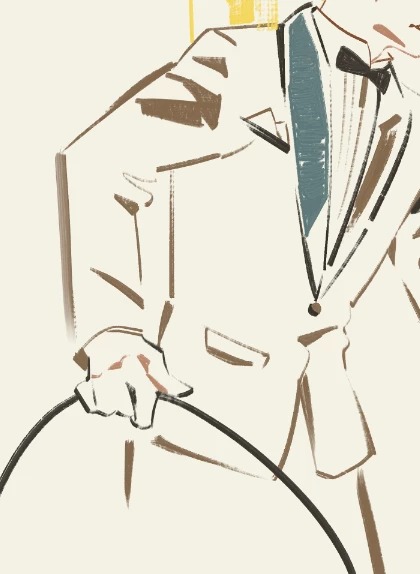
I kind of wonder what the man is holding, as opposed, say, to a brief case or something?

Adobe Community Expert | If you can't fix it, hide it; if you can't hide it, delete it.
Cosmic Studio
Known Participant
April 4, 2026

Hi, just to confirm, the PNG illustrations you submitted have a transparent background, right? If not, they should be submitted in JPEG format.

素子空間
Participant
April 4, 2026

Yes, I submitted it in PNG format.

Cosmic Studio
Known Participant
April 4, 2026

Your drawings are very good. Since you have already tried submitting a version with smooth edges, I am honestly not sure what a reviewer might object to.

It could be the shadow on the first woman’s neck or the lack of detail in one of the legs. Maybe a different finish for the furniture in the illustration with the woman and books.

Your work is great, but sometimes, for an asset to be accepted, we need to set aside a bit of the artistic side and make it more generic and clear.

daniellei4510
Community Expert
Community Expert
April 4, 2026

Oh. Sorry. You DID post a couple My browser loaded too slowly, I guess. :) We’ll take a look.

Adobe Community Expert | If you can't fix it, hide it; if you can't hide it, delete it.
daniellei4510
Community Expert
Community Expert
April 4, 2026

Can’t be of much help without seeing the rejected assets in question. Post them here, as large as they original as possible (the limit is 5MB).

Adobe Community Expert | If you can't fix it, hide it; if you can't hide it, delete it.
素子空間
Participant
April 4, 2026

Thanks for the help! Here is the full version of my drawing. I’ve downsized it to 4000 x 4000 px to fit the 5MB forum limit, but the original file I submitted to Adobe Stock was an 8000 x 8000 px PNG.

daniellei4510
Community Expert
Community Expert
April 4, 2026

Ah. Now I see what he’s holding. Just thinking as a moderator zipping through a limited amount of time to review images, I’d would say they might lack enough detail in places, like the girl holding the box. Also, I assume you didn’t submit these with the added test. That should be eliminated. 

Adobe Community Expert | If you can't fix it, hide it; if you can't hide it, delete it.