Participating Frequently
September 25, 2026
Answered

About 90% of my AI-generated images are being rejected for “Quality Issues” — what am I missing?

  • September 25, 2026
  • 22 replies
  • 193 views

Hi everyone,

I'm hoping some experienced Adobe Stock contributors can help me understand what I'm doing wrong.

I've recently started building an AI-generated image portfolio for Adobe Stock, and I'm experiencing a very high rejection rate.

Around 90% of my submitted images have been rejected for “Quality Issues.”

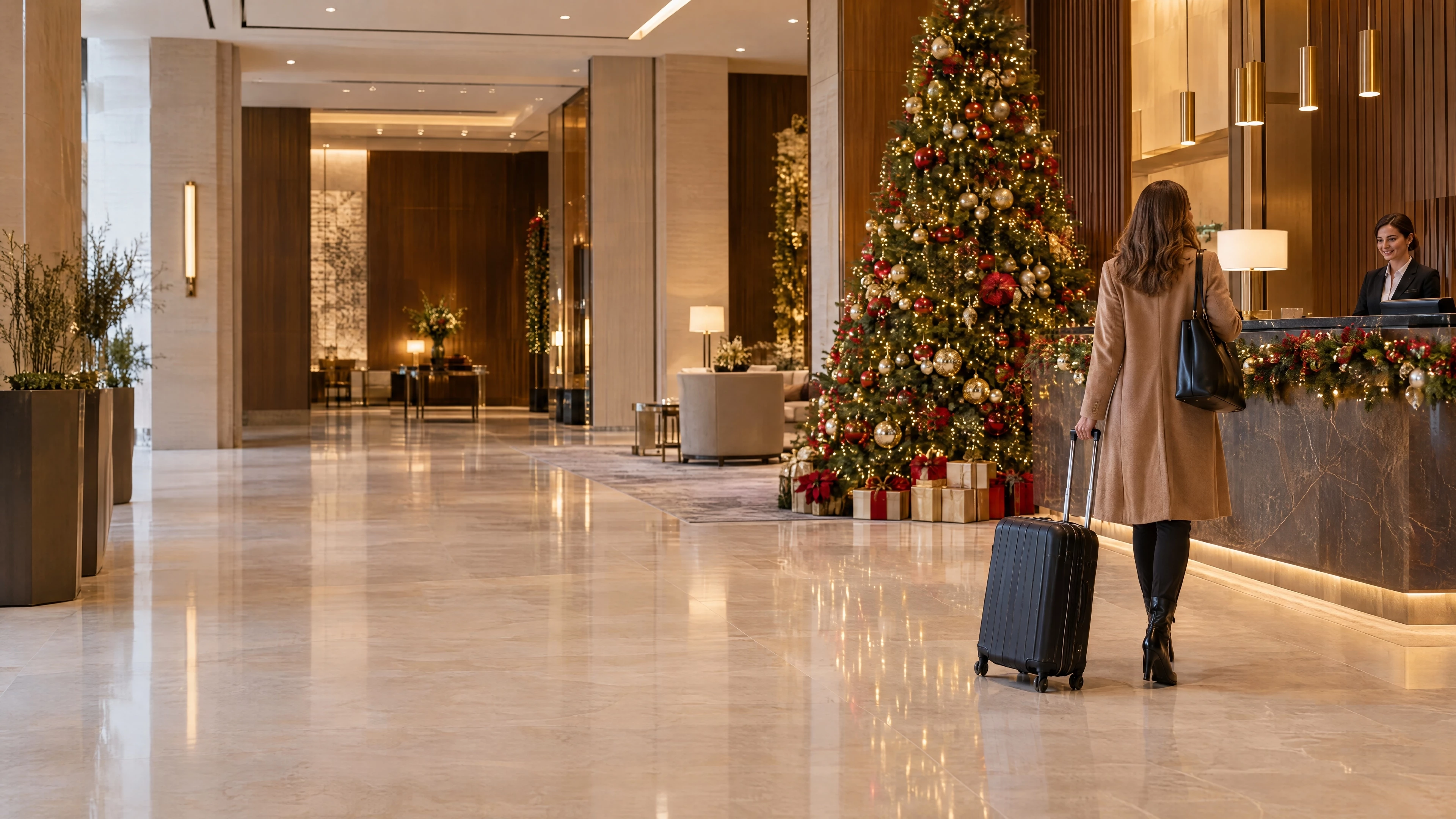
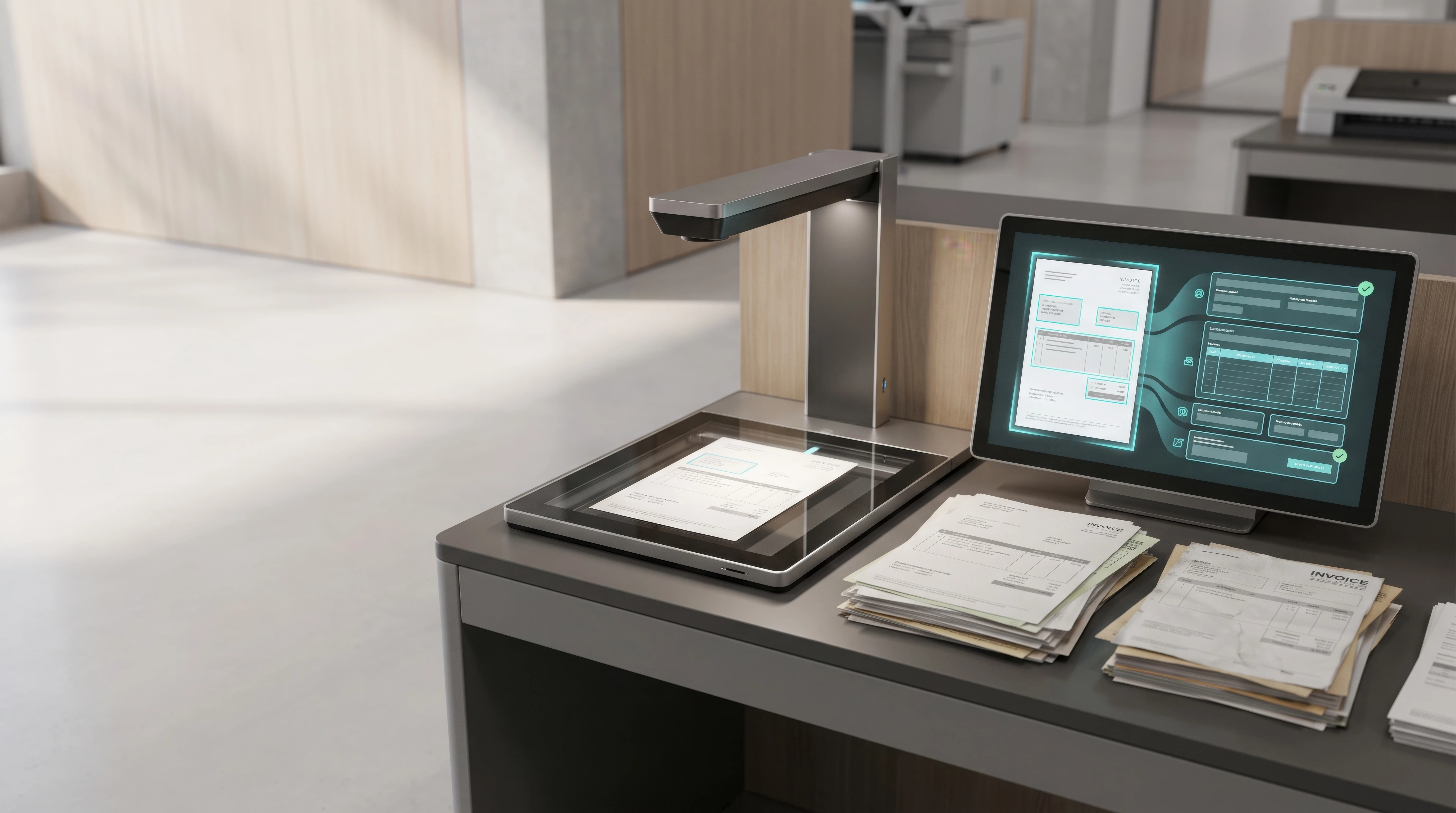
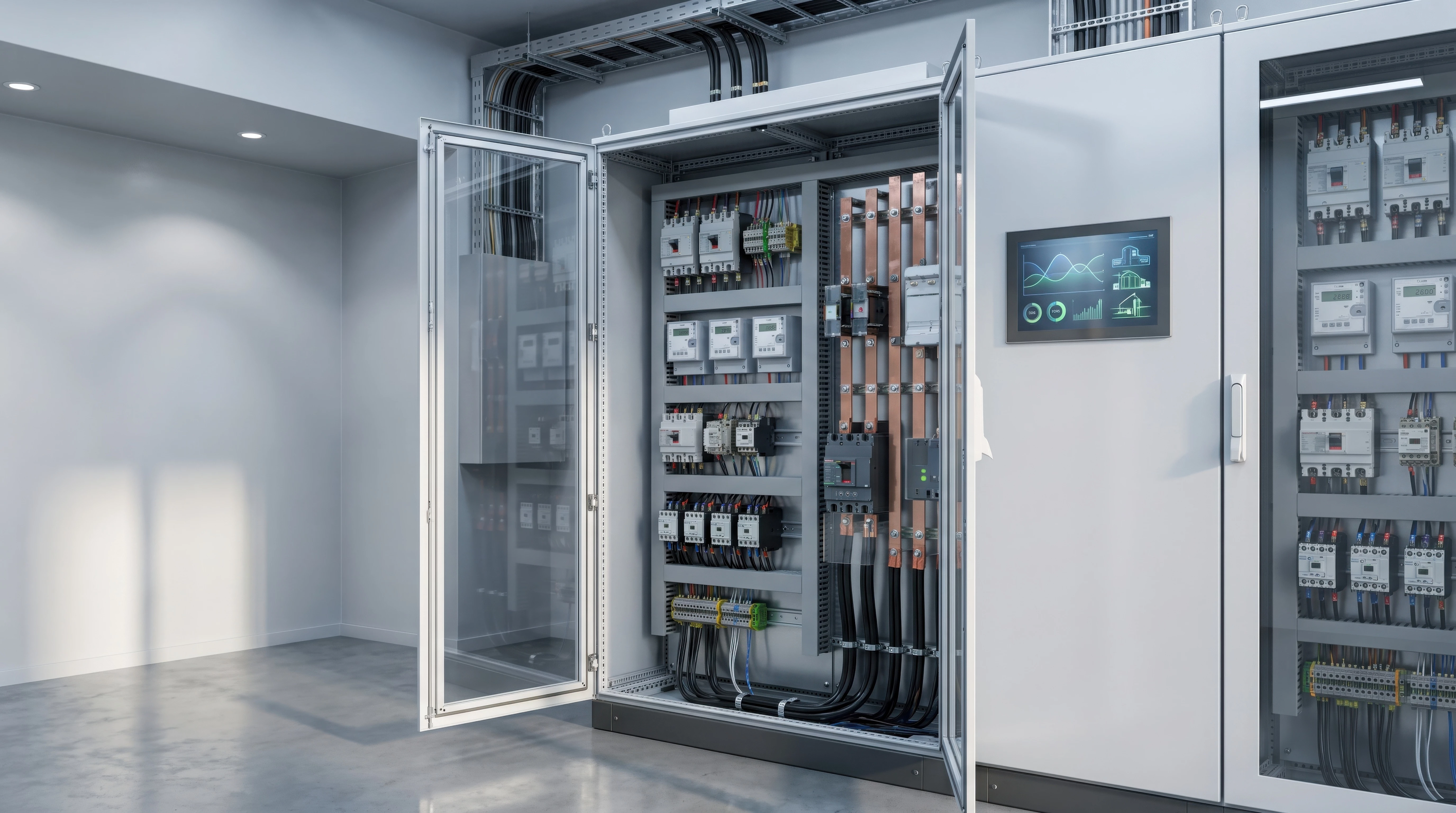
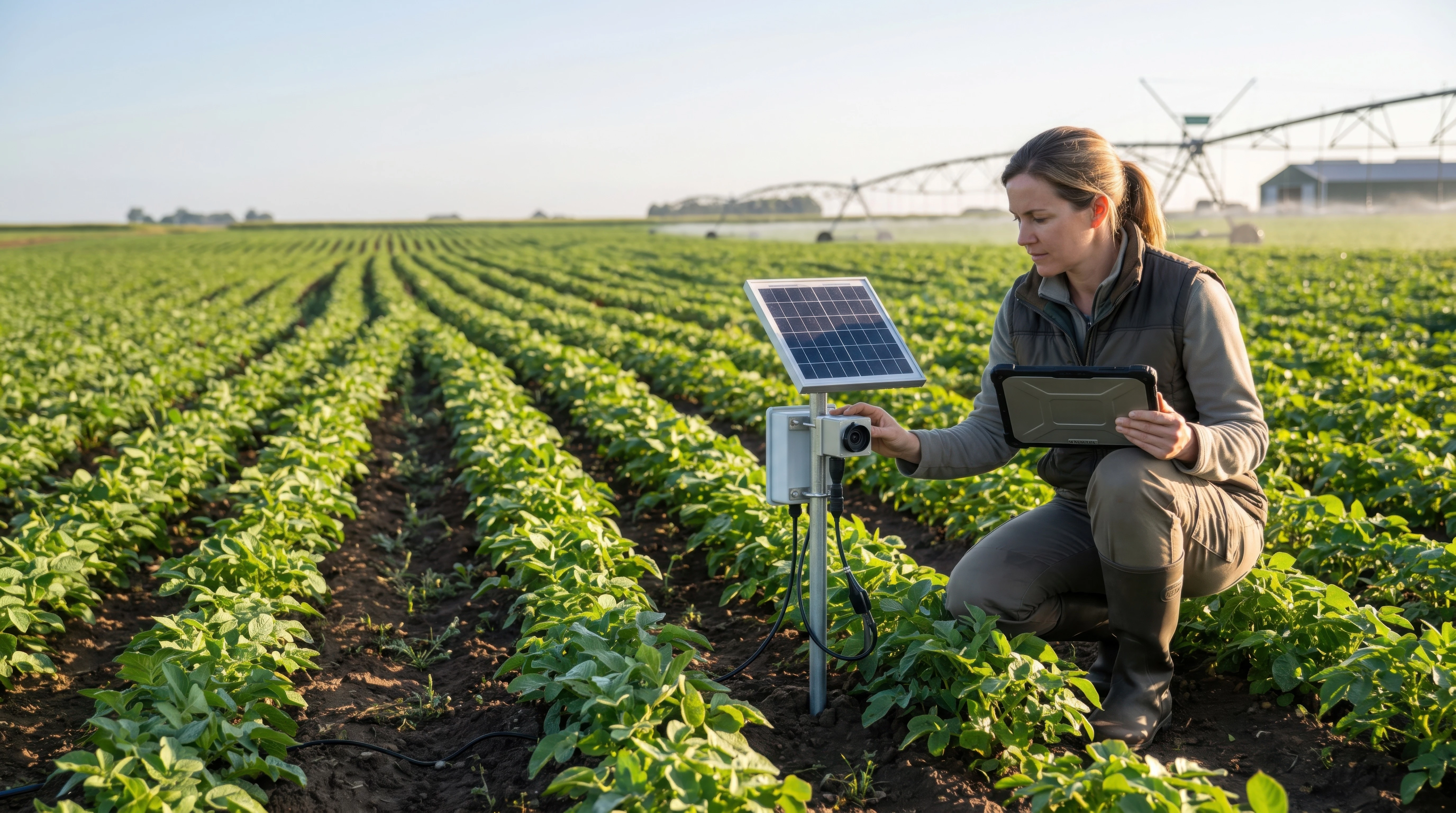
I've attached several examples of the rejected images below. I'd really appreciate it if experienced contributors could take a look and give me some honest feedback.

What specific quality problems do you see in these images?

Are there any recurring issues across the examples?

Is there anything I should be checking or improving before submitting future images?

I'm not looking to appeal the rejections. I'm trying to understand the quality standards better and identify what I'm missing so I can improve my workflow.

I'm particularly interested in feedback from contributors who have experience with Adobe Stock and AI-generated content.

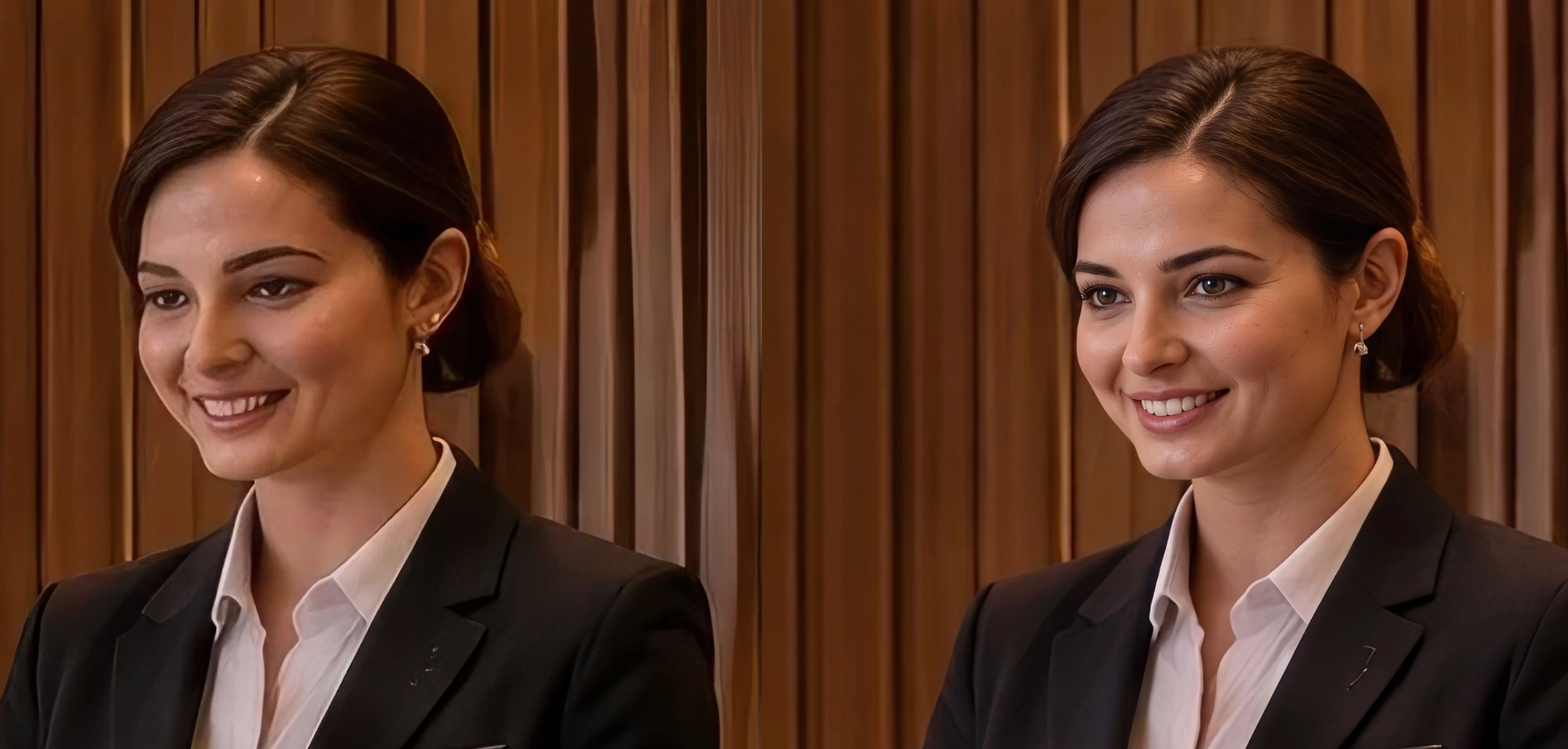
For comparison, I’ve also included two images at the end that were accepted.


Thank you in advance to anyone willing to take a look and share their experience. 🙏
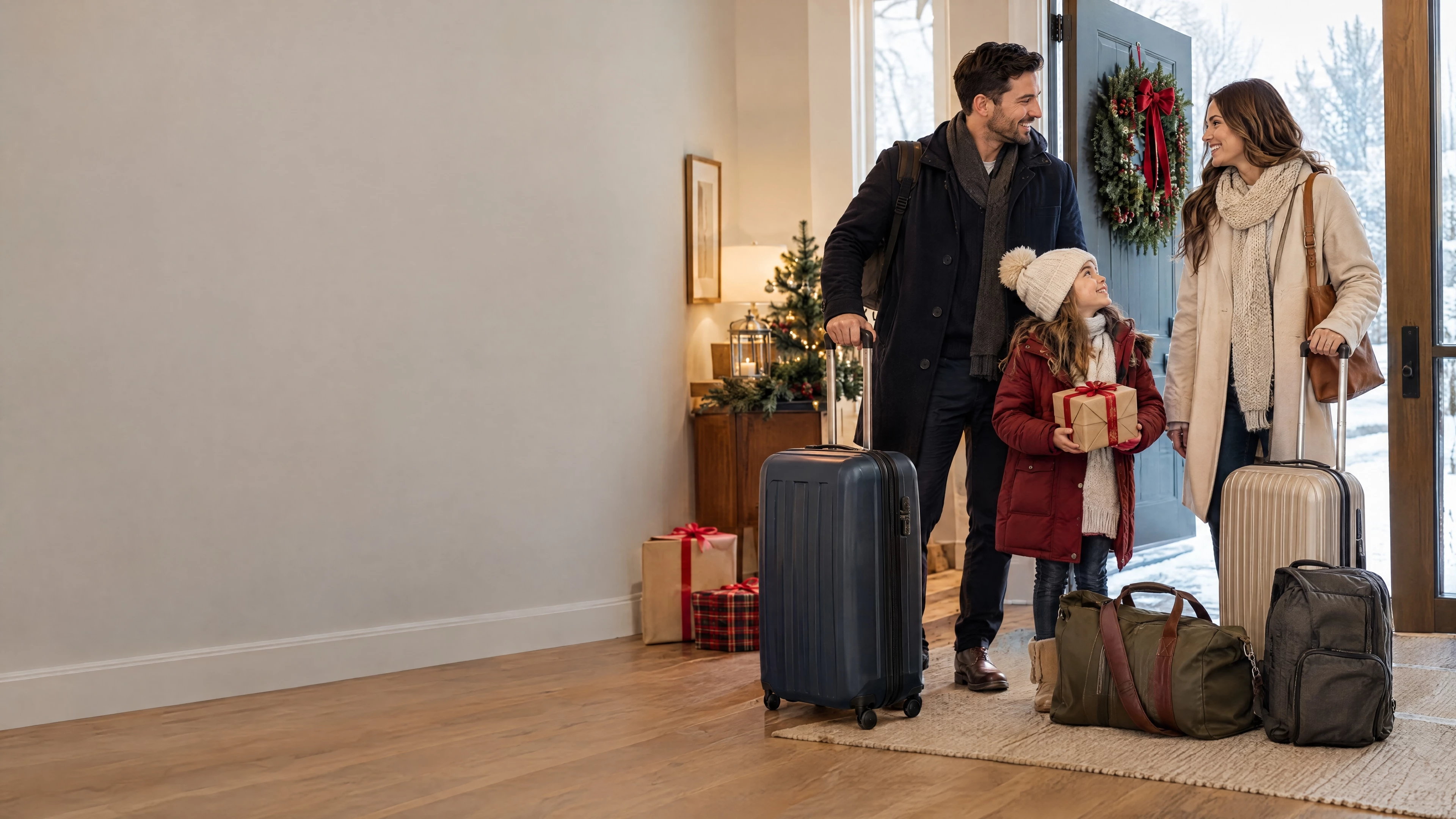


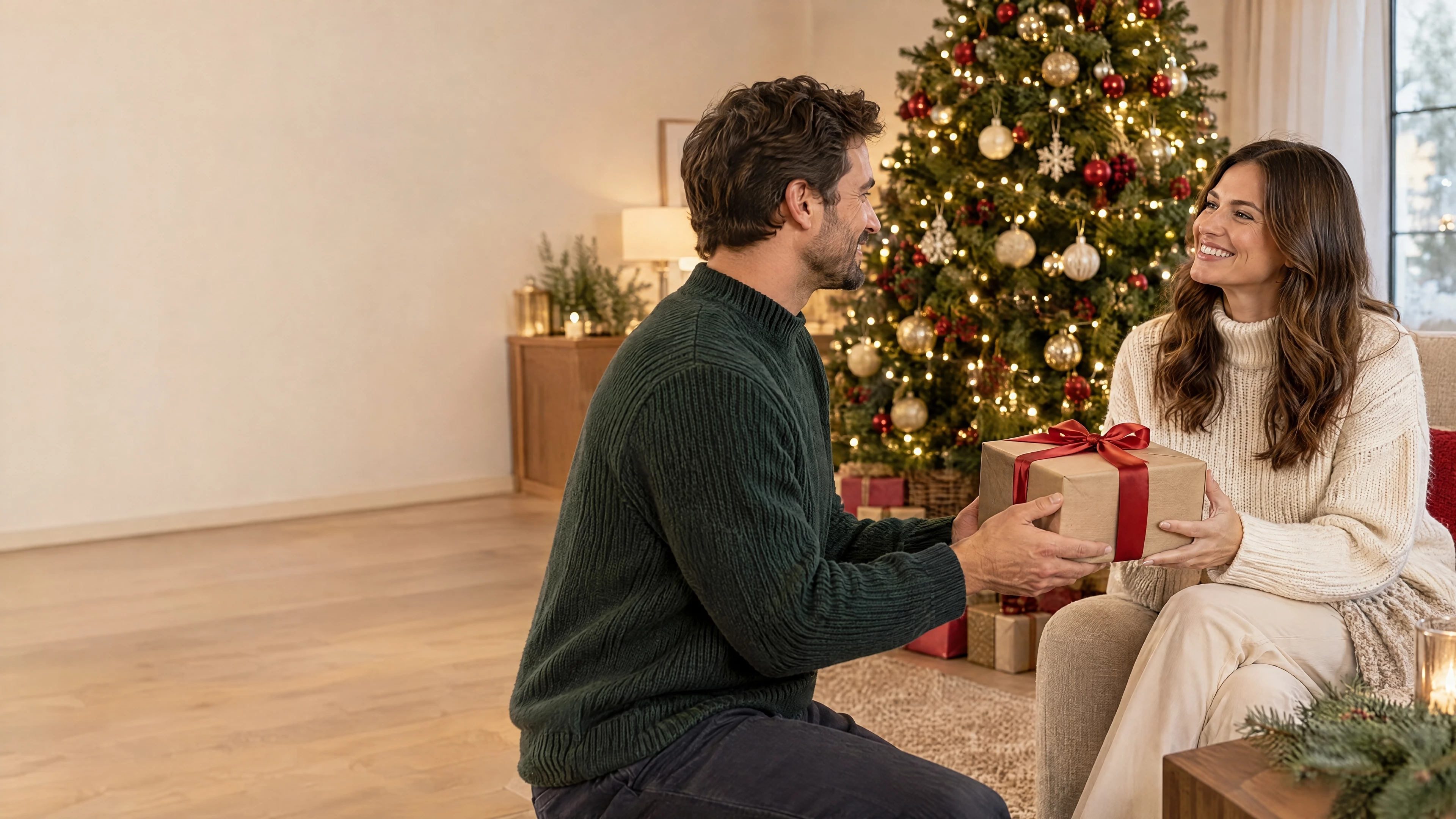
For comparison — the two images below were accepted.


    Correct answer daniellei4510

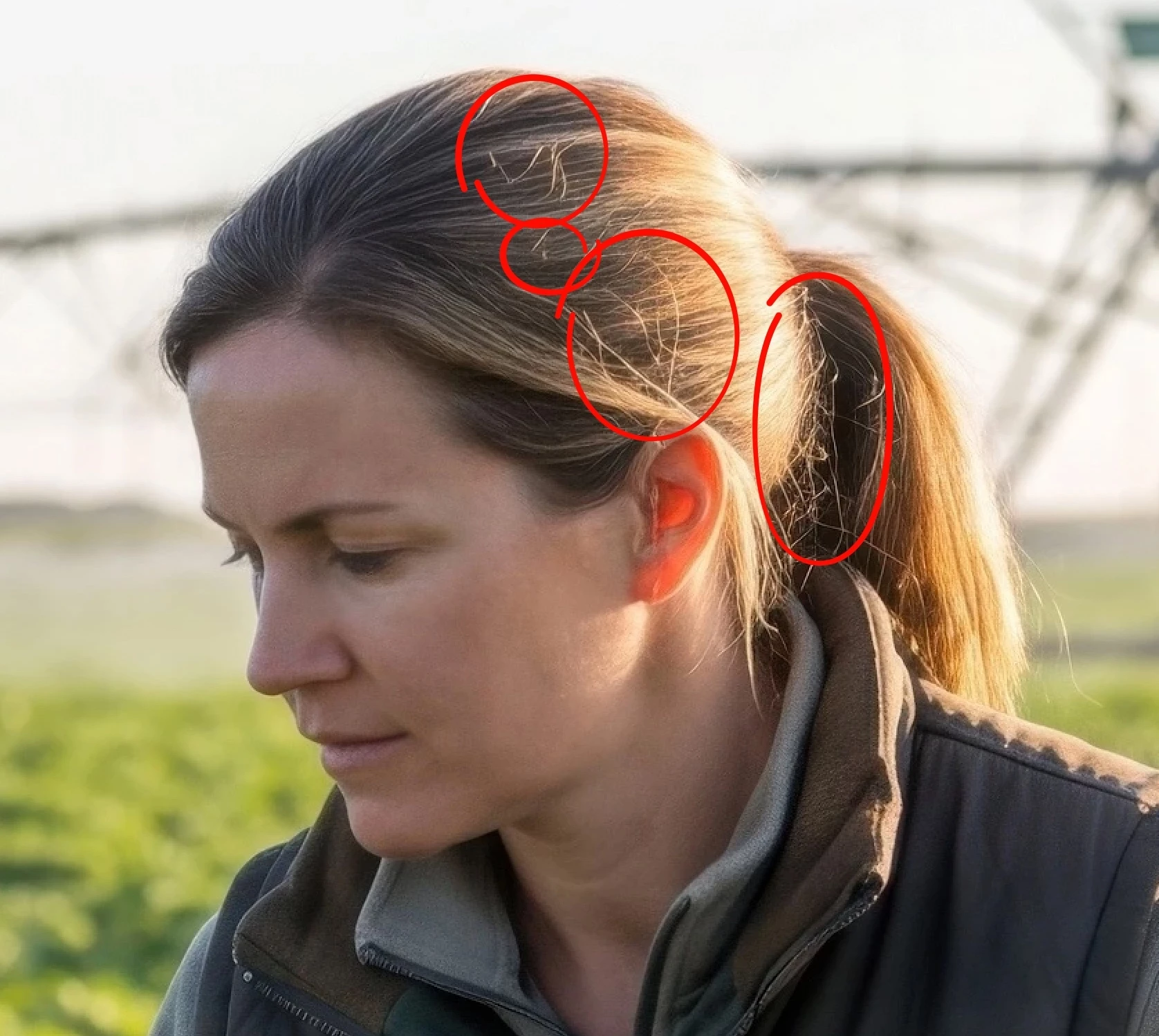
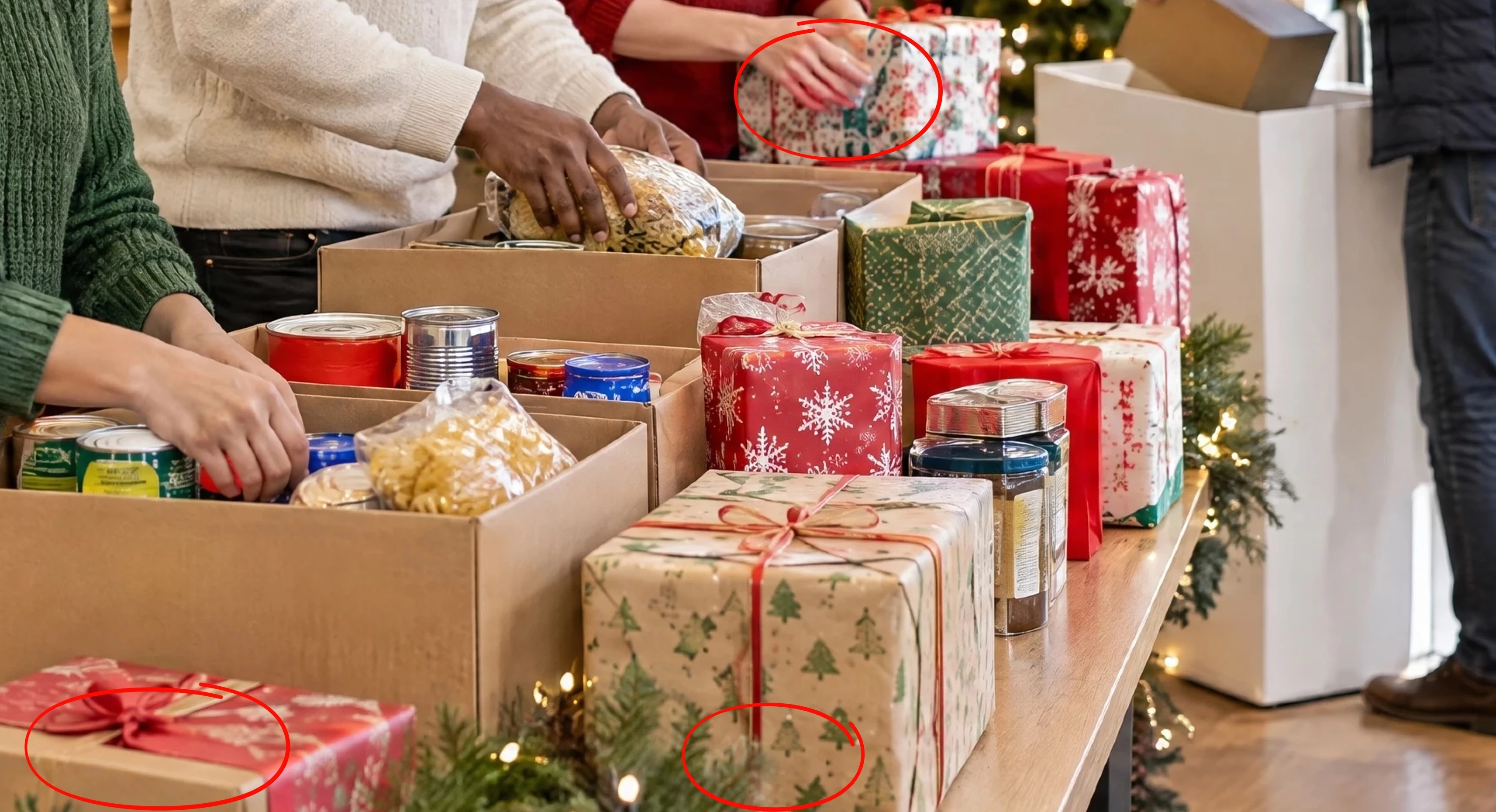
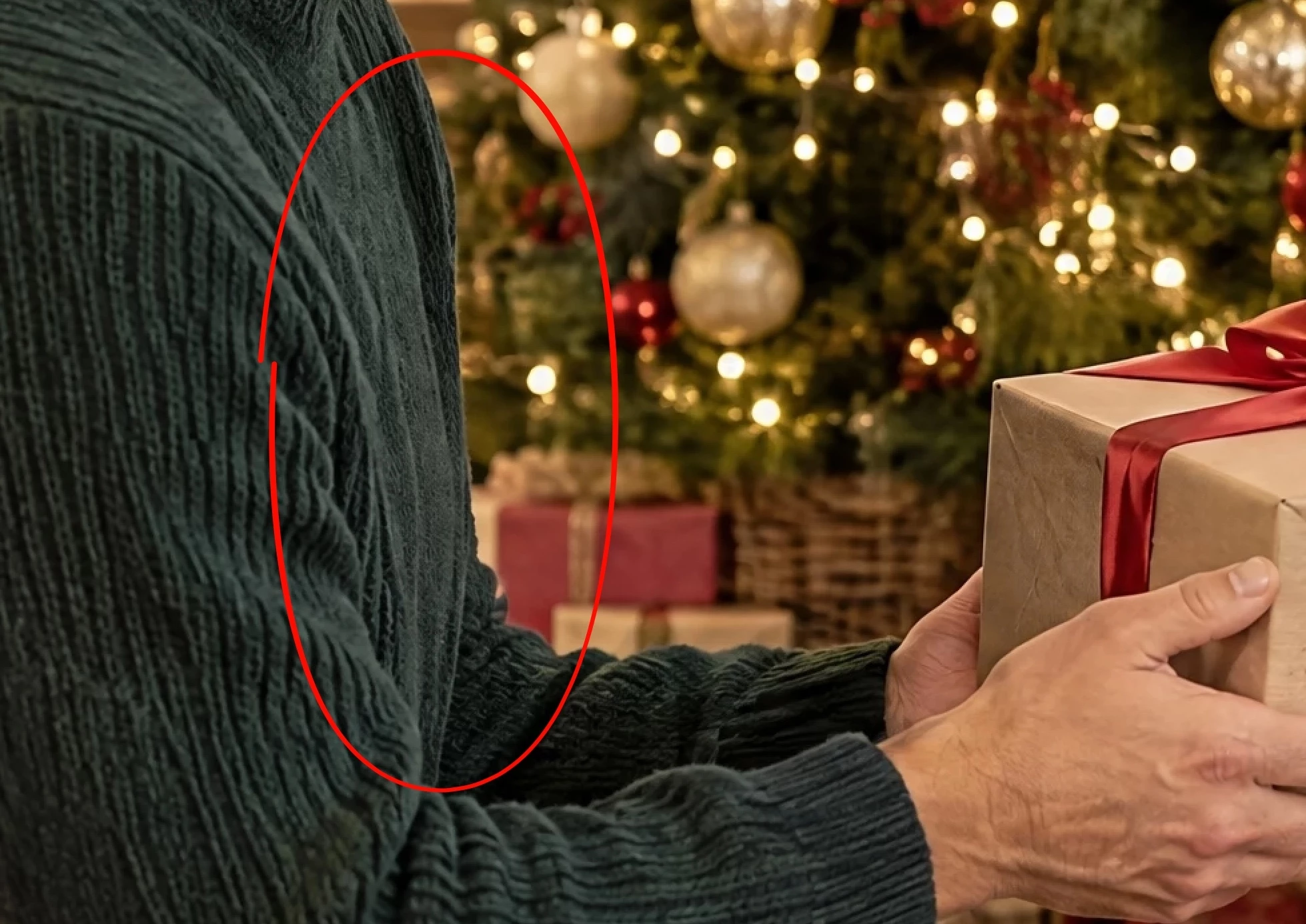
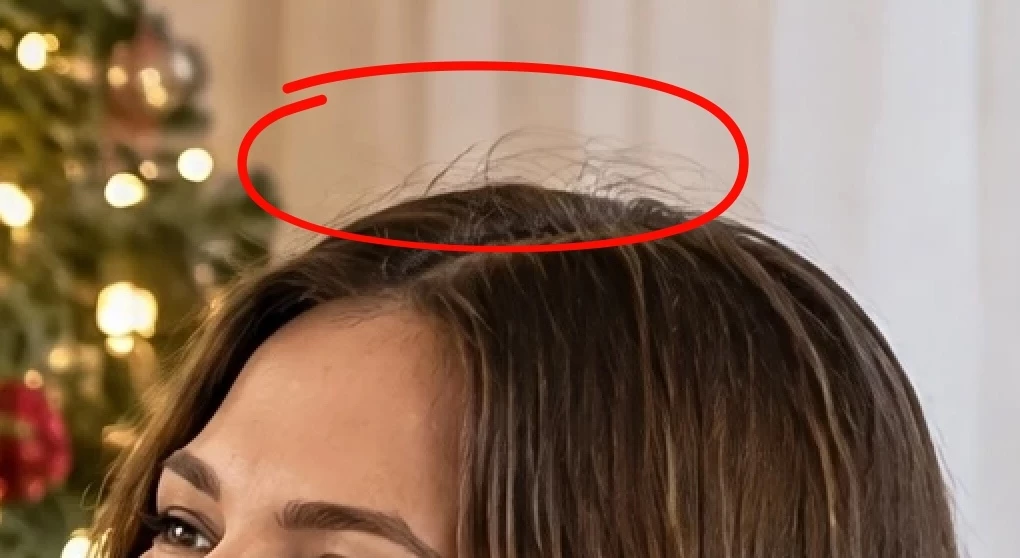
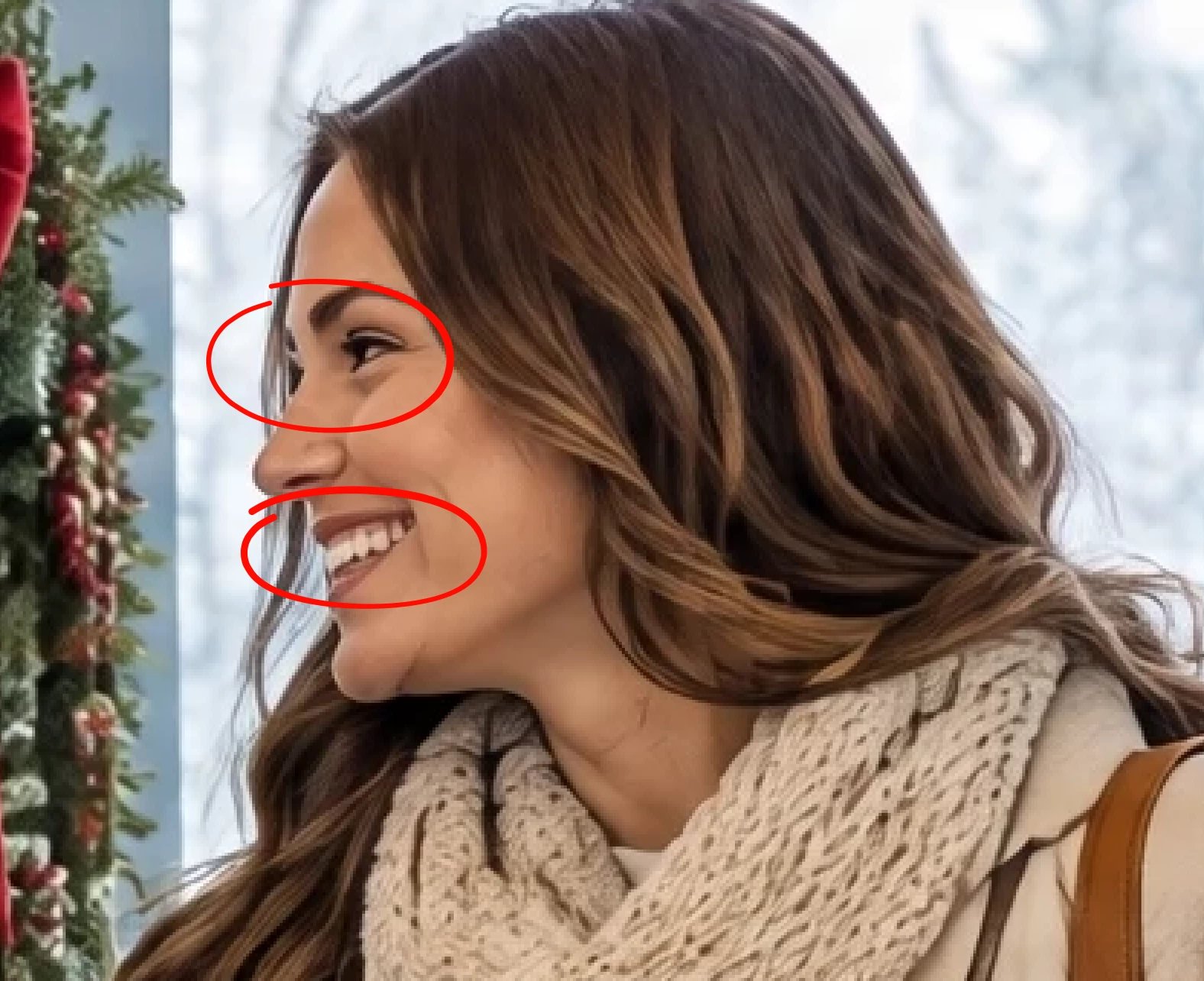
    Even the ones accepted could stand improvement. Moderators no doubt review AI images at 200% (or even 300%). You should do the same when editing/reviewing your assets. There are numerous errors that need improvement. I also noticed either a decidedly yellow or bluish cast in a number of these examples.


    22 replies

    Nancy OShea
    Community Expert
    Community Expert
    September 25, 2026

    16 images is way too much. In the future, limit posts to one or two assets along with the refusal reason.

    That’s all we need to give you direction. 

    • GenAI is trial & error with lots & lots of error. 
    • Focus on quality over quantity. 
    • Assess output carefully for accurate & realistic representation. Skin, eyes, teeth, fingers, hair, apparel and background elements should look believable, not artificial. 
    • If there’s too much to fix, toss it & start over.
    • Simple assets should take 15-30 minutes to correct. Complex assets have more parts & take more time to edit.

    Good luck.


    Nancy O'Shea— Product User & Community Expert
    Participating Frequently
    September 25, 2026

    Thank you, Nancy. This is very helpful, especially the advice to focus on quality over quantity and to start over when there are too many things to fix. I’ll also reduce the number of images I include in future posts. 🙏

    Participant
    September 25, 2026

    i dont know i will check but thanks

    daniellei4510
    Community Expert
    Community Expert
    September 25, 2026

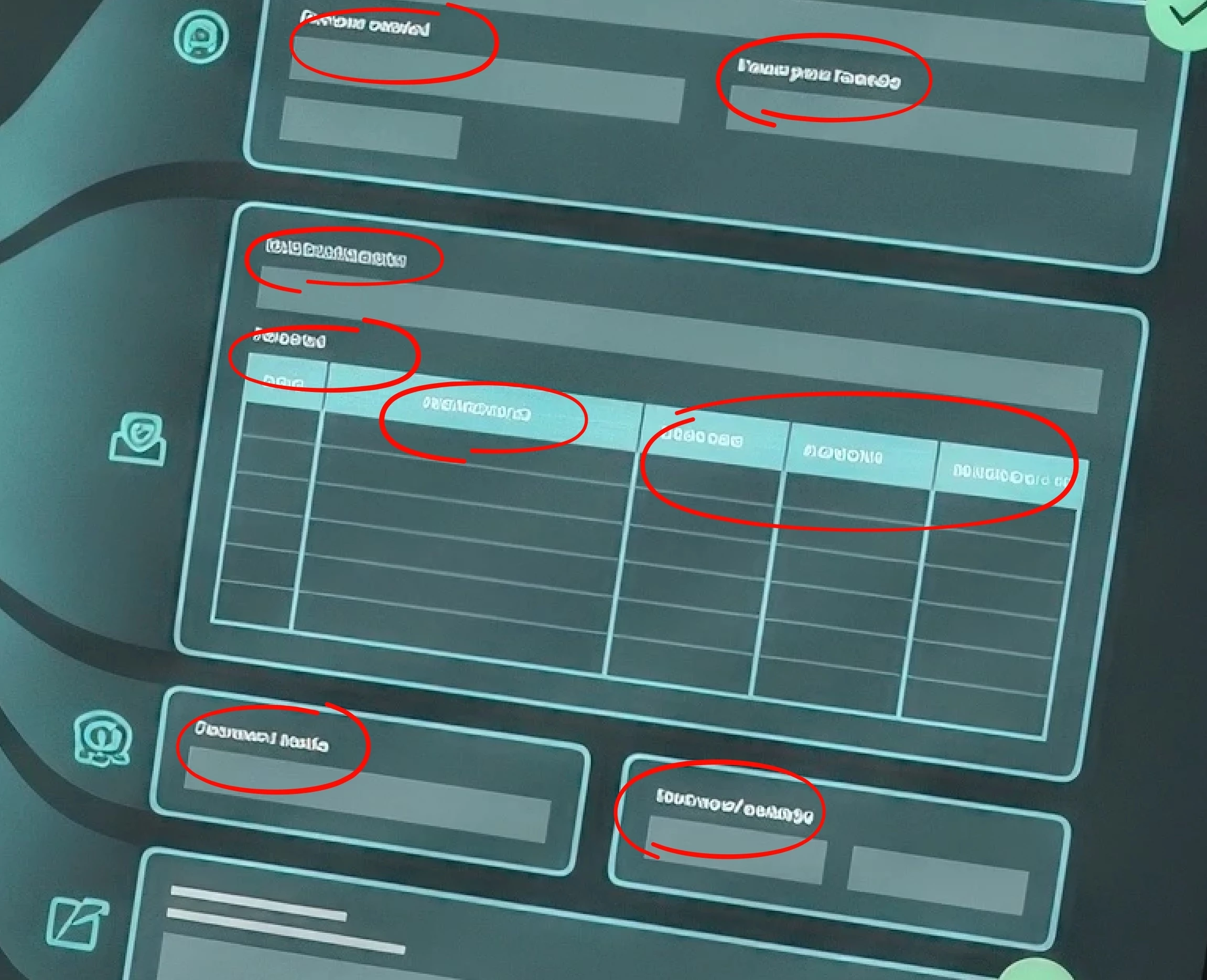
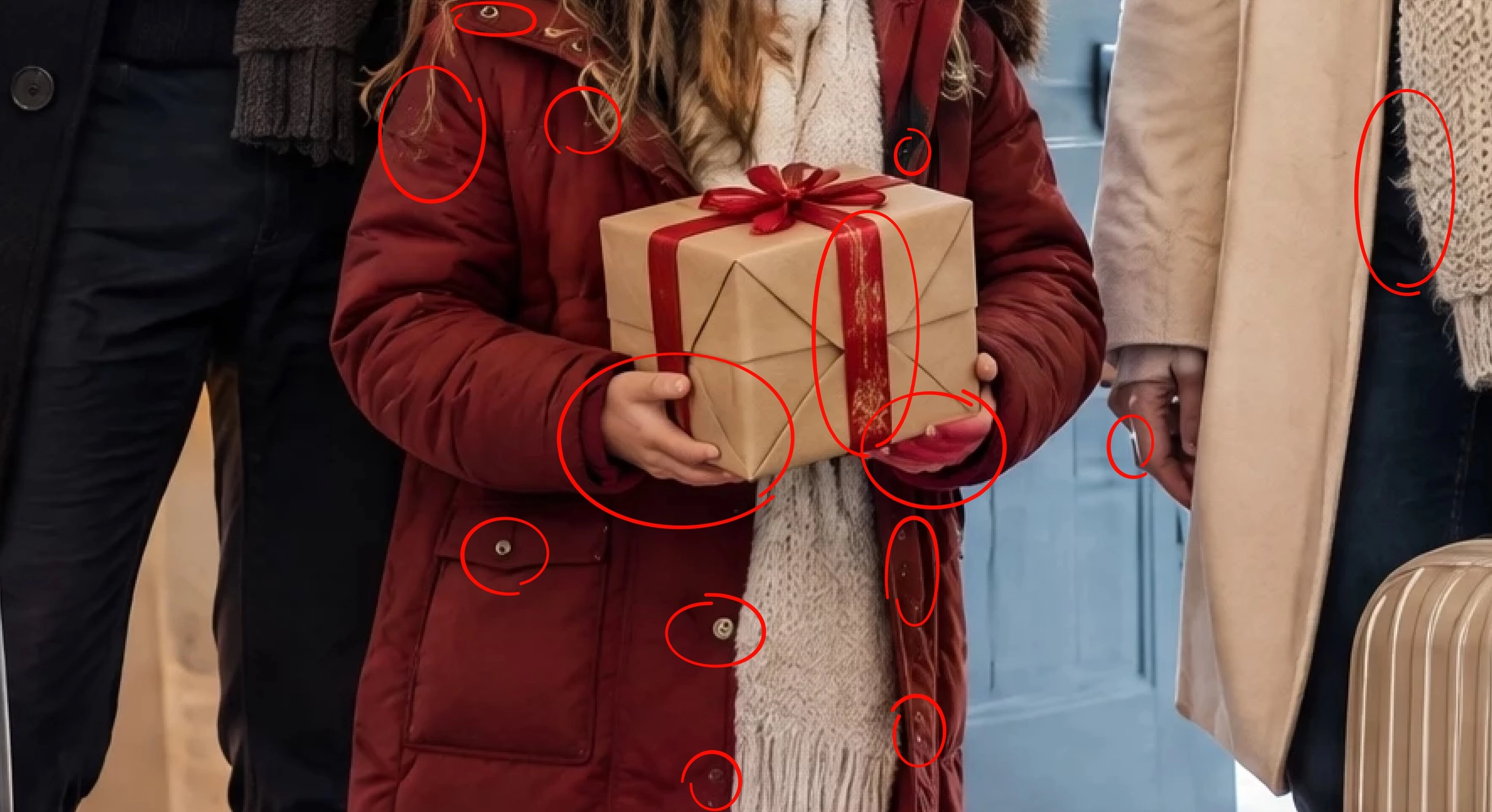
    Now let’s look at one of your industrial examples. Even the nuts and bolts need improvement. Your choice of subjects isn’t make things easy on yourself with subjects like people and wide-angle images with small details. :) Again, it’s safe to assume that moderators are reviewing your assets at 200% minimum. Unless you get a moderator who is looking at their 2000th image of the day and getting sleepy, things like this aren’t going to be overlooked and must be fixed.


    Adobe Community Expert | I have miles to go before I sleep, but I'm all done on this end.
    Participating Frequently
    September 25, 2026

    Thank you so much, Danielle! This is extremely helpful. I'm beginning to think about changing to simpler niches/subjects, at least for now, until I see some improvement in my rejection/acceptance rate. It seems like I may be making things unnecessarily difficult for myself with complex subjects. 😅

    I really appreciate you taking the time to point these issues out. 🙏

    daniellei4510
    Community Expert
    Community Expert
    September 25, 2026

    Happy to be of help. Best of luck!

    Adobe Community Expert | I have miles to go before I sleep, but I'm all done on this end.
    daniellei4510
    Community Expert
    Community Expert
    September 25, 2026

    If it helps you going forward, here are the steps I take when editing images:

    https://gotosleepdancing.wordpress.com/2026/07/14/romancing-gemini-3/

    Adobe Community Expert | I have miles to go before I sleep, but I'm all done on this end.
    Participating Frequently
    September 26, 2026

    This is definitely going to be of help in my workflow. 🙏

    Jill_C
    Community Expert
    Community Expert
    September 25, 2026

    I looked at just the first 2 images. Both has easily identifiable flaws in the hands. Hands and faces are probably the first thing moderators look at.

    Jill C., Forum Volunteer
    daniellei4510
    Community Expert
    daniellei4510Community ExpertCorrect answer
    Community Expert
    September 25, 2026

    Even the ones accepted could stand improvement. Moderators no doubt review AI images at 200% (or even 300%). You should do the same when editing/reviewing your assets. There are numerous errors that need improvement. I also noticed either a decidedly yellow or bluish cast in a number of these examples.


    Adobe Community Expert | I have miles to go before I sleep, but I'm all done on this end.
    Participating Frequently
    September 26, 2026

     Wow, thank you so much for taking the time to go through all of these and point out the specific issues. This is incredibly helpful.

    I honestly didn't realize how many subtle problems were still present in some of my images until you pointed them out at this level of magnification. I have a much better understanding now of what I need to look for during QC.

    I really appreciate the time and effort you've put into helping me understand this. 🙏

    One more question, if you don't mind: what tool did you use to correct this example image, and could you briefly explain how you made the correction? I'd really like to learn the technique you used.


    daniellei4510
    Community Expert
    Community Expert
    September 26, 2026

    Go here: https://gotosleepdancing.wordpress.com/2026/07/14/romancing-gemini-3/

    Or here: https://firefly.adobe.com/boards/id/urn:aaid:sc:US:2ce03395-cac8-43d5-92df-0c0e67d02f3e?referrer_app=firefly-web&referrer_location=boards-hs&referrer_app_action=recent-boards

    They use the sample example to give step-by-step instructions as to how I edit my assets, but the second one allows you to enlarge the images to better see the details.

    Adobe Community Expert | I have miles to go before I sleep, but I'm all done on this end.
    Participant
    September 25, 2026

    same for me 90% was reject


    yamato713108855
    Community Expert
    Community Expert
    September 25, 2026

    Hi ​@JcAbstractArt 

    Please create a new thread and post the rejected image.
    Experienced users will check to see where the issue lies.

    yamato713108855
    Community Expert
    Community Expert
    September 25, 2026

    Please zoom in to 100% and check.
    Most of the images have rendering errors.

    Participating Frequently
    September 25, 2026

    Thank you for the feedback! That's very helpful. Could you please point out one or two specific images from my examples where you noticed the rendering errors, and perhaps indicate what I should look at when zoomed to 100%?

    That would really help me understand what I'm missing and train my eye to spot these issues before submitting. Thank you! 🙏

    yamato713108855
    Community Expert
    Community Expert
    September 25, 2026

    Adobe Stock moderators review images at 100% magnification.
    It is best to correct any areas with rendering errors or insufficient resolution—using software like Photoshop—before submitting your work.

    Cosmic Studio
    Inspiring
    September 25, 2026

    I think you’re on the right track. The photos are generally good, but if you zoom in on each one, you’ll notice some distortions: teeth, fingerprints symbols, keyboards, etc. I used to avoid keyboards two years ago, and I still do. 😄

    If you still want to include keyboards in your compositions, I’d suggest using a shallow depth of field.

    Participating Frequently
    September 25, 2026

    Thank you! That's really helpful, especially the point about checking everything at 100%.

    Regarding the distortions you mentioned — teeth, fingerprint symbols, keyboards, etc. — if you don't mind, could you advise me on a workflow for minimizing these types of rendering errors before submission?

    I have access to the GPT Image models (2.0, 2.5 Flare, 2.5 Sunburst) and Nano Banana Pro, all with 4K output.

    Do you recommend any particular workflow for generating and checking the images? And if I already have a native 4K output, is there any benefit to upscaling it further, or would that potentially introduce more artifacts?

    I'm trying to develop a proper QC workflow so I can catch these issues before submitting to Adobe Stock.

    Thank you so much for your advice! 🙏

    Cosmic Studio
    Inspiring
    September 25, 2026

    Do you recommend any particular workflow for generating and checking the images?

    I’ve noticed that, at least with Nano Banana, problems are more common in medium and distant shots, so those types of images deserve extra attention. Over time, you learn a few tricks, such as hiding hands in pockets.. I’d say hands, fingers, nails, eyes and teeth are still the main flaws in AI. In close-ups, distortions are much less frequent.


    If I already have a native 4K output, is there any benefit to upscaling it further?

    I think image resolution doesn’t affect whether an image gets approved, but it will probably have an impact on sales. Most of the images I submit are 2752 × 1536 (if I could afford a plan with native 4K output, I’d certainly submit them in 4K).


    Would that potentially introduce more artifacts?

    Be very careful with upscaled images and videos. Besides the artifacts that can be introduced, there’s something else that bothers me quite often: the upscaled asset can lose the essence of the original. I mean things like subtle expressions, colors, and the overall mood. I imagine AI advancements will fix this in the near future. So, for now, I’ve decided to submit most images at 2752 × 1536 and videos in HD.