
Inspiring
November 6, 2020
Answered

Adobe Stock : Editing Keyword/s on accepted image/s

  • November 6, 2020
  • 1 reply
  • 275 views

Can a misspelled & essential keyword be corrected / edited after an image has already been accepted into Adobe Stock? For example the main subject was keyworded as 'pic' but should in fact be 'pig'.
This topic has been closed for replies.
Correct answer Abambo

Sorry for the late answer.

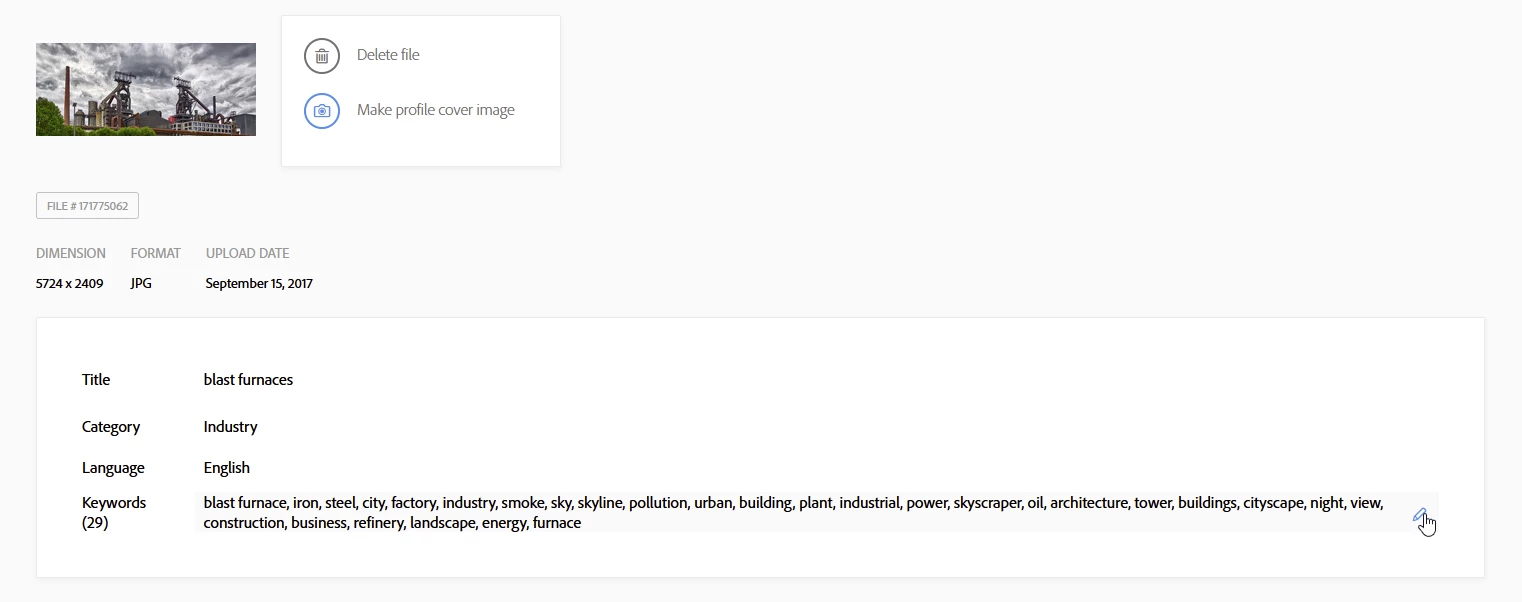
You can correct entries in your pictures after acceptance. For this, you go to https://contributor.stock.adobe.com/uk/portfolio, choose the picture in question and hover the part you want to modify. Click the pencil and you can edit your data.


1 reply

Abambo
Community Expert
AbamboCommunity ExpertCorrect answer
Community Expert
November 30, 2020

Sorry for the late answer.

You can correct entries in your pictures after acceptance. For this, you go to https://contributor.stock.adobe.com/uk/portfolio, choose the picture in question and hover the part you want to modify. Click the pencil and you can edit your data.


ABAMBO | Hard- and Software Engineer | Photographer