Participant
August 14, 2017
Answered

[Adobe Stock] Mp4 no longer working

  • August 14, 2017
  • 2 replies
  • 609 views

Hello,

I have attempted to upload HD videos to Adobe Stock and it seems that mp4 files are no longer working.
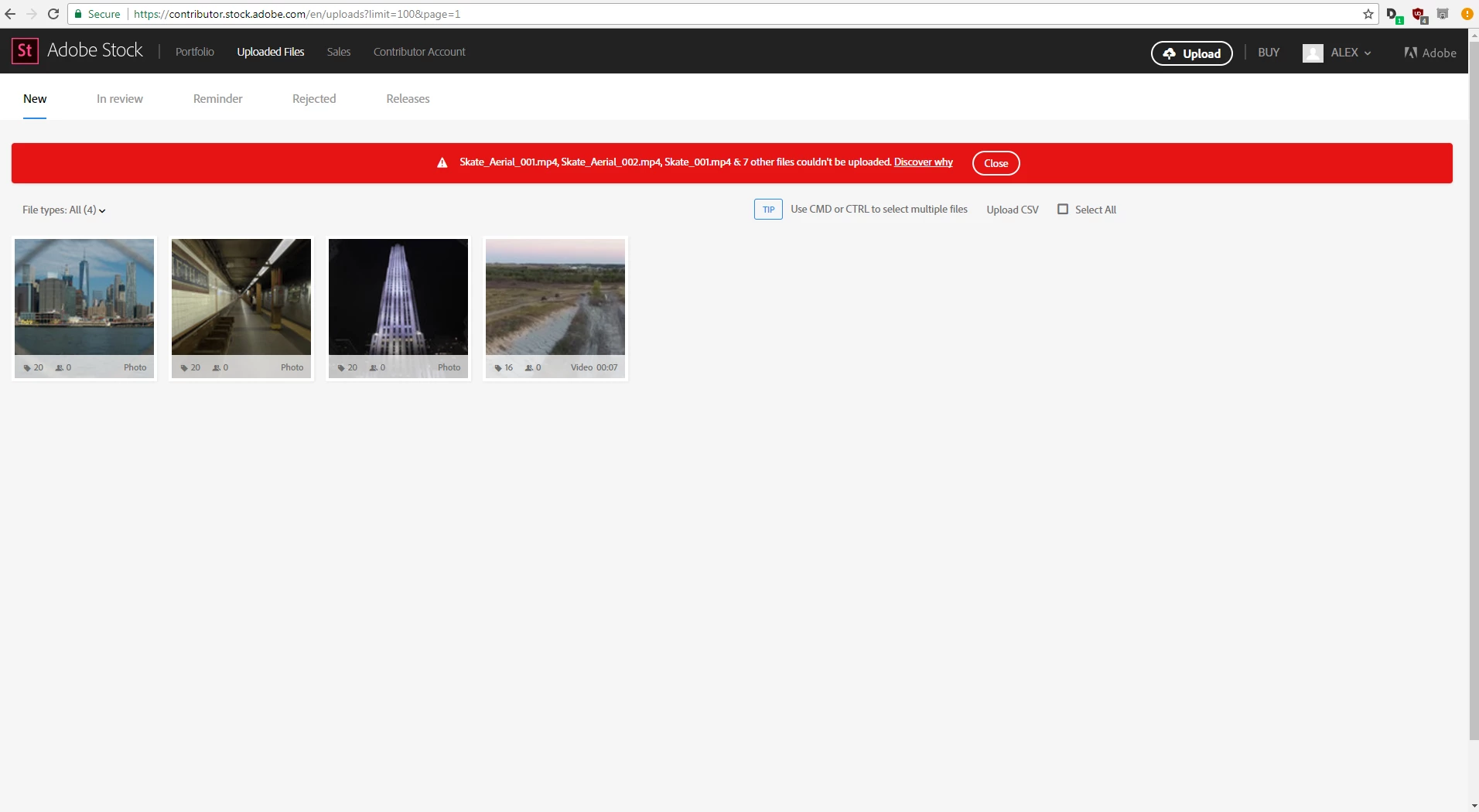
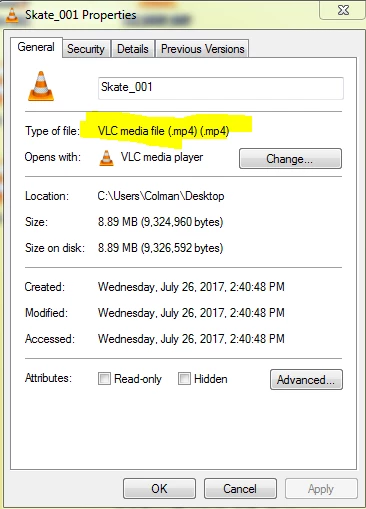
I have uploaded files in the same format in past and Adobe Stock has accepted. I don't understand why it has changed.
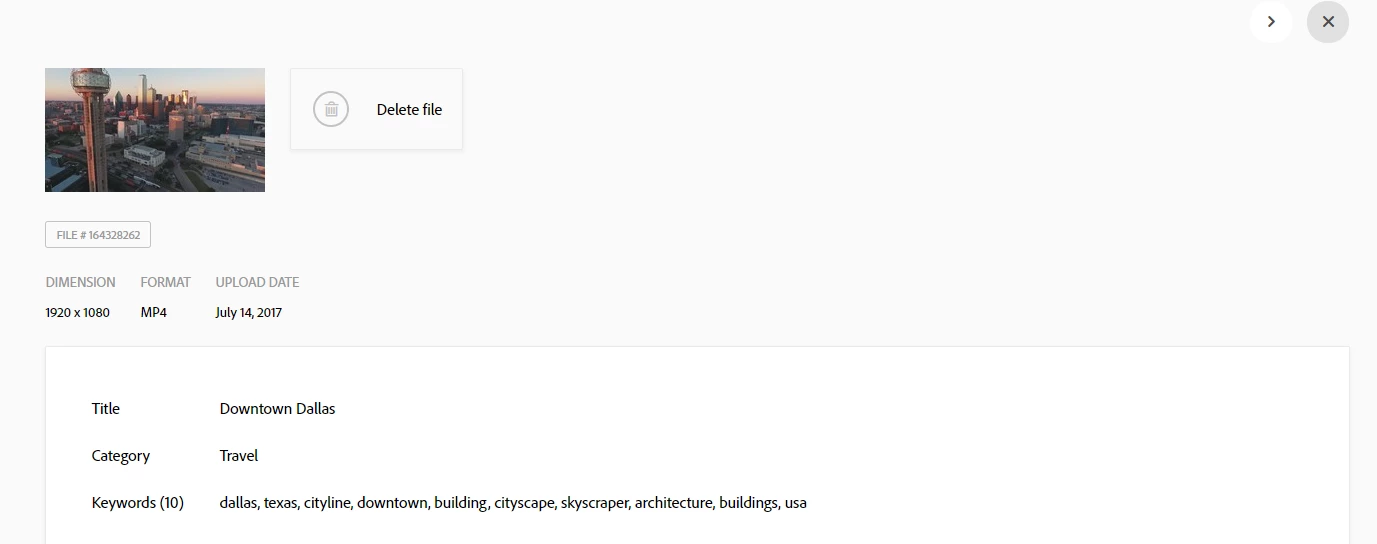
Will someone with Adobe please enlighten me as to what I am doing wrong.

Thank you.

This topic has been closed for replies.
Correct answer MatHayward

Mat,

thank you for the response, I have made a folder that I have shared with you via dropbox. It has some of the files that can't be uploaded.


Thanks for sending the files over. I downloaded one of the clips and learned it’s HEVC which is probably the problem.  Also, the resolution was 1920x1088 which is a tiny bit off from the acceptable 1920X1080.

If you submit as H.264, 1920x1080 it should be fine.

Kind regards,

-Mat

2 replies

MatHayward
Community Manager
Community Manager
August 14, 2017

How long is the clip? It looks like a small file. Must be at least 5 seconds long and can't be longer than 60 seconds.

-Mat

Participant
August 15, 2017

The clip is within the parameters set out by Adobe. That is why I am baffled as to why it is not working. I used the same codec as my previous submissions.

Thanks for the reply.

MatHayward
Community Manager
Community Manager
August 15, 2017

Please send the clip to me using a Dropbox link or something similar and I'll take a look.

email: mhayward at adobe.com  [edited by mod]

Ann Bens
Community Expert
Community Expert
August 14, 2017

Moved to Adobe Stock forum.