Participant
January 10, 2025
Answered

AI images getting rejected

  • January 10, 2025
  • 3 replies
  • 1853 views

AI images are getting rejected due to quality issues. I already have enhanced the photos. Attached are few those that were rejected recently. 

Correct answer jacquelingphoto2017

Hi @ArunimaSri ,

The first model's right eye is not open while the left is. In addition, it's not correctly rendered. 
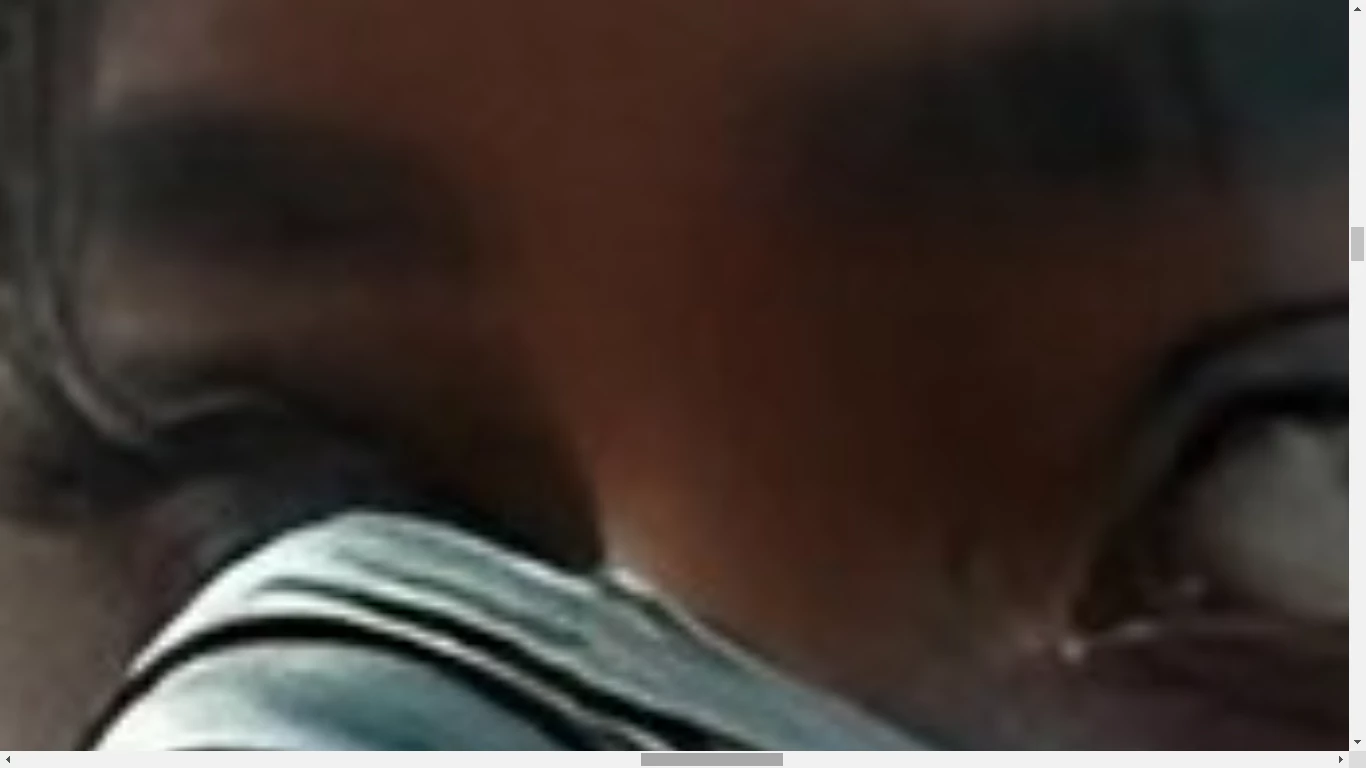
 

In addition to the right side being inconsistently out of focus and the section at the waist being too blur, there is an error there with the rendering. The right hand has a problem.
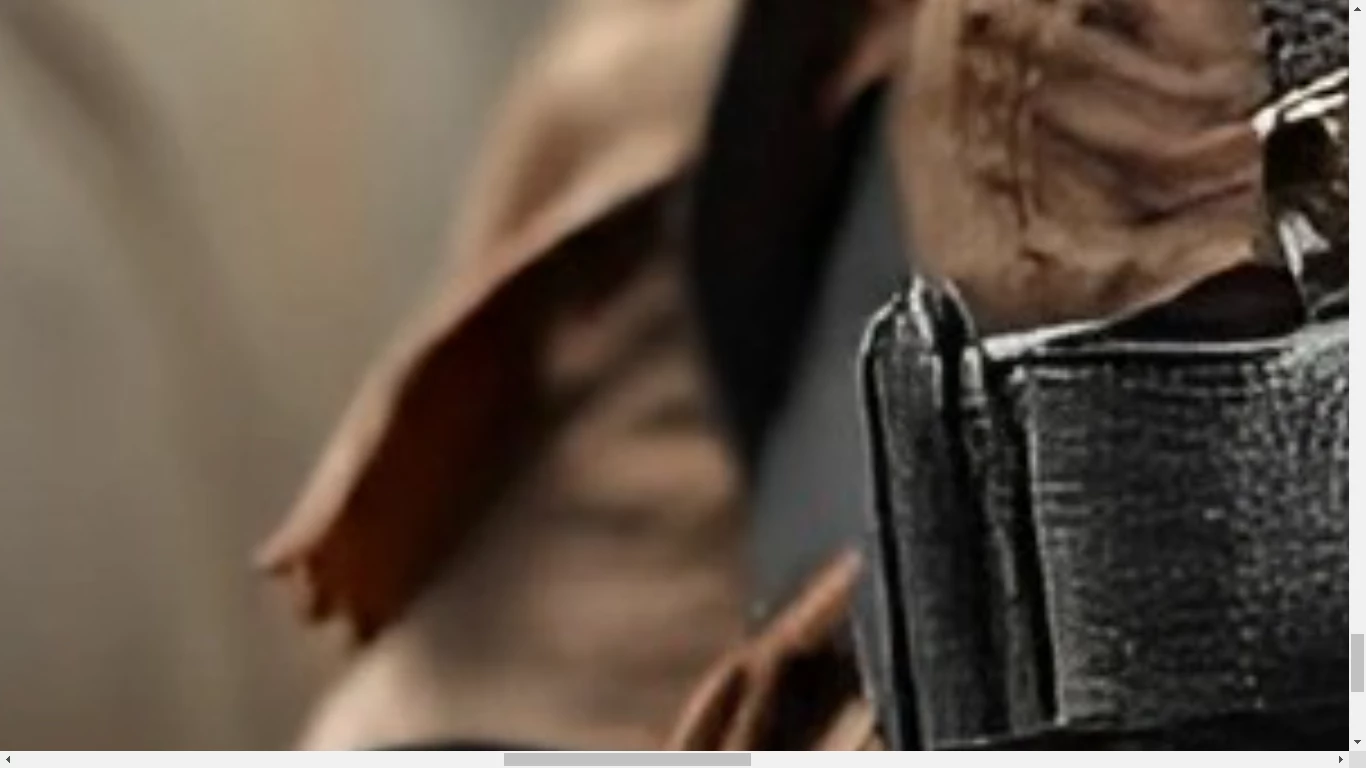
Overall, I'd say that the first file is of poor quality. The more I zoom in on the image, the more the quality fades. A buyer cannot crop the subject from the background, neither can he re-size it to use on a large canvas.

The second image has invisible margin.
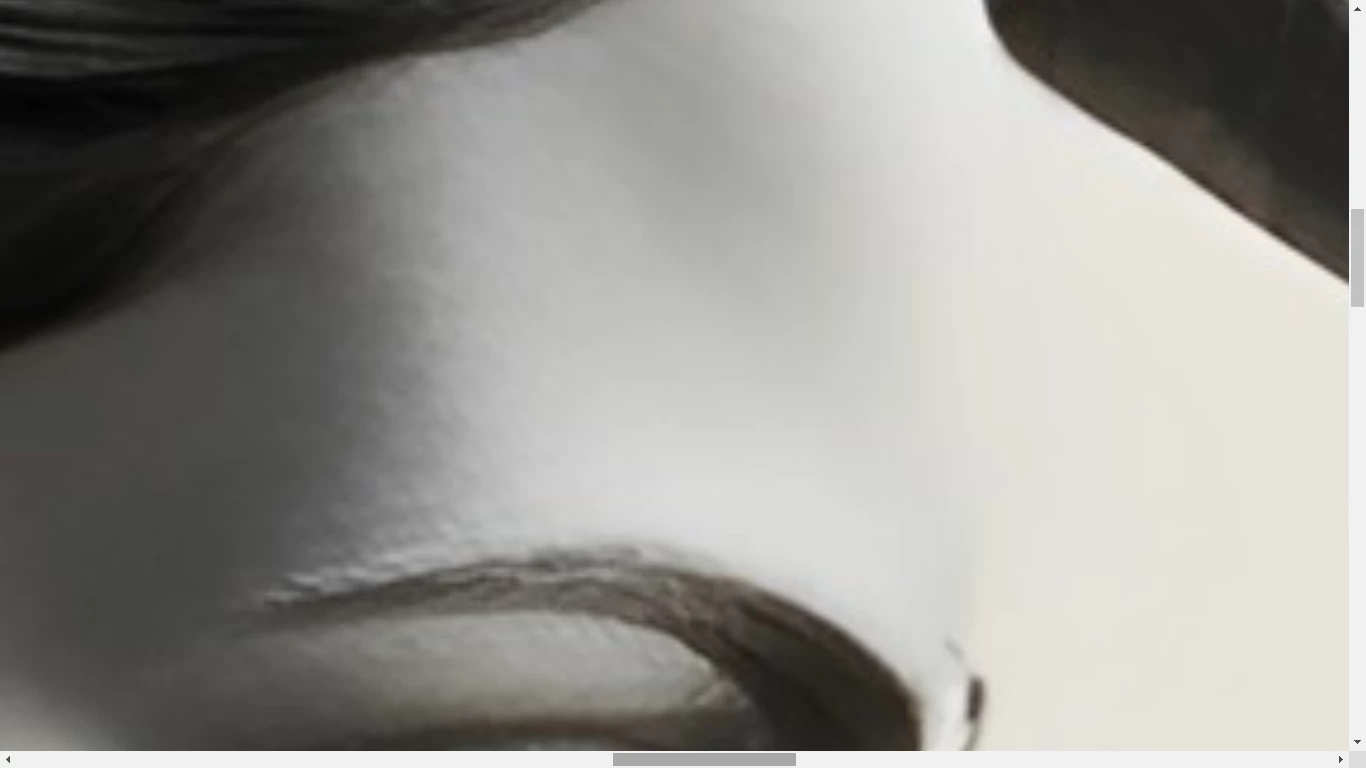
There is an issue with the rendering of the eye.
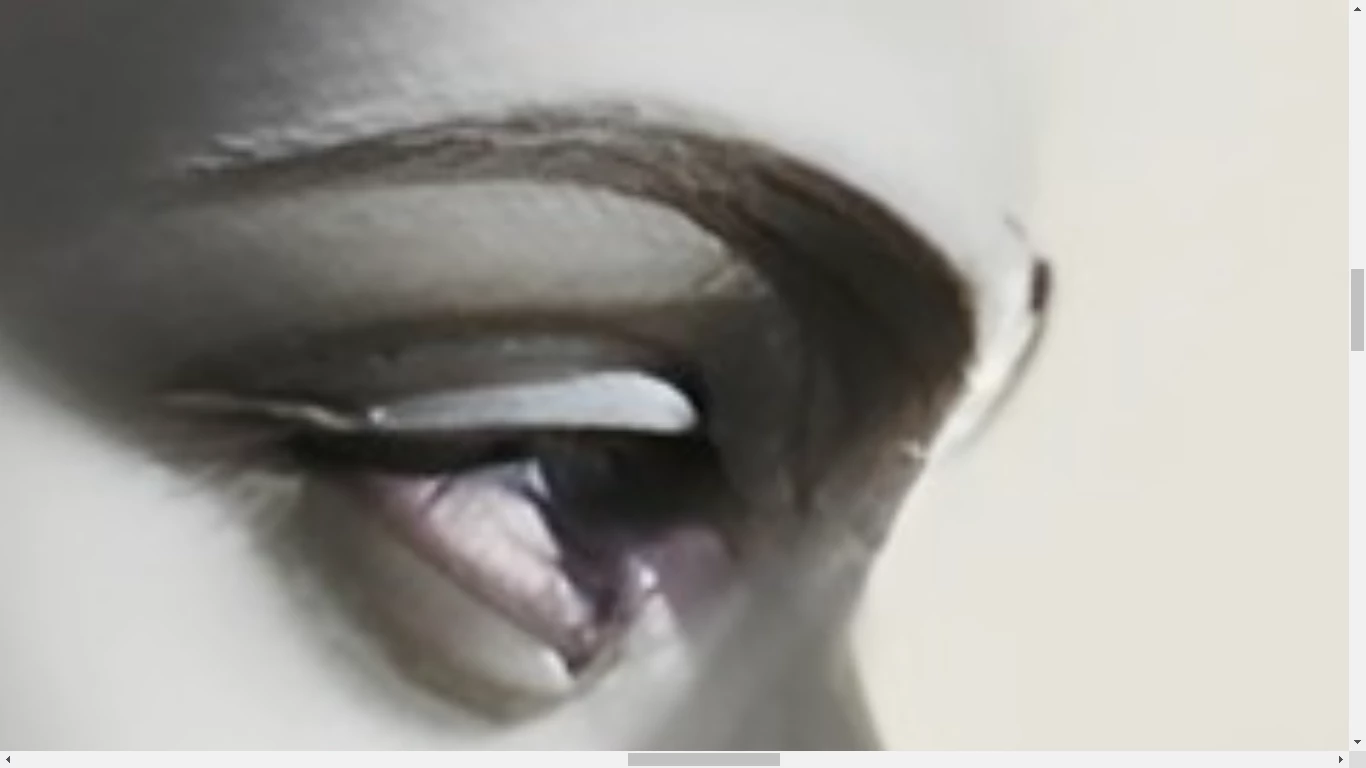
The lips too has an invisible margin and are looking strange. The nose has red around the edge and also in the eye.
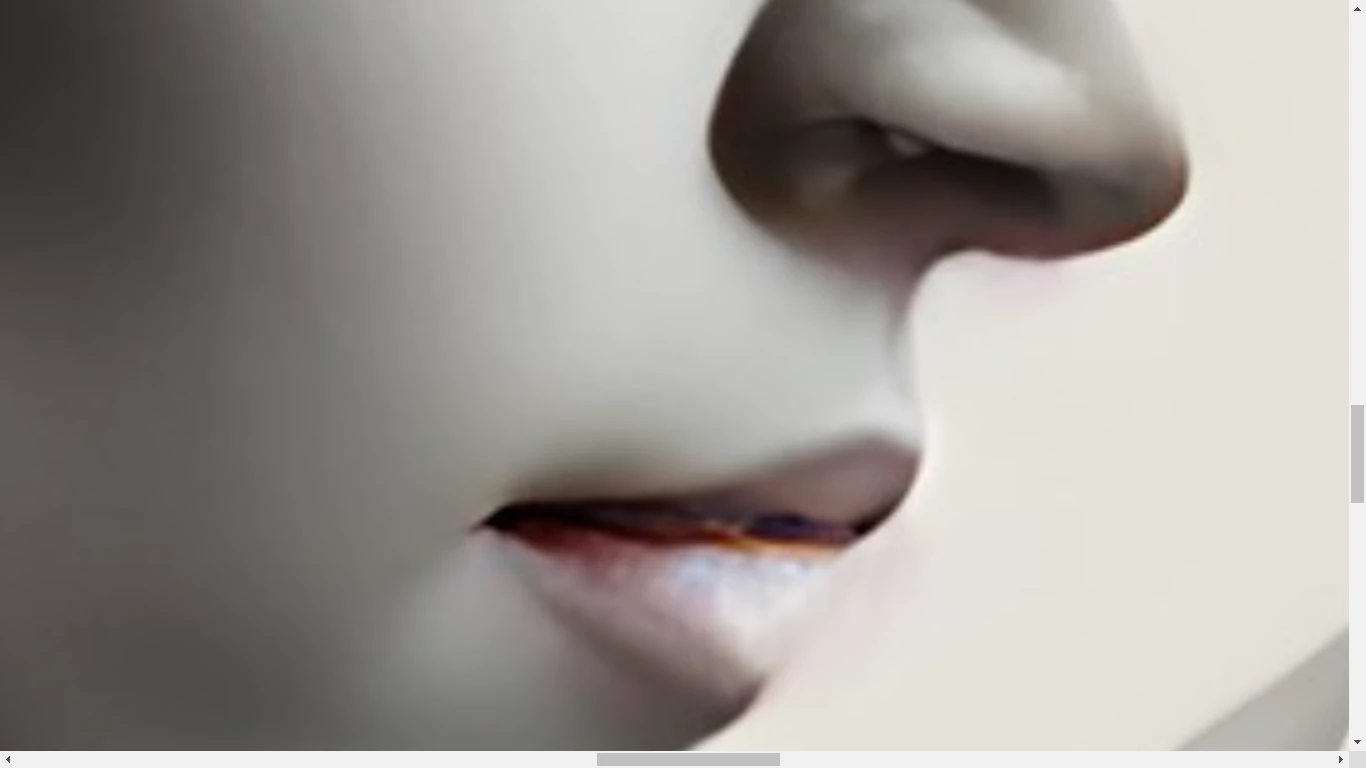
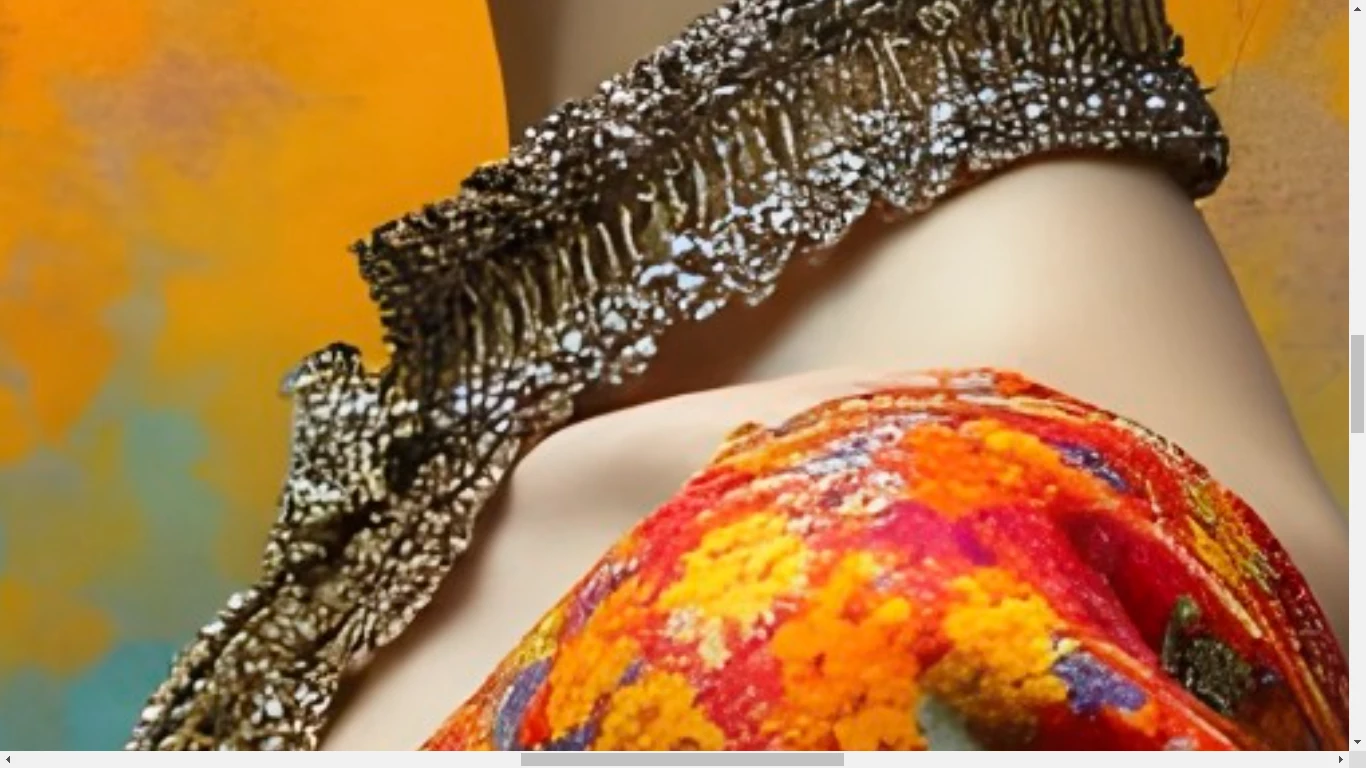
There is an error with the edge of the third model's dress shoulder.
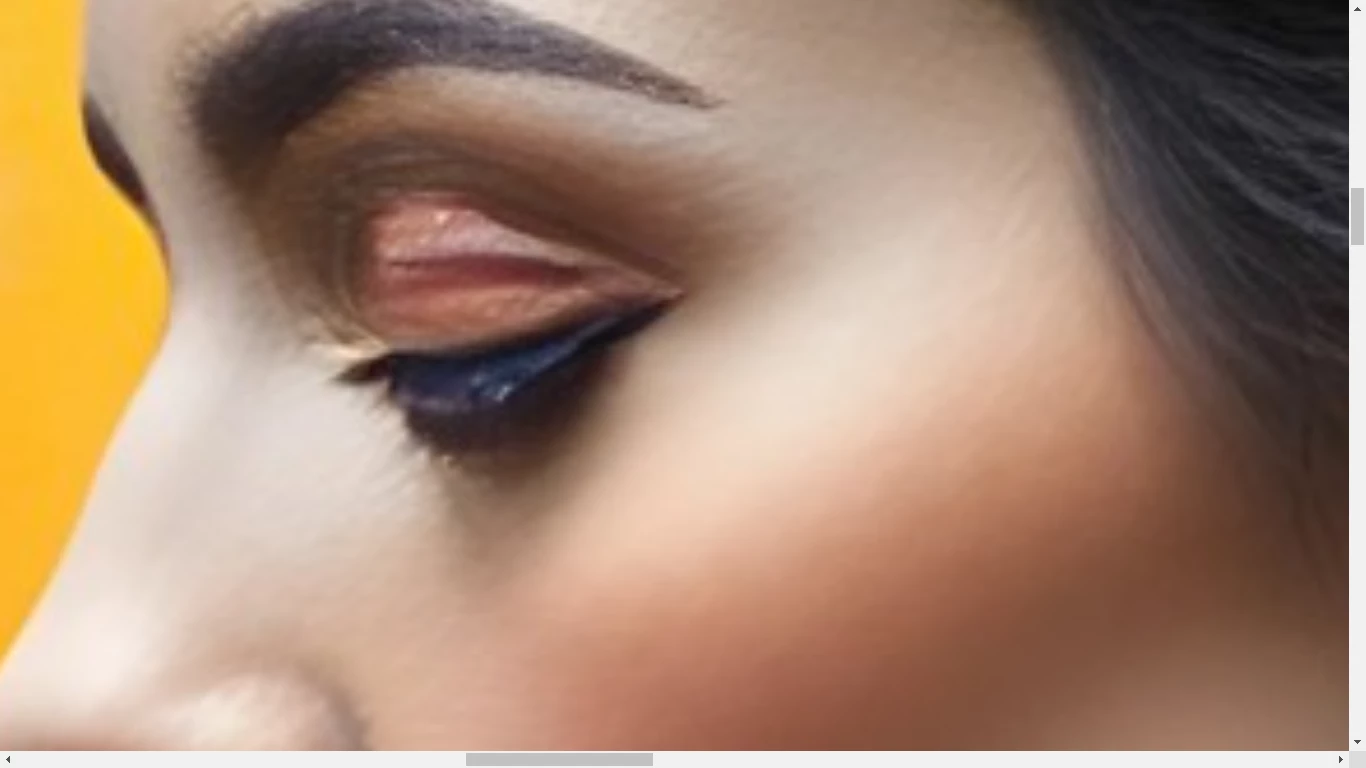
The eye lashes are clumped together and what appears to be an indent in the eyelid.
This too, the quality fades as I zoom in.

Best wishes

Jacquelin

3 replies

jacquelingphoto2017
Community Expert
jacquelingphoto2017Community ExpertCorrect answer
Community Expert
January 10, 2025

Hi @ArunimaSri ,

The first model's right eye is not open while the left is. In addition, it's not correctly rendered. 


In addition to the right side being inconsistently out of focus and the section at the waist being too blur, there is an error there with the rendering. The right hand has a problem.

Overall, I'd say that the first file is of poor quality. The more I zoom in on the image, the more the quality fades. A buyer cannot crop the subject from the background, neither can he re-size it to use on a large canvas.

The second image has invisible margin.

There is an issue with the rendering of the eye.

The lips too has an invisible margin and are looking strange. The nose has red around the edge and also in the eye.

There is an error with the edge of the third model's dress shoulder.

The eye lashes are clumped together and what appears to be an indent in the eyelid.

This too, the quality fades as I zoom in.

Best wishes

Jacquelin

Participant
January 11, 2025

Appreciate your detailed response. Could you recommend free photo editing and enhancing tools. Also, if you have any recommendations for free AI image generators.

daniellei4510
Community Expert
Community Expert
January 11, 2025

The only free AI generators I am aware of require installation on your computer and the steps required to do so are many, usually requiring the use of your terminal software and the installation of software I would only put on a test machine. Gymp is a free Photoshop equivalent if you can't afford the real thing. 

Adobe Community Expert | If you can't fix it, hide it; if you can't hide it, delete it.
Jill_C
Community Expert
Community Expert
January 10, 2025

Quality comprises much more than just file size and resolution, so "enhancing" a poorly drawn AI image isn't necessarily going to make it acceptable. As @daniellei4510 indicated, every image must be carefully inspected by zooming in and scrolling around through every area. If you can't edit out the errors, discard the image. It took just a moment to find errors in each of these images. Also, watermarks are not permitted.

Jill C., Forum Volunteer
Participant
January 11, 2025

Thank you for explaining in detail

daniellei4510
Community Expert
Community Expert
January 10, 2025

Always view your assets at 100-200% from corner to corner before submitting.

Adobe Community Expert | If you can't fix it, hide it; if you can't hide it, delete it.
Participant
January 11, 2025

Thank you so much!

daniellei4510
Community Expert
Community Expert
January 11, 2025

Glad to be of help. And remember, while we generally point out numerous errors in a rejected asset, it actually only takes on issue to result in a rejection.

Adobe Community Expert | If you can't fix it, hide it; if you can't hide it, delete it.