arielko
Participating Frequently
April 3, 2025
Answered

ai images not accepted

  • April 3, 2025
  • 3 replies
  • 367 views

hey everyone. i'm new here so i need some guidance please. i've had sevral images approved, and several others not, under the "quality issues/standards" clause.

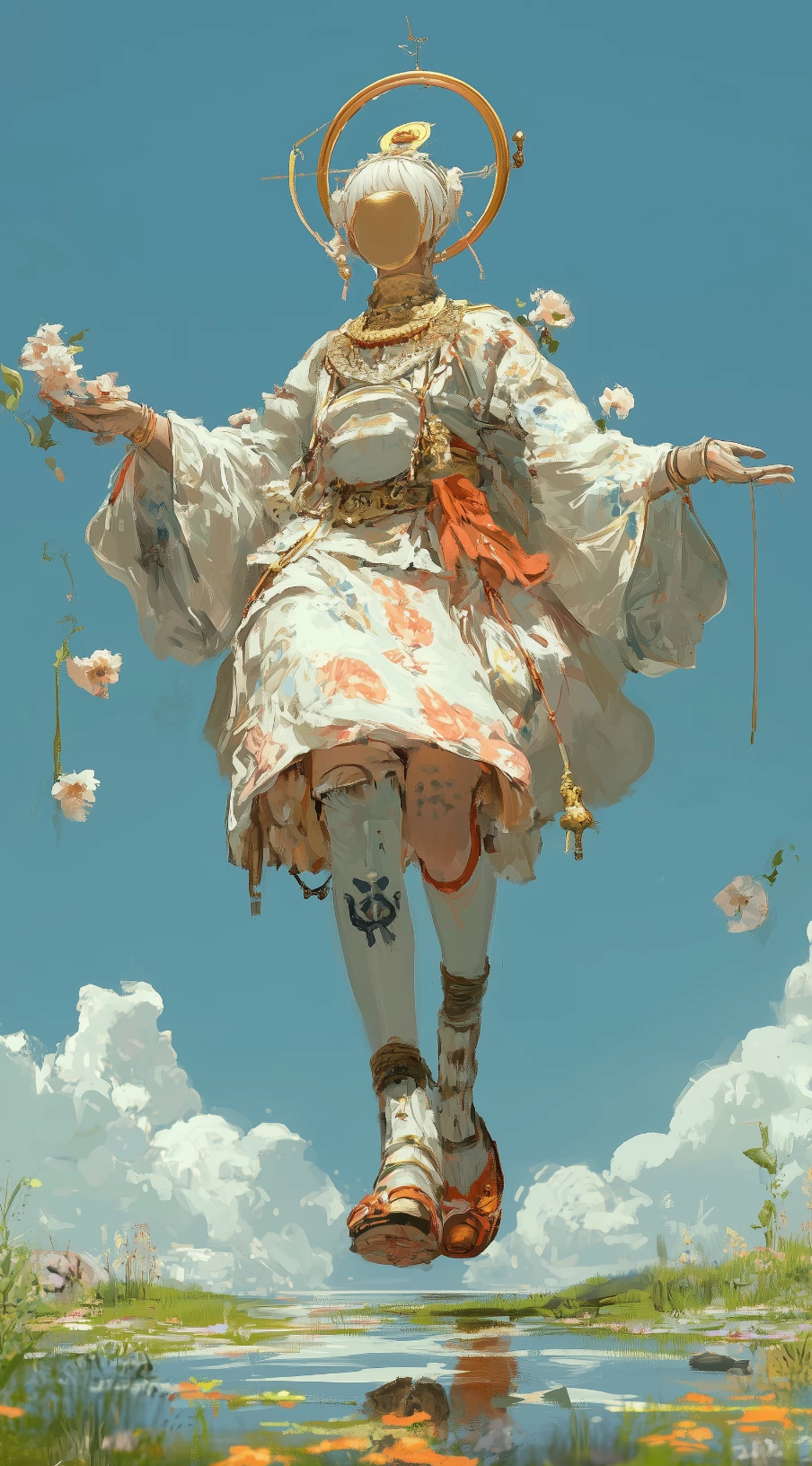
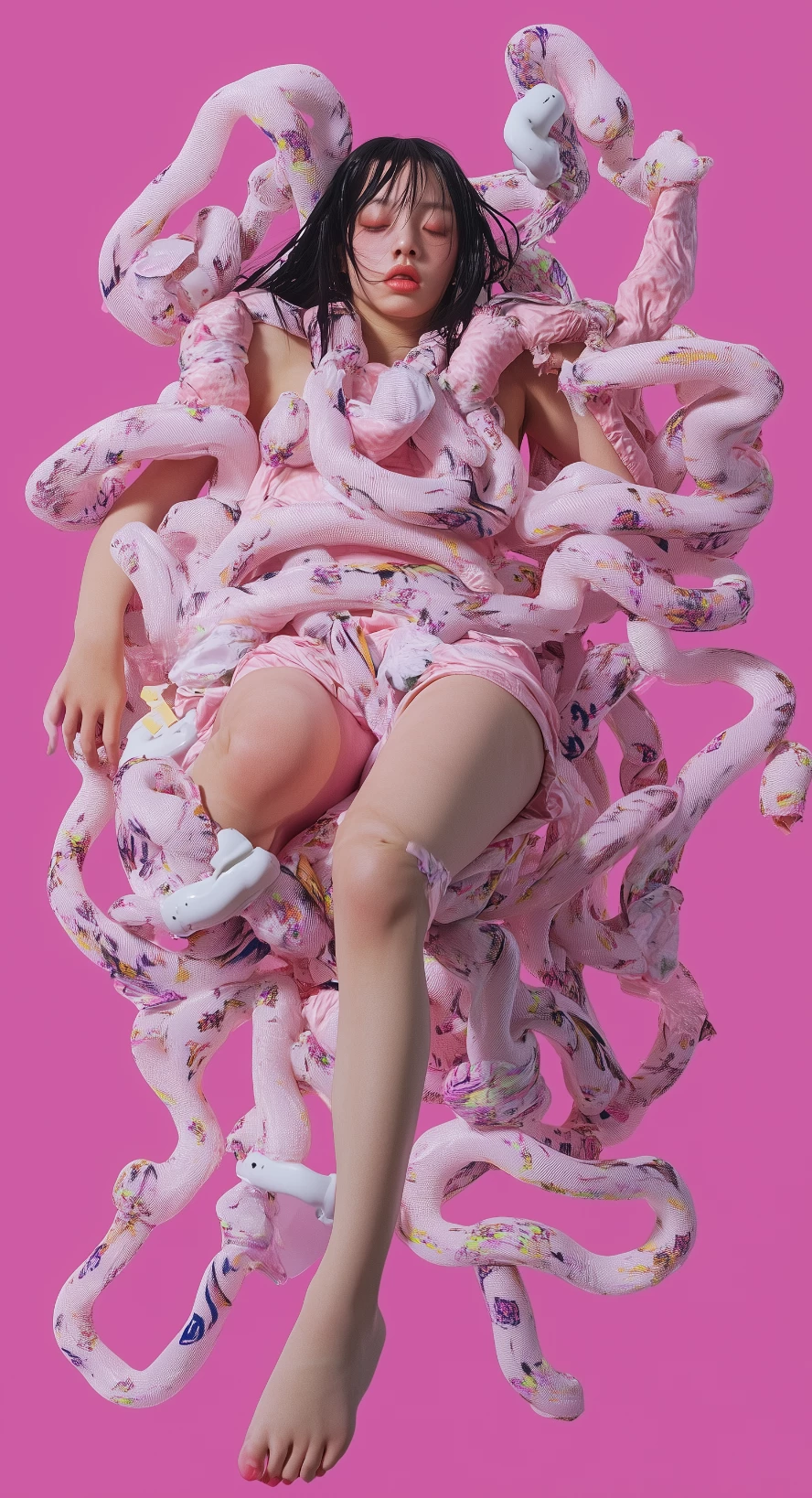
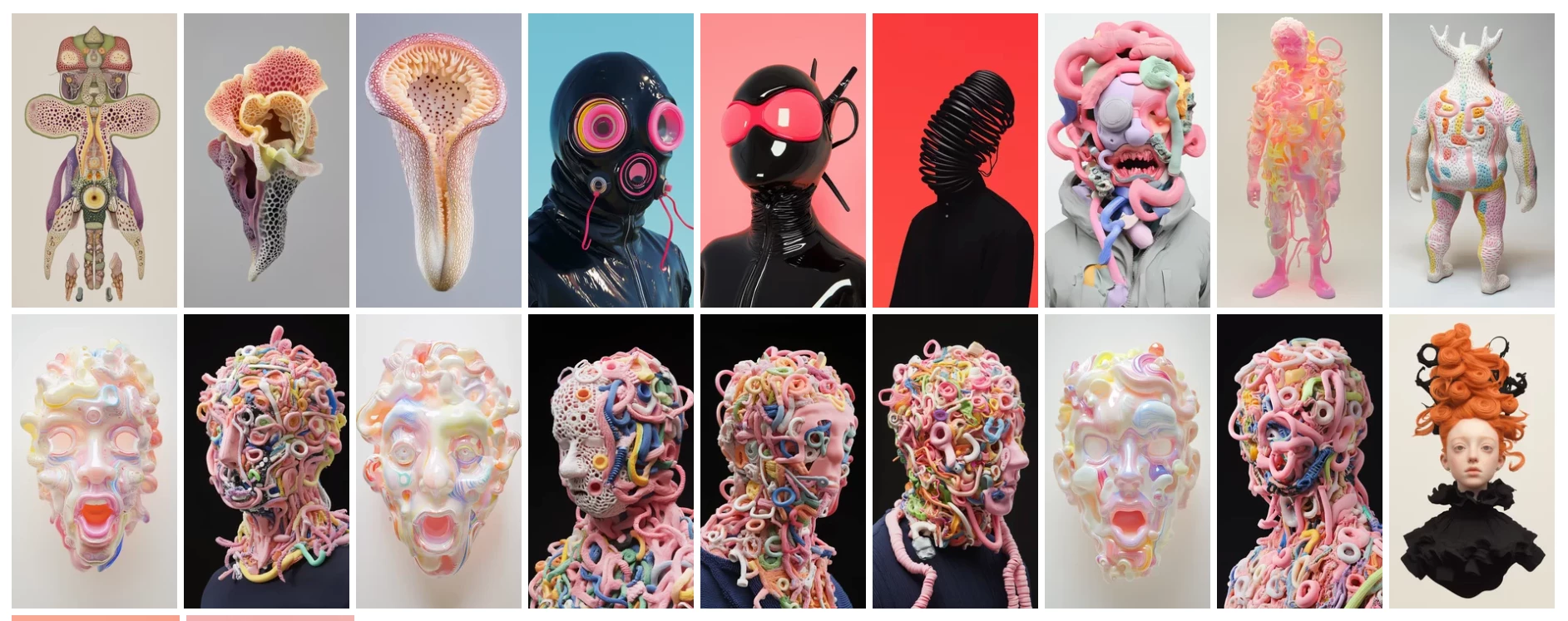
these images were accepted: 
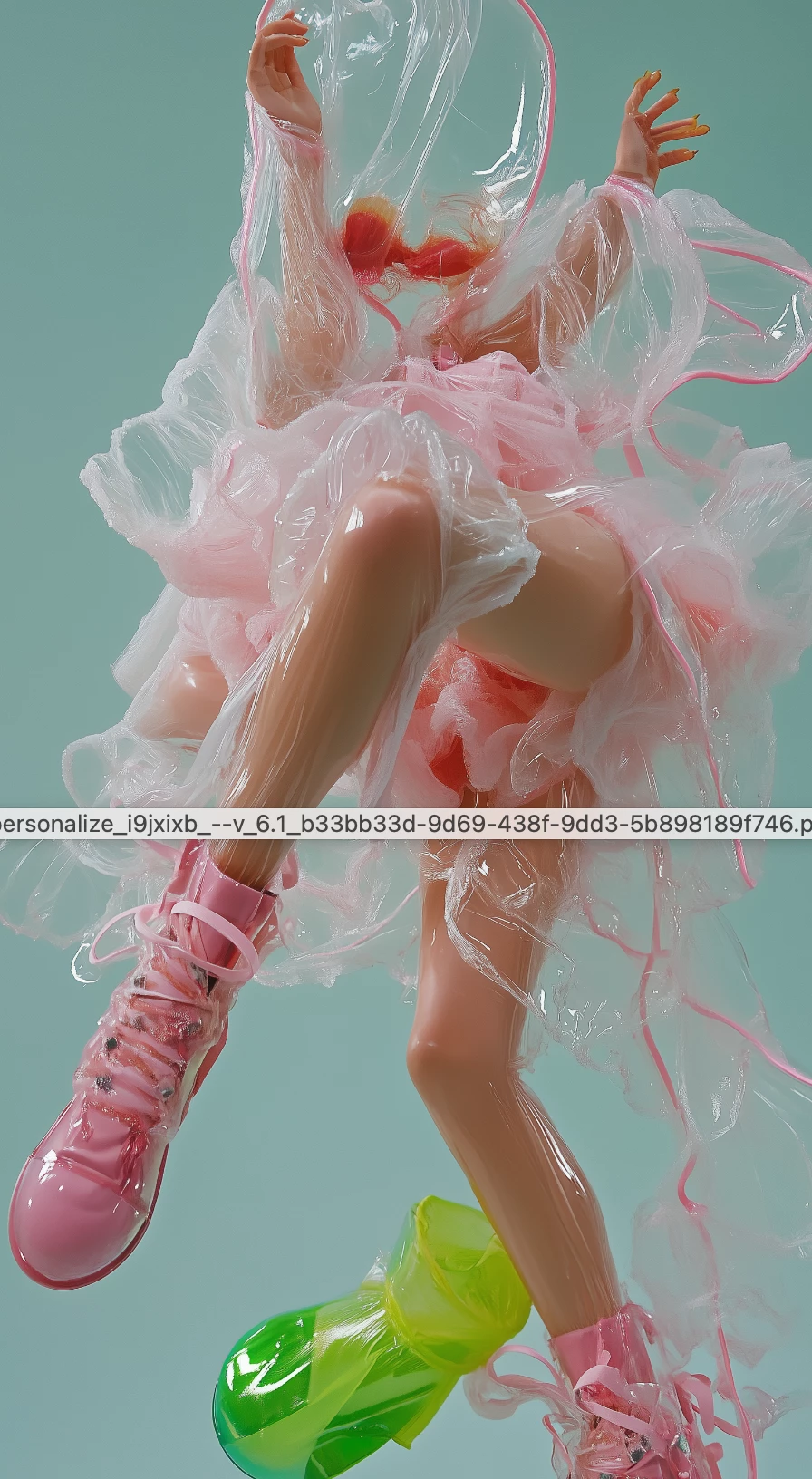
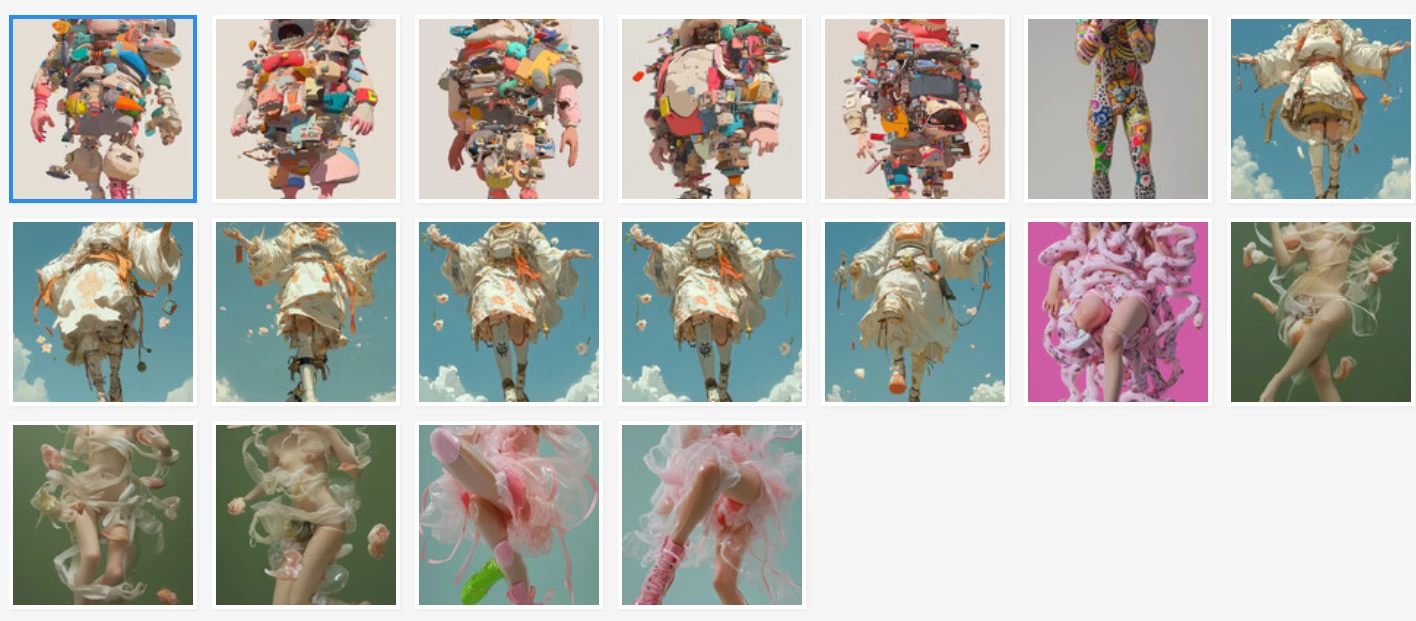
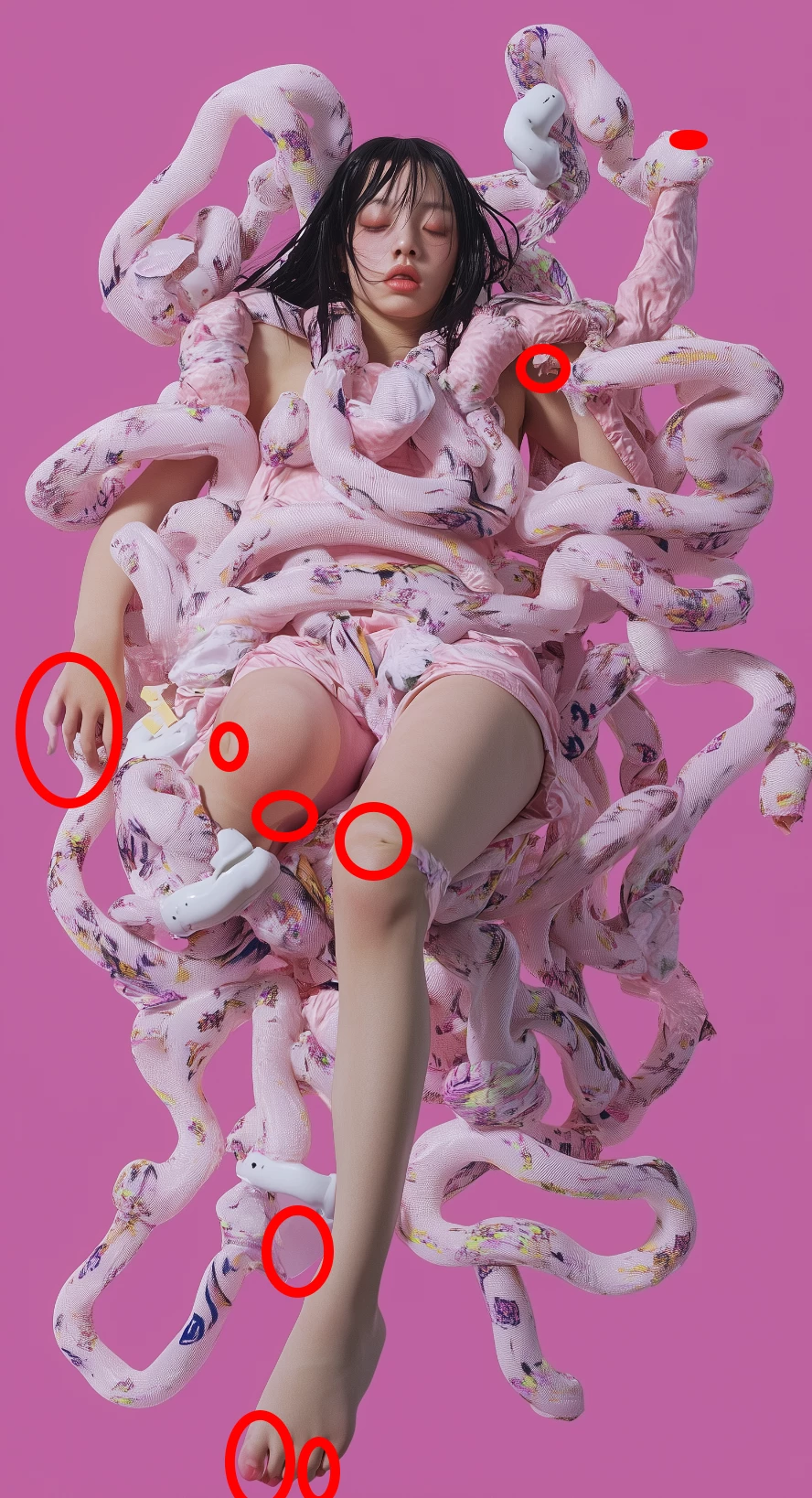
these images were not accepted:
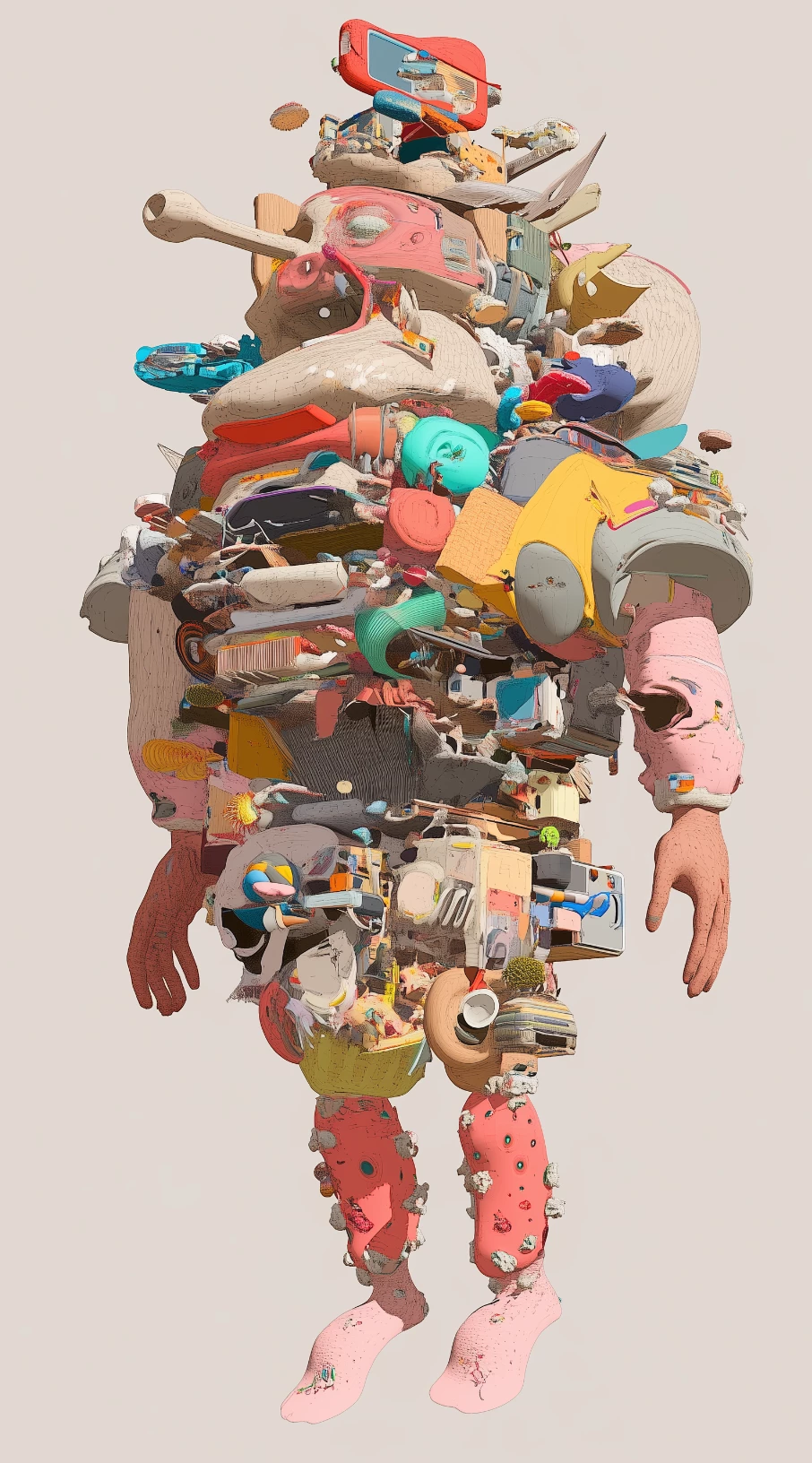
 here are a few samples, full frame:
    any ideas? i dont want this to be a hit and miss thing, uploading takes time and energy and i want to streamline the process and avoid my images not getting approved. thanks in advance for your help!

Correct answer RALPH_L


3 replies

Abambo
Community Expert
Community Expert
April 4, 2025
quote

any ideas? i dont want this to be a hit and miss thing, uploading takes time and energy and i want to streamline the process and avoid my images not getting approved.


By @arielko

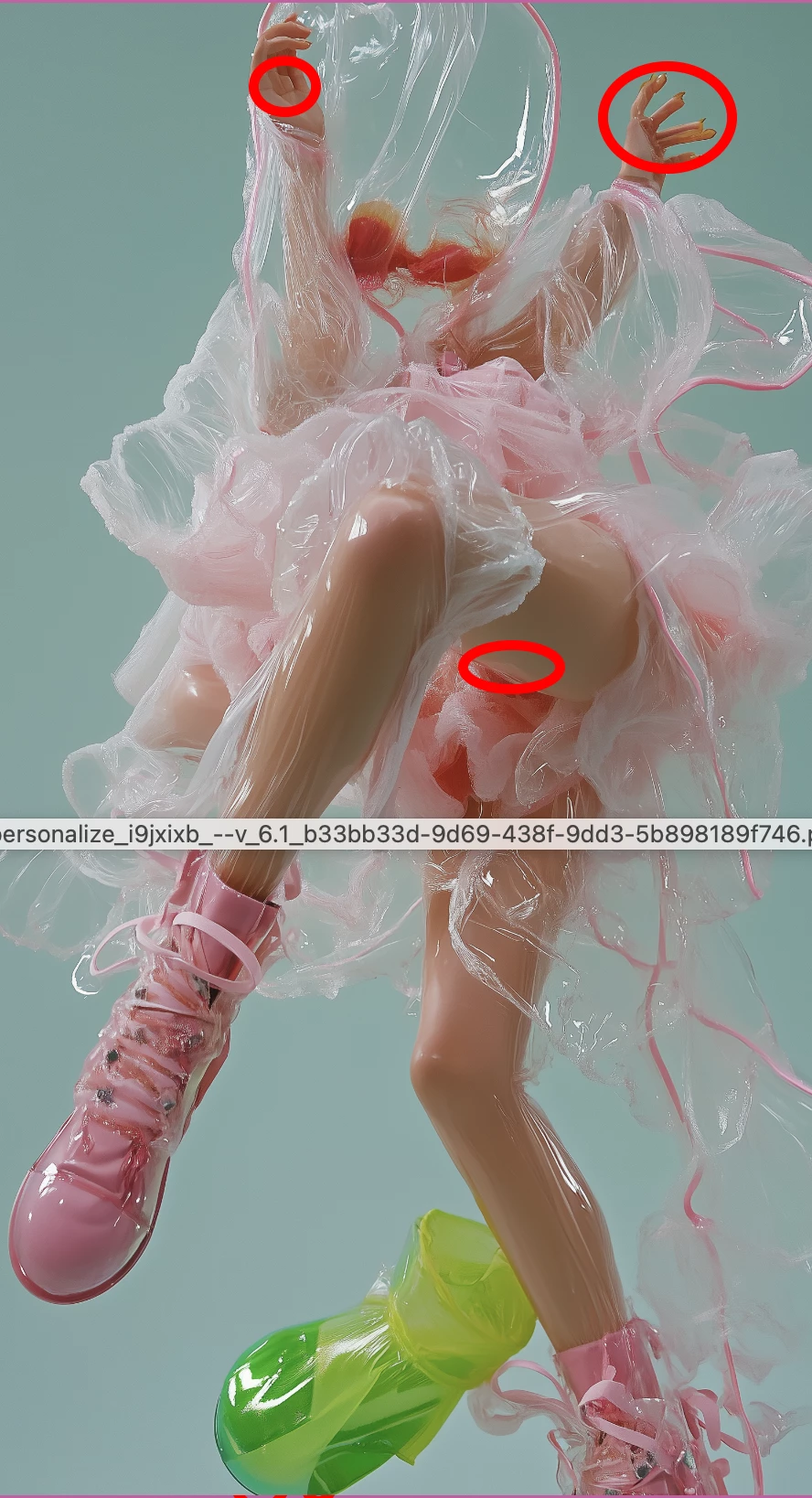
You have to check each single asset at 100% for errors before uploading. If you detect errors, you need to fix them, if you can't fix them, do not submit. It's that easy.


What is that awful text in this image?


ABAMBO | Hard- and Software Engineer | Photographer
arielko
arielkoAuthor
Participating Frequently
April 6, 2025

LOL that's just remains of a mouseover on the screenshot i sent here.

thanks for your reply

daniellei4510
Community Expert
Community Expert
April 3, 2025

Hands, fingers, feet...all poorly rendered in the refused examples. We ALL wish our images would always be approved, but that doesn't always happen. 

Adobe Community Expert | If you can't fix it, hide it; if you can't hide it, delete it.
arielko
arielkoAuthor
Participating Frequently
April 4, 2025

thanks Daniel

RALPH_L
Community Expert
RALPH_LCommunity ExpertCorrect answer
Community Expert
April 3, 2025


arielko
arielkoAuthor
Participating Frequently
April 4, 2025

thanks Ralph, i think i got it. hopefully MJ7 takes care of hands & feet