



jodij28273193
Inspiring
October 3, 2026
Question

AI or not?

  • October 3, 2026
  • 6 replies
  • 63 views

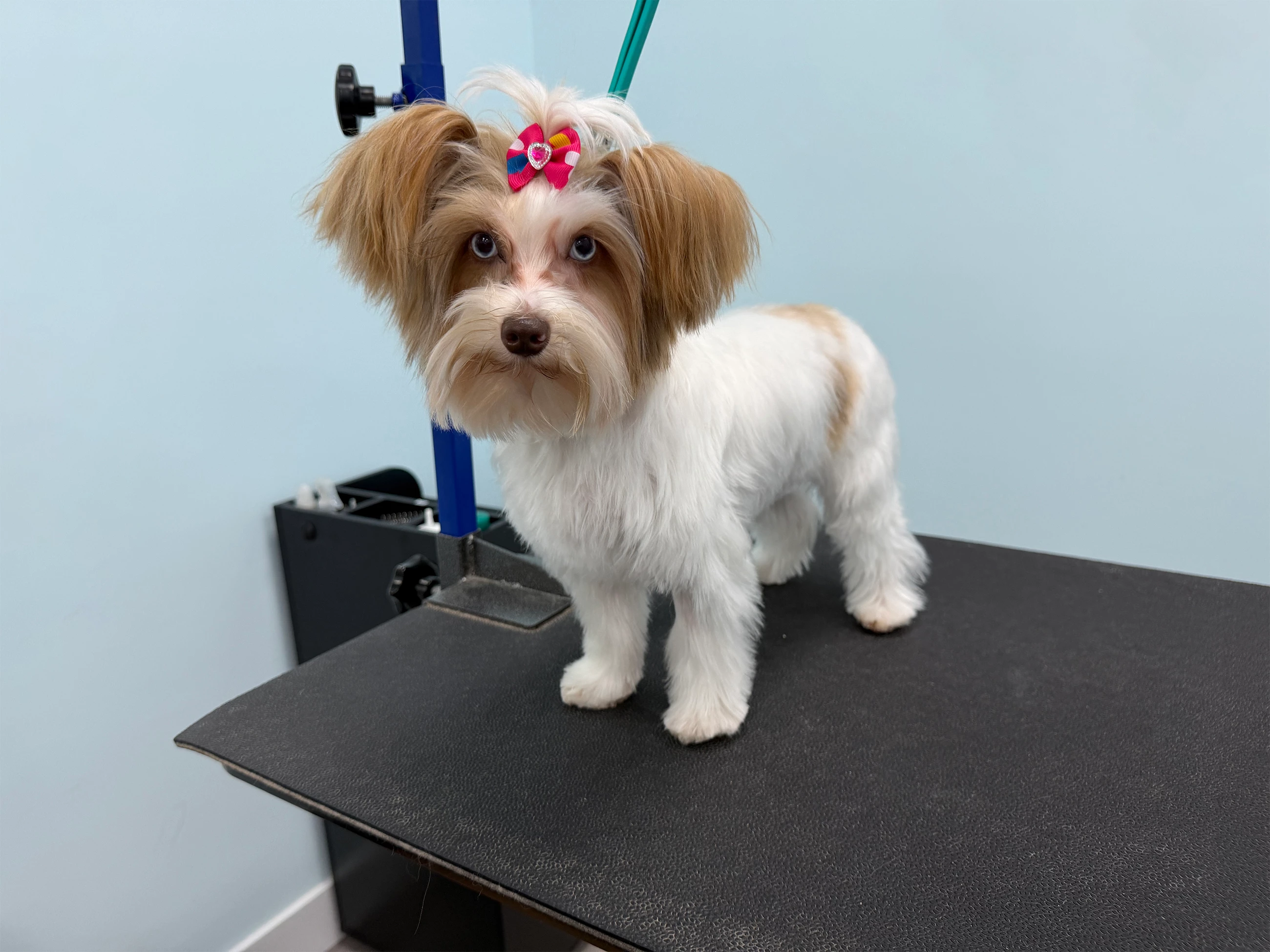
I am really getting disgusted by this AI stuff. Just for fun, I put this image that I took with my camera today. I physically, in Photoshop, removed the pictures in the background. Nothing else was touched in this photo. I put it into three AI programs. One came back absolutely AI. The other two came back, not AI. What can we do about this? This is a real picture. No AI tools were used at all. How are the inspectors going to know when an image is real? Especially if it goes through a generator. 

    6 replies

    RALPH_L
    Community Expert
    Community Expert
    October 4, 2026

    My portfolio, that contains no AI generated content, was deactivated because assets were not declared as AI-generated. Good luck!

    daniellei4510
    Community Expert
    Community Expert
    October 4, 2026

    The best way to test AI detectors is to first of all run an unedited photograph through the process on a variety of detectors. Any detector that suggests it is AI should no longer be trusted. Then start making some edits using AI tools such as Generative Expand or Remove and test each AI detector again and note the results. Finally, actually add a number of new objects into the image or replace objects with other objects and test again. Some of the better AI detectors will provide results that give a percentage of how much AI was used (such as 10%) or even suggest which AI models may have been used. And always remember: AI stands for Artificial Intelligence, not Actual Intelligence. It is capable of getting everything wrong. 

    Adobe Community Expert | I have miles to go before I sleep, but I'm all done on this end.
    Nancy OShea
    Community Expert
    Community Expert
    October 4, 2026

    Which removal method did you use in Photoshop?  I ask because they’re not equal. Some tools use AI and others don’t. 

    I typically use the Spot Healing Brush or Patch Tool (no AI). 


    I second ​@daniellei4510’s advice on SiteEngine. It’s the AI detection tool I use, too. 

    AI image detector. Detect AI-generated media at scale


    Nancy O'Shea— Product User & Community Expert
    daniellei4510
    Community Expert
    Community Expert
    October 4, 2026

    While I believe it’s one of the best, even then it’s not perfect. It may have been improved since, but about three years ago a contributor asked why an image had been rejected. It was an AI generated image of a car accident that had been correctly tagged as AI. Since SiteEngine claims that one of their purposes is to detect fraudulent accident claims, I ran the contributor’s asset through SiteEngine to test. It said it was 100% NOT AI generated. So it can be fooled, and I suspect it will be awhile before AI detectors can be used as evidence in courts, any more so than lie detector results.  

    Adobe Community Expert | I have miles to go before I sleep, but I'm all done on this end.
    Jill_C
    Community Expert
    Community Expert
    October 4, 2026

    If you used the Photoshop Remove Tool, it’s possible that AI was used in the removal process.

    Jill C., Forum Volunteer
    daniellei4510
    Community Expert
    Community Expert
    October 3, 2026

    Most AI detectors are very undependable. I use sight engine.com, which I’ve found to be correct 99% of the time. I ran your image through and it was found to be 0% AI generated. As far as what Adobe uses, if anything, I don’t know. 

    Adobe Community Expert | I have miles to go before I sleep, but I'm all done on this end.